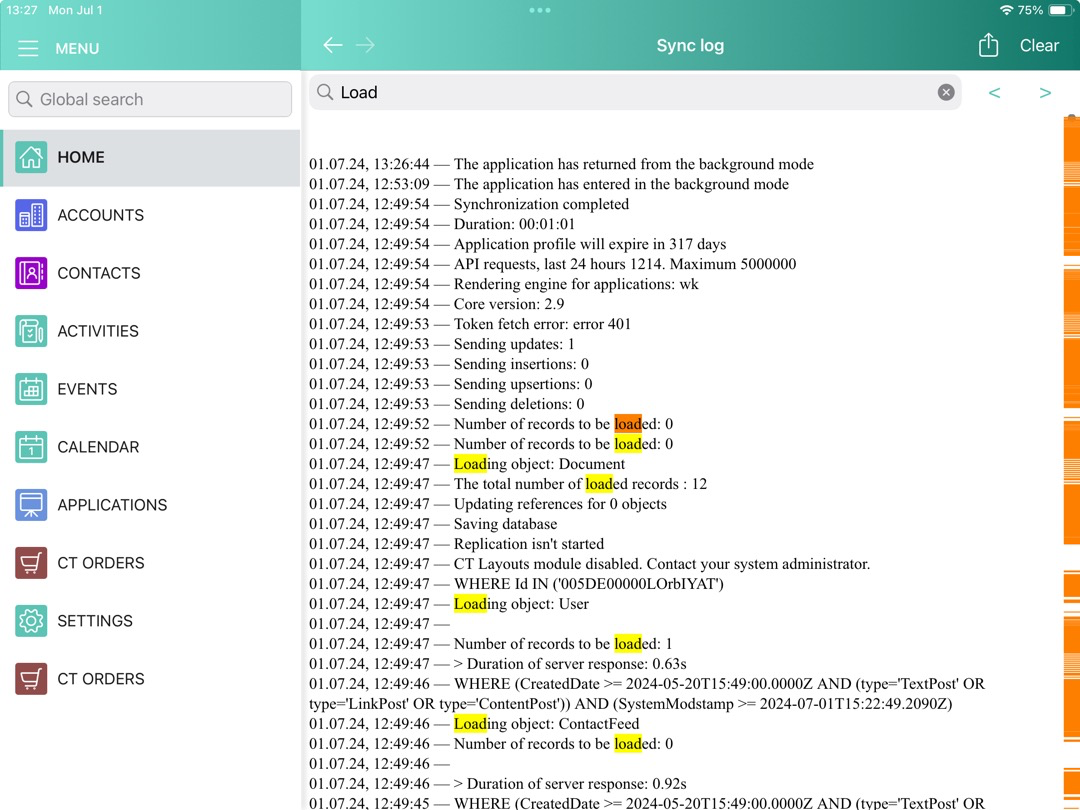
Debug Console
The CT Mobile app has a handy tool for viewing log records of the sync process, which helps the consultants, administrators, and support team to verify that the CT Mobile app is correctly working and all settings are being applied.
To access the Debug Console screen, perform the double finger rotation gesture on the Home screen.
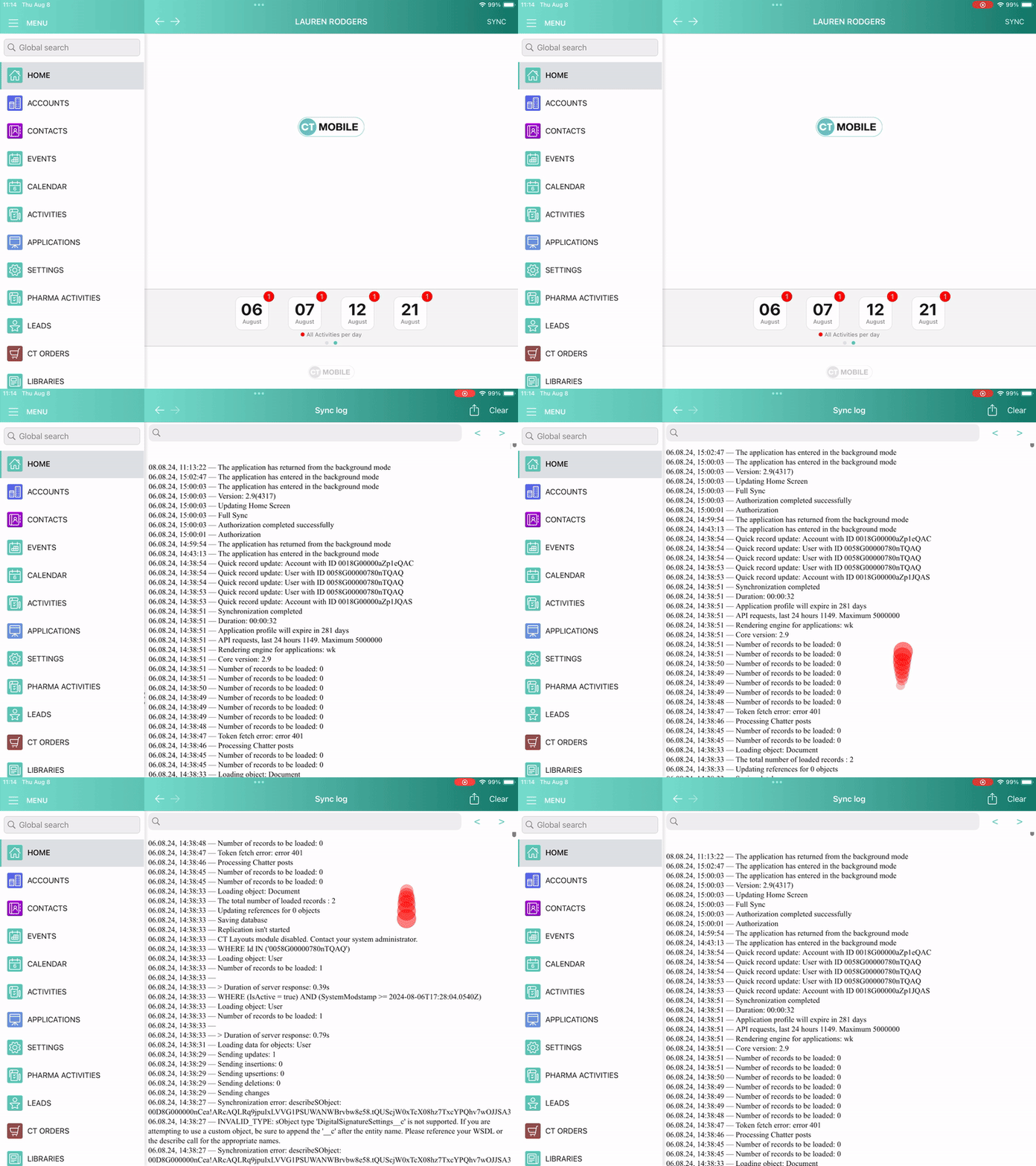
Logs are stored as the Sync Log records and can be sent to Salesforce or by email to the support team depending on the settings in the Support and Logs section of CT Mobile Control Panel: General / Logs and Support section of CT Mobile Control Panel 2.0: General. Debug Console allows searching the log records highlighting the search results.