Summary
Summary allows you to quickly view summary information about the selected offline object record.
-
Select Record Summary field to the offline object.
To achieve best results, the field should be of the Rich Text Area type and filled out by AI, which can be enabled by a project customization. Please reach out to your account manager for more information. -
Launch the full synchronization.
-
In the mobile app, select the offline object and tap
 to view the summary.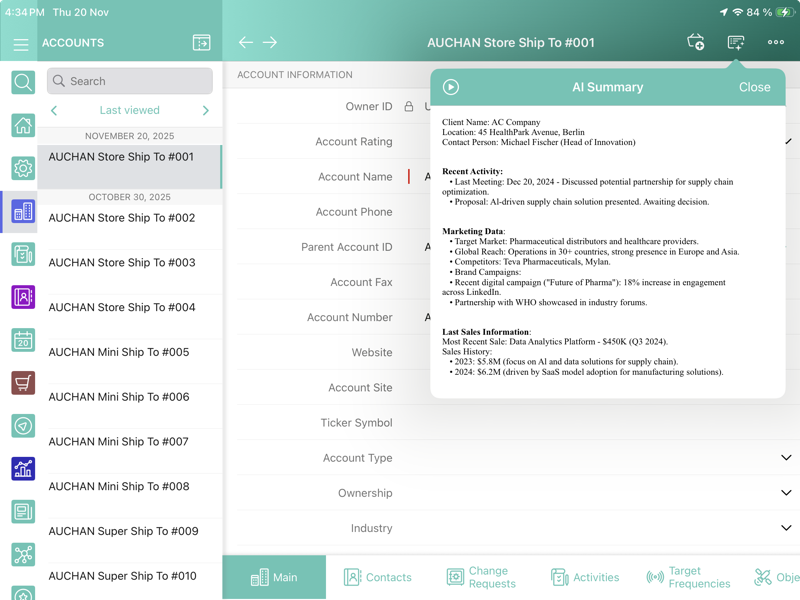
-
Tap
 to listen to the summary using the text-to-speech engine. Tap
  to stop listening.