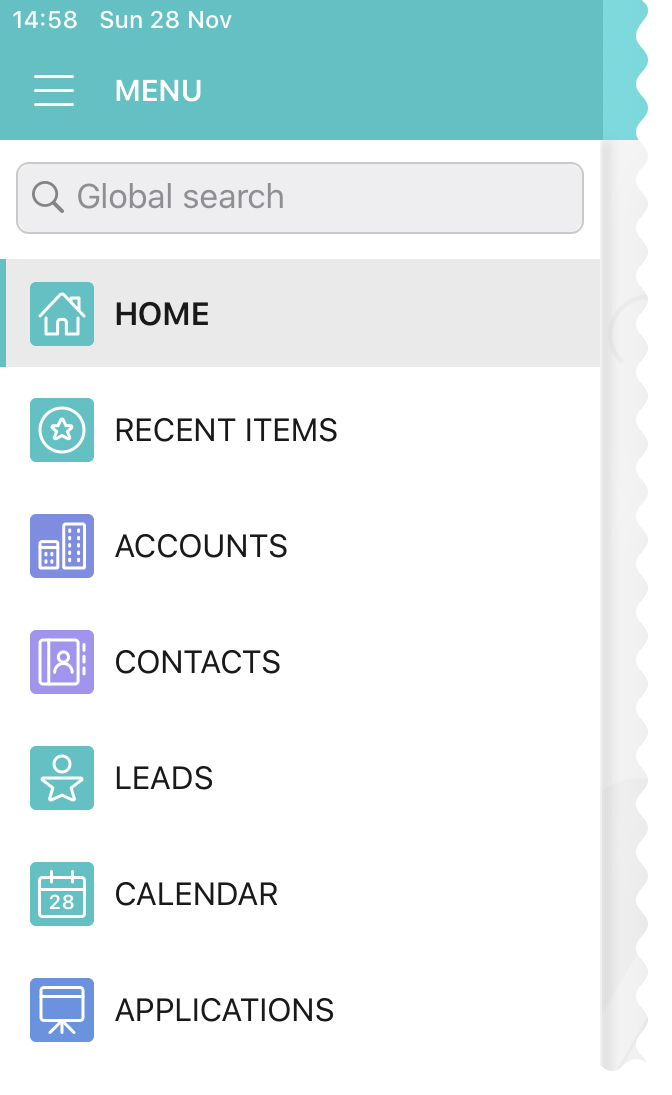
Coloring Menu Items and Modules
In the app menu since CT Mobile 2.5:
-
The color of the background for the menu item, for example, for Accounts, Applications, Opportunities, etc., corresponds to the selected color of the object tab in Salesforce.
-
The color of the background for the modules and the Settings menu item corresponds to the main theme (refer to CT Mobile Control Panel: General → User Interface or CT Mobile Control Panel 2.0: User Interface).
To specify the color of the background for the menu item:
-
Go to Setup → User Interface → Tabs.
-
Find the object to set up the color and click Edit next to it. Otherwise, click Create.
If the object has no tab, the color of the background of its menu item will be set according to the main theme.
-
Click the Tab Style field.
-
Select the color or click the Create your own style button to add a new color.
-
Click Save.
The setup is complete. Launch synchronization to apply new settings.