Sharing CLM Presentations
You can share any CLM presentation in any available way in your iOS:
-
Open a CLM presentation.
-
Tap on the right side.
-
In the pop-up menu, tap on the
 icon.
icon.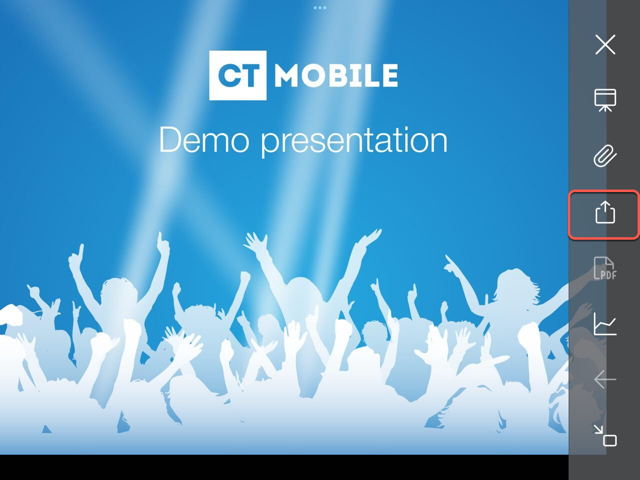
-
Select slides of the CLM presentation that you want to share.
-
Tap on Send selected.
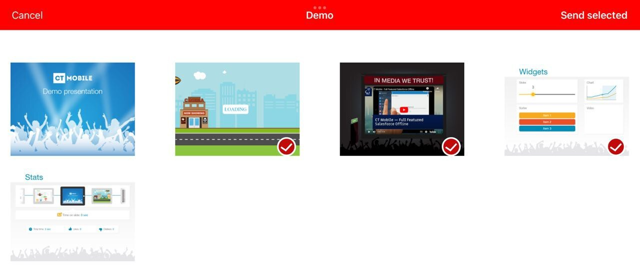
-
Choose desired sharing method.
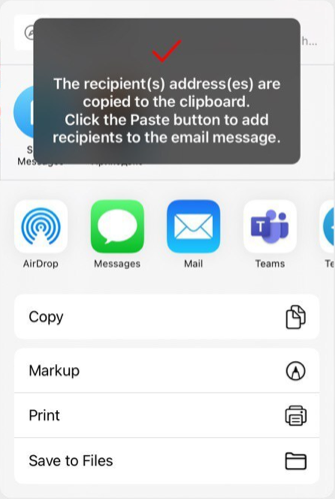
If you select Mail as sharing method, you can use Email templates. Please note that if a third-party mail client (like MS Outlook) is set as default in your iOS settings, the recipient’s address will not be inserted automatically. Please copy and paste it manually.