CT Mobile Control Panel 2.0
CT Mobile Control Panel is a Salesforce interface for connecting the CT Mobile solution to the customer’s target system and for specifying all the necessary settings to personalize the CT Mobile app.
-
A user configuring a CT Mobile solution must have a separate profile and an assigned CT Mobile Administrator permission set.
-
Settings on the CT Mobile Control Panel are displayed based on the CTM Settings records and custom settings records.
The CT Mobile Control Panel is divided into the following tabs:
Before configuring settings, select user profile on the General tab in the Set up profile list. After that, you will be able to configure settings for this profile on the General tab and all other tabs. To configure settings for all users, select General settings profile. Click Save to apply new settings.
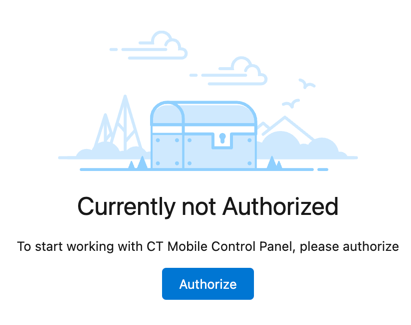
While opening the CT Mobile Control Panel for the first time, you need to authorize:
| Pop-up windows in your web browser should be allowed. |
-
Click Authorize.
clm.Allow Management Of Self API custom permission must be enabled only for the standard System Administrator profile. -
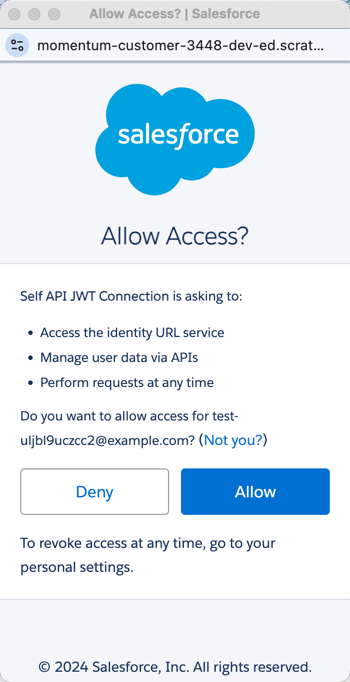
In the pop-up window, click Allow.