Speech Input
You can enable speech input for any text fields of the selected offline object records.
-
Enable the Speech Input for Text Fields for the selected offline object in the CT Mobile Control Panel and select desired fields you want to enable the voice input for.
-
Launch the full synchronization.
-
Open the offline object record and tap
 on the desired text field to start speech input.
If this is your first time, a pop-up message will appear requesting microphone access for the CT Mobile app—allow it. 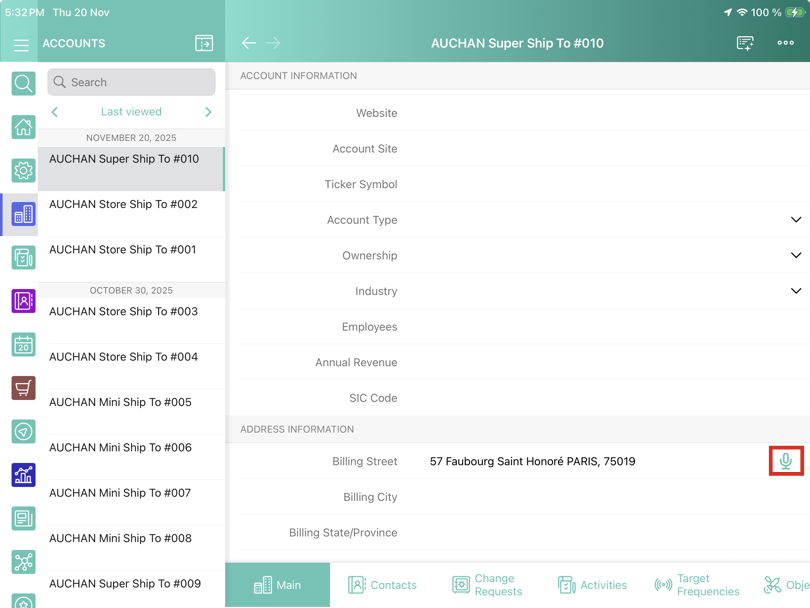
-
While the speech input is active, the icon changes to
 . Tap it to stop the input.