About CT Layouts
The CT Layouts is a comprehensive tool for customizing record layouts of any standard and custom objects, e.g.,Activity, Organization, or Contact, to display in the CT Mobile app for iOS users. The layout settings are stored in the JSON format and are validated both the first time they are saved and on subsequent updates to avoid synchronization and display errors in the CT Mobile app.
Two modes allow users to switch between custom tabs in any order or conduct visit scenarios. The tabs display depend on the user’s profile and record type.
-
Mobile users can work with other CT Mobile functionalities when the CT Layouts screen is minimized. Open the desired record screen by tapping a reference field on the CT Layouts screen or using the
 button.
-
The data in the CT Mobile app that has been changed will be also updated on the CT Layouts screen.
-
The fast sync can be performed with the minimized CT Layouts screen.
-
To reopen the CT Layouts screen, tap the minimized window.
-
-
Mobile users work with the current record or related records depending on settings and granted permissions, e.g.:
-
create linked records
-
fill in the reference fields
-
use mini layouts for creating records
-
delete synchronized or unsynchronized records
-
view read-only fields
-
fill in obligatory fields
-
perform sync process
-
and much more.
-
-
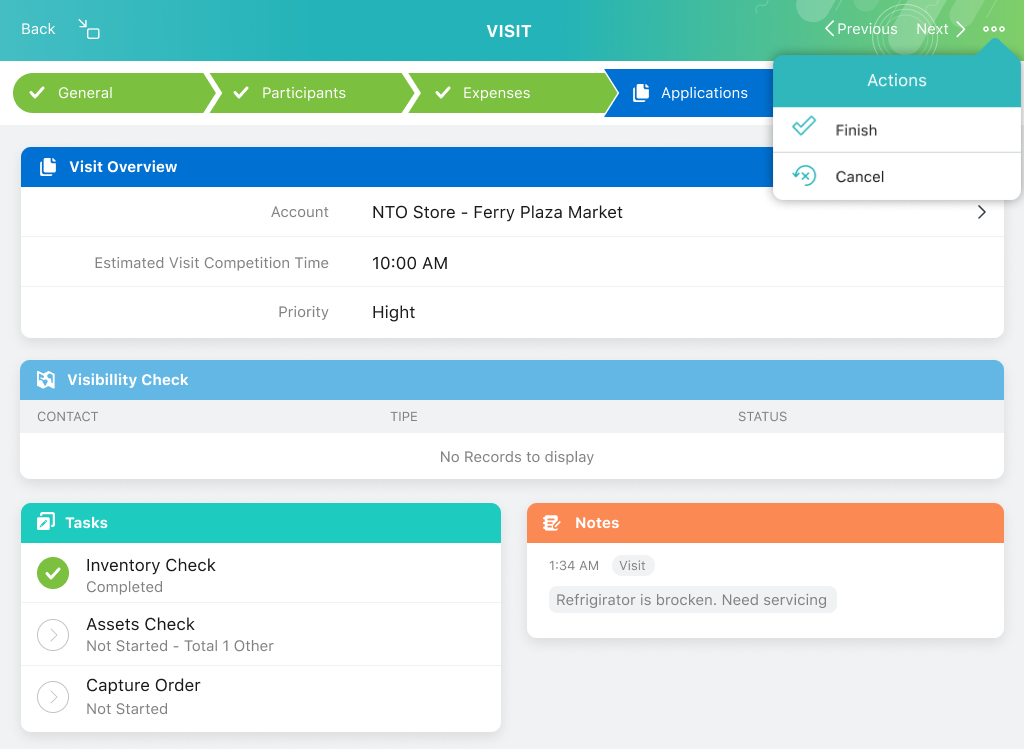
To run a scenario, a mobile user taps buttons to trigger one or more actions, such as changing tab status, starting a CT Mobile workflow, or moving to the next tab. When running a scenario, the transparency of a tab’s color indicates its current status.
-
CT Layouts is compatible with CG Cloud and helps sales reps conduct surveys, calculate KPIs, promote products, and more.
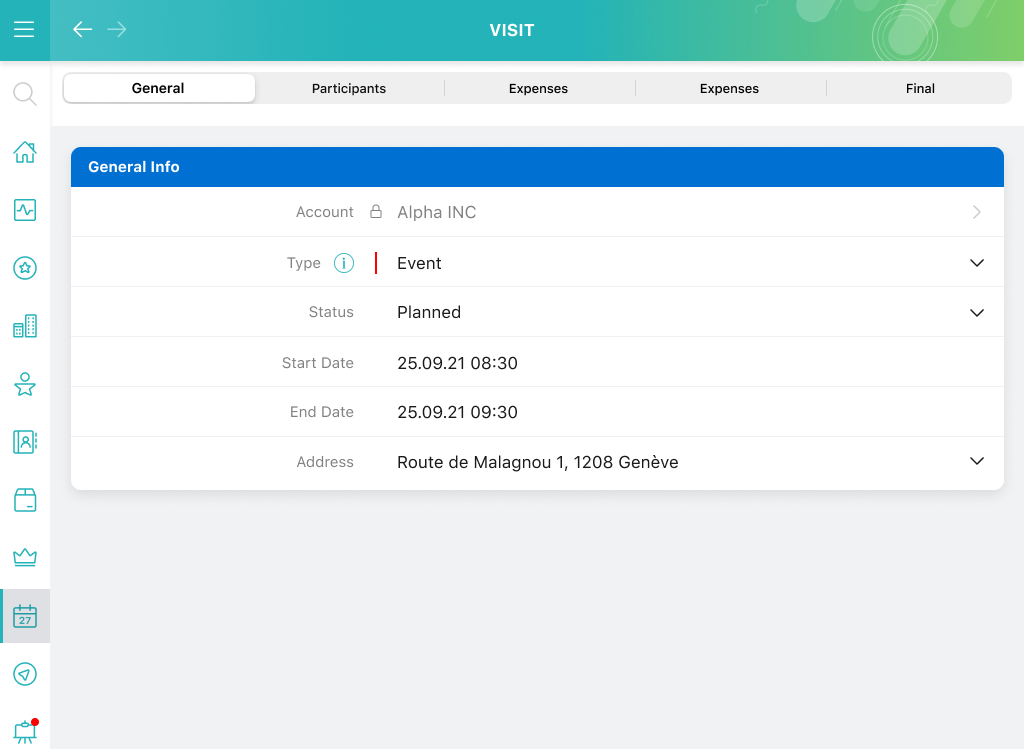
The Tab mode is used for the simple data presentation in several tabs:
The Path mode is used for conducting business scenarios: