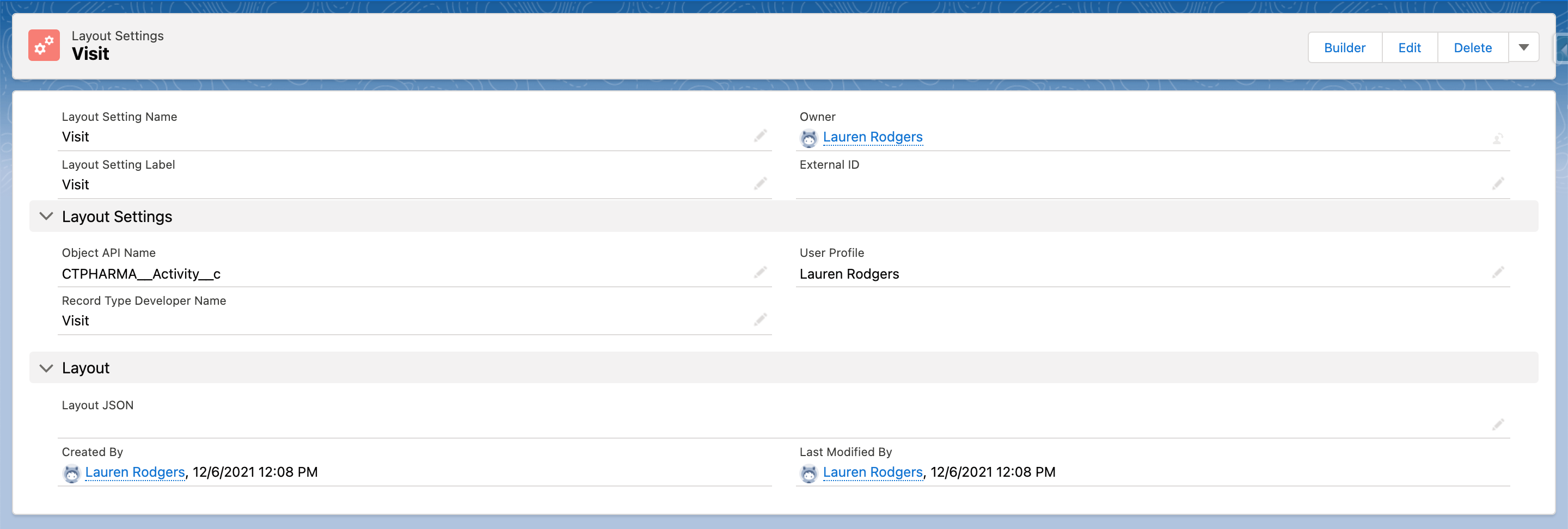
Creating a Layout Settings record
The first step of customization is to create a Layout Settings record for the desired object.
To create a Layout Settings record:
-
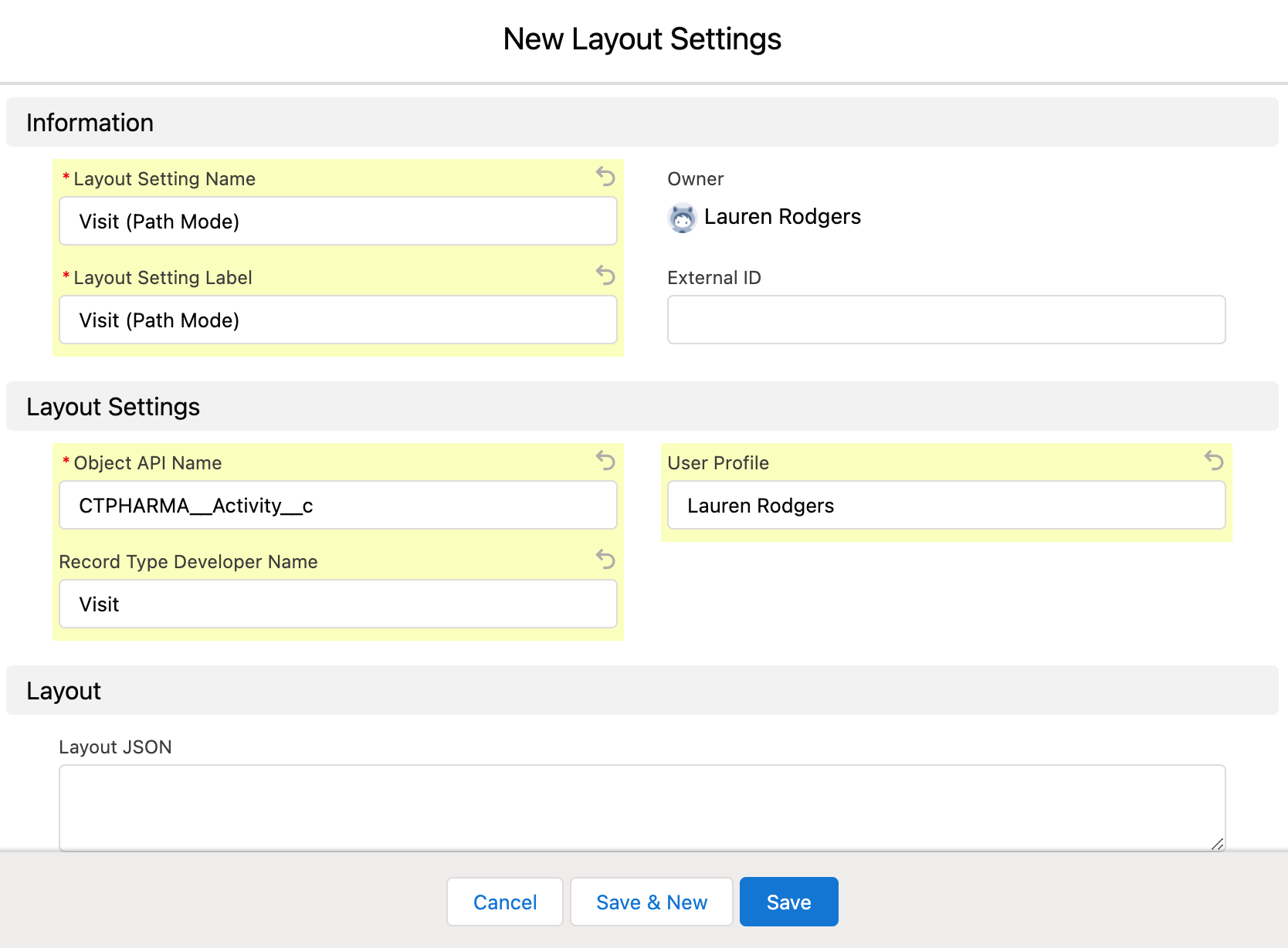
Go to Layout Settings and click New.
-
Fill out the following fields:
Read the description of each field here. -
Enter Name and Label.
-
Specify the desired Object API Name and the required Record Type.
-
Add User Profile.
-
-
Click Save.
The setup is complete.
-
Next, select the desired Layout Settings record and click the Builder button to open the CT Layouts Editor.
-
In the CT Layouts Editor, select the mode of display tabs on the record screen and set navigation if necessary. Next, add sections to work with the current record or records related to the current record.