Installing the CT Layouts package
| After installation, we recommend creating and adding the Layout Settings tab and using custom labels to translate CT Layouts components. |
Follow these instructions to install the CT Layouts managed package.
-
Contact the Customertimes team to obtain a direct link for the CT Sign managed package installation:
-
in your sandboxes;
-
in your production environment.
-
-
Log in to Salesforce.
-
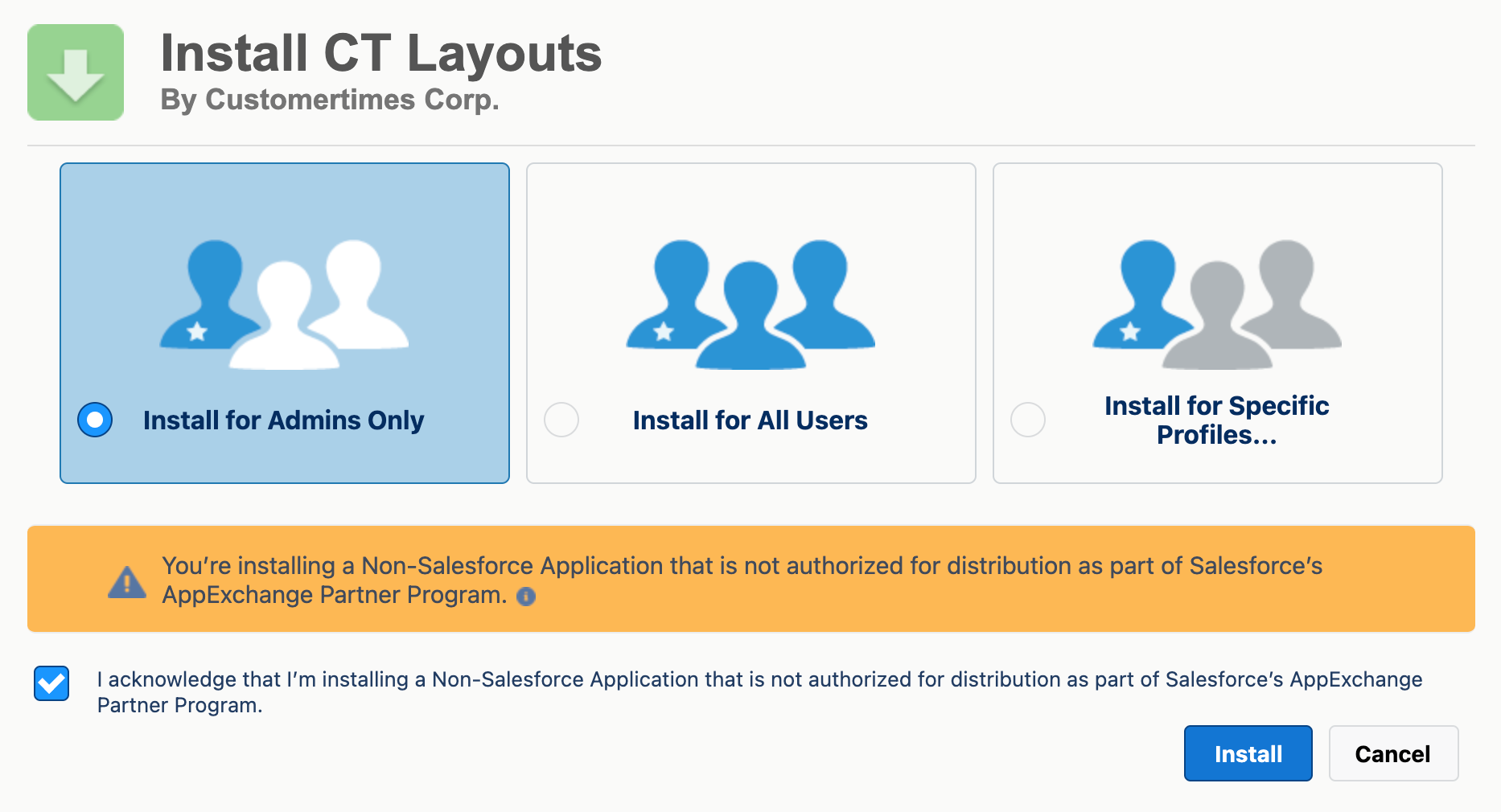
Select the security level of installation.
It is recommended to select Install for Admins Only security level. Admin can set the permissions for specific users after the package installation. -
Select the checkbox to confirm the installation of a non-Salesforce application.
-
Click Install.
It will take some time for the CT Layouts package to install. You will receive the email at the specified email address when the process is finished.