Logging In
The first step of using the CT Mobile app, logging in with your Salesforce credentials to your Org.
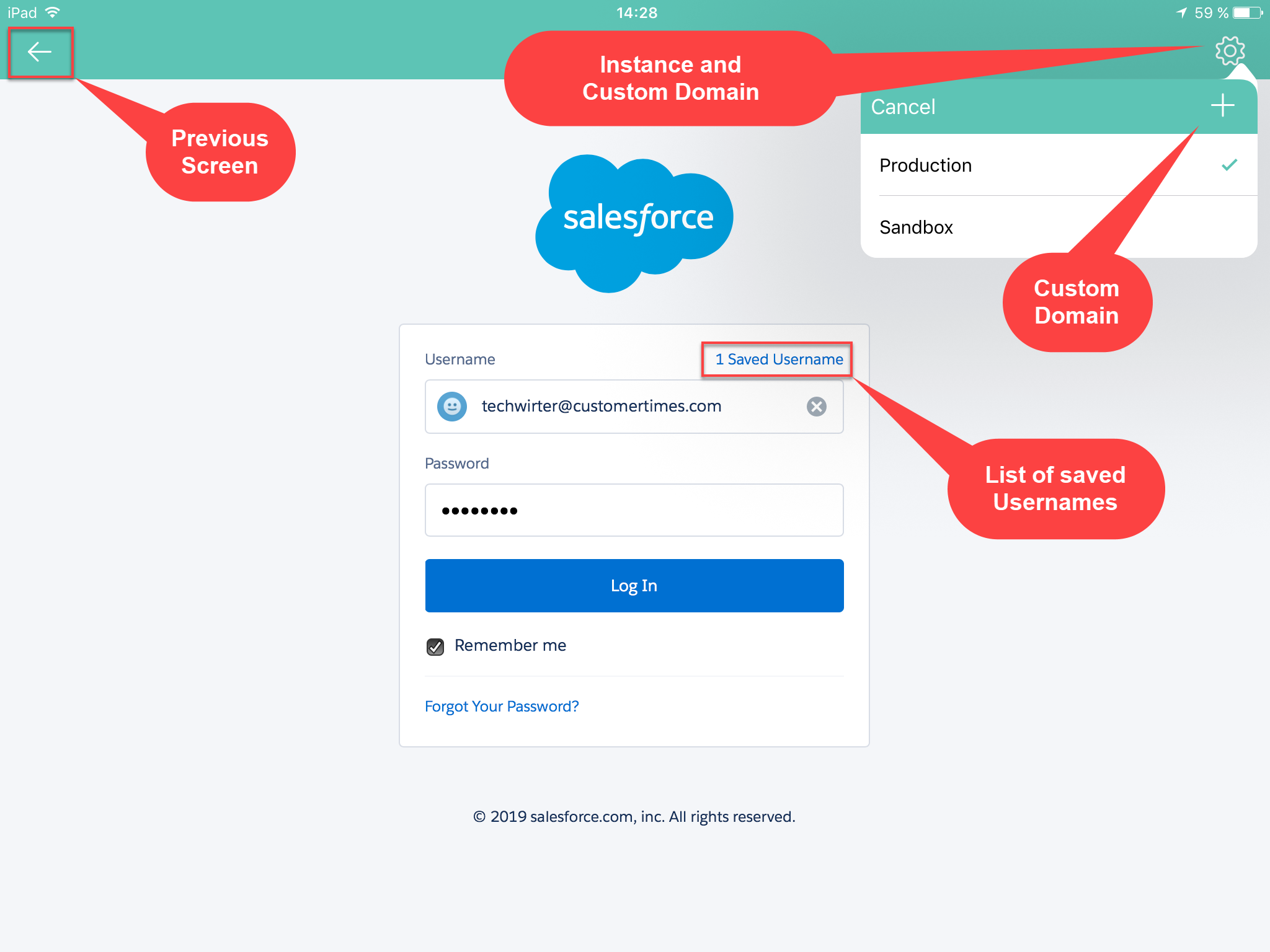
To log in to the CT Mobile application:
-
Run the CT Mobile app.
-
Enter your Salesforce username and password.
-
Click
 and select the Production environment or the Sandbox instance.
Click and then  if you wish to connect to a custom domain. When the current user’s database is deleted from the mobile device, such as during logout, the custom domain data will also be deleted.
-
Select the Remember me checkbox to save the entered credentials for further use.
-
Click Log In.
You are logged in to CT Mobile. The Home Screen displays. Perform the first full synchronization of the application in order to begin your work.