Event Notifications
CT Mobile supports notifications of upcoming events or visits.
To set up notifications:
-
Open the CT Mobile app.
-
Tap Settings on the main menu.
-
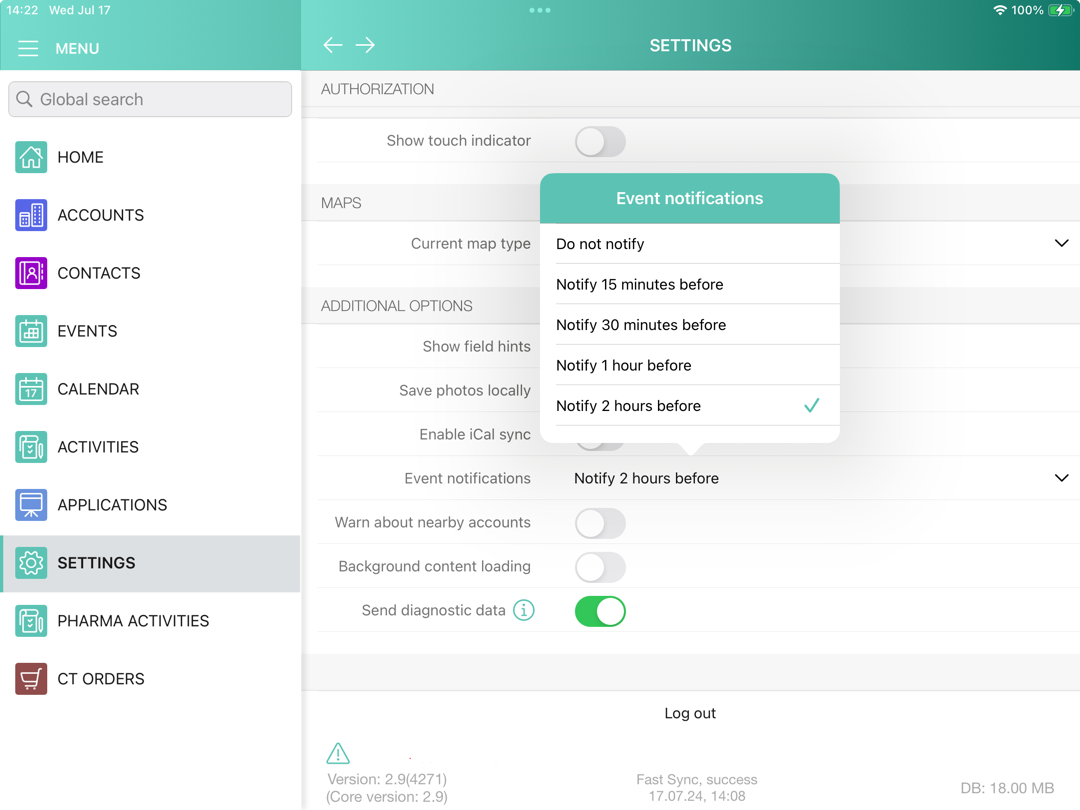
In the Additional options section, tap Event notifications.
-
Select the time interval.
When the date and time of the event occur, the user will be notified, regardless of whether the application is running or not.
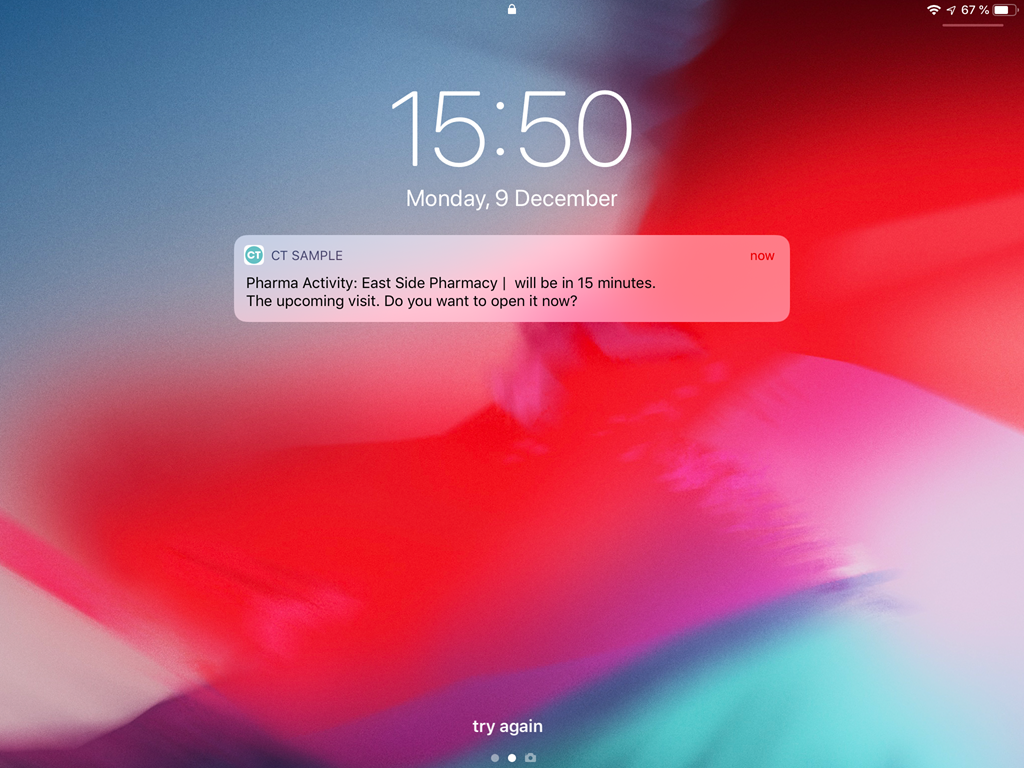
Long tap to view the additional options:
-
if the Start/Finish functionality is disabled:
-
Click OK to open the activity record;
-
Click Reschedule to change the start and end dates of the activity.
-
-
if the Start/Finish functionality is enabled:
-
Click Start to open the activity record and start the activity;
-
Click Reschedule to change the start and end dates of the activity;
-
Click Cancel, to open the activity record without related lists.
-