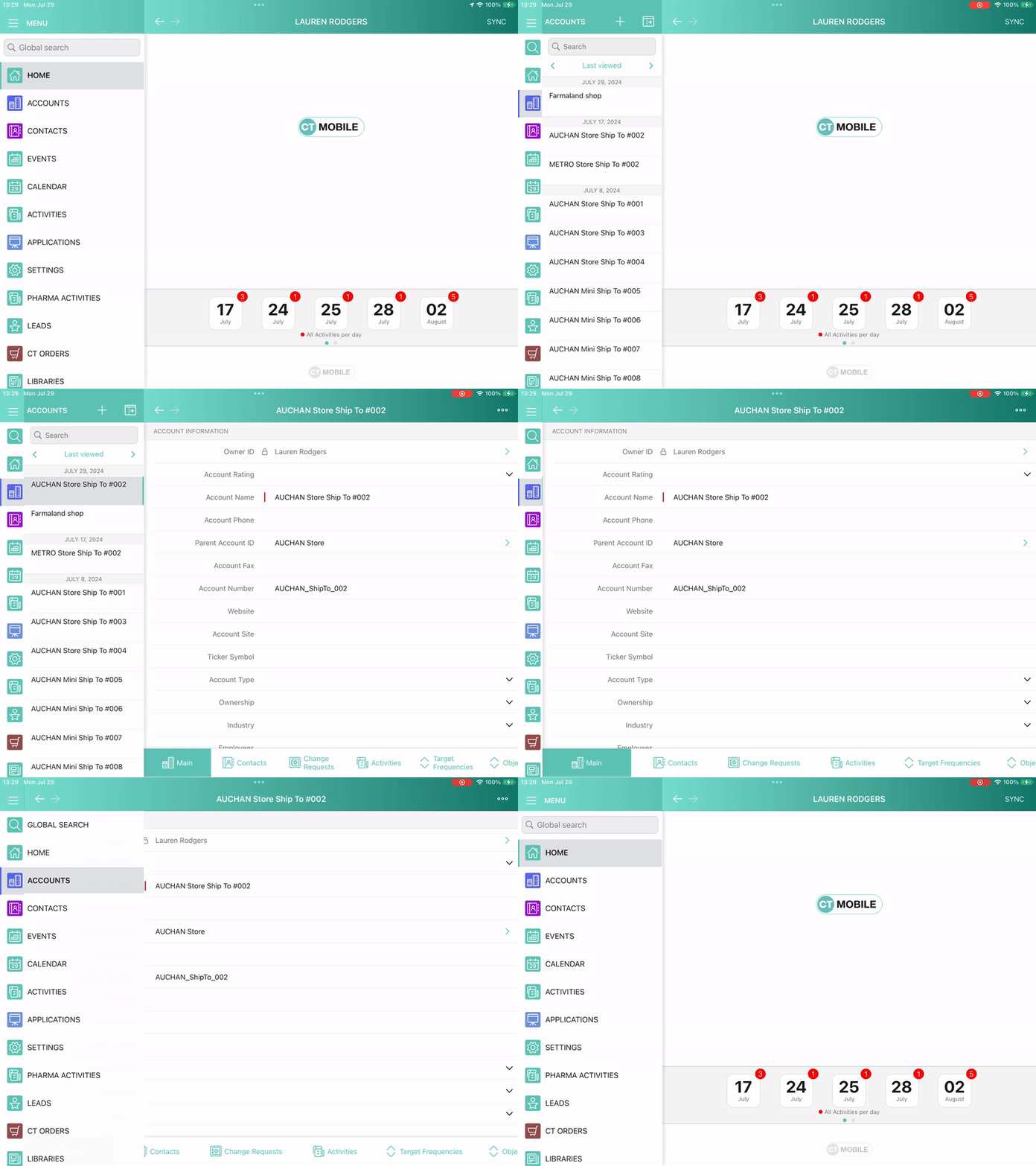
Demonstration Mode
The functionality is intended to highlight touches and gestures performed by the user on the screen during presentations and training.
To enable demonstration mode:
-
On a mobile device, open the CT Mobile app.
-
Tap Settings on the main menu.
-
In the Demonstration Mode section, enable the Show touch indicator.
All the actions and gestures in the application will be highlighted with a red marker.