Installing the CT Mobile app
The CT Mobile app is available only for iPad. Before the CT Mobile app installation, read the requirements.
Install CT Mobile
To install the CT Mobile app, follow the direct link on the App Store.
After the installation:
-
Establish trust for the CT Mobile app:
-
Go to General → Profiles & Device Management.
-
Under Enterprise App tap Customertimes, Corp.
-
Tap Trust "Customertimes, Corp.".
-
-
Launch CT Mobile and log in with your Salesforce credentials to your Org.
-
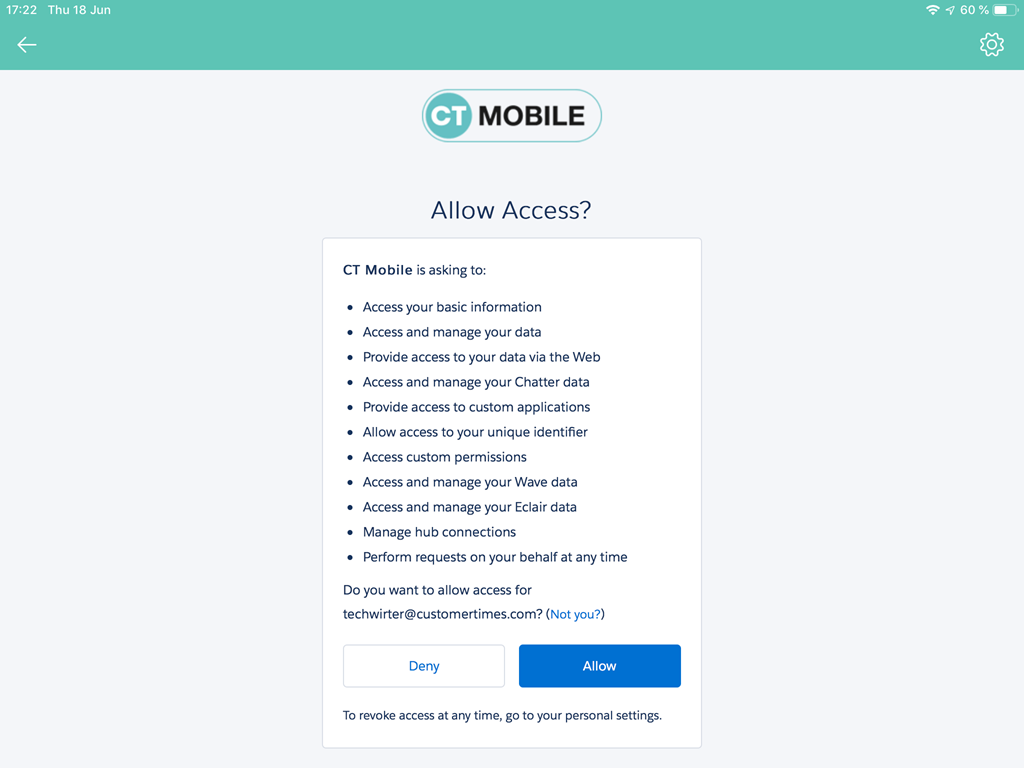
Allow access to requested data.
-
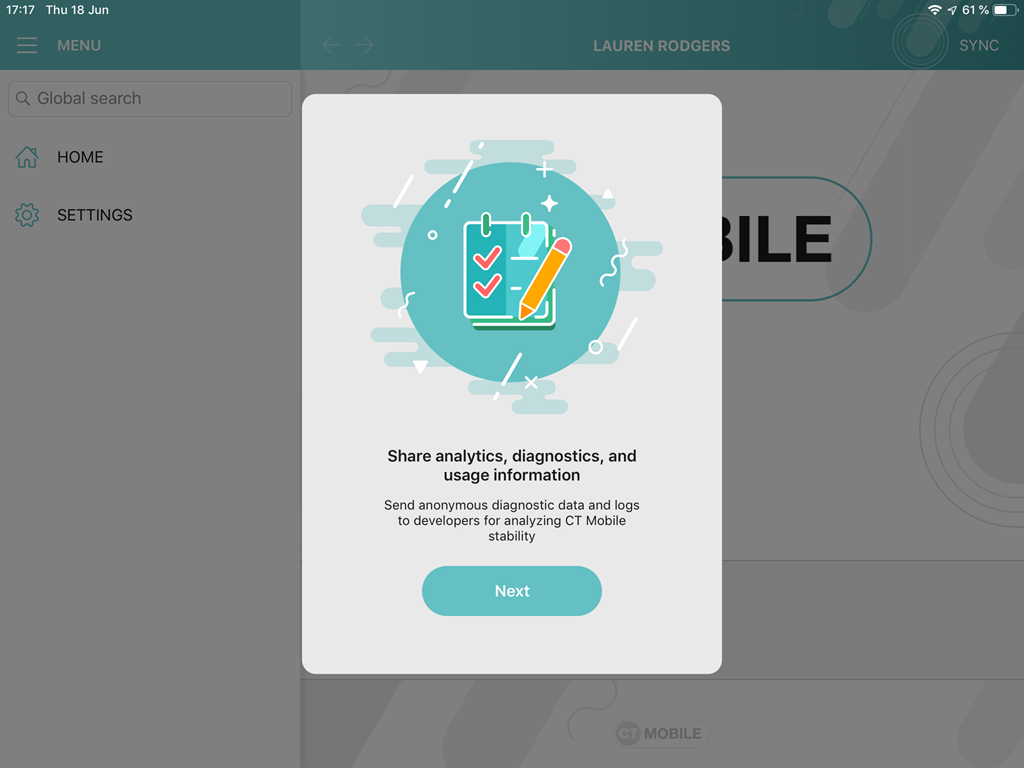
Click Next in the additional pop-up with the permission and the usage description.
-
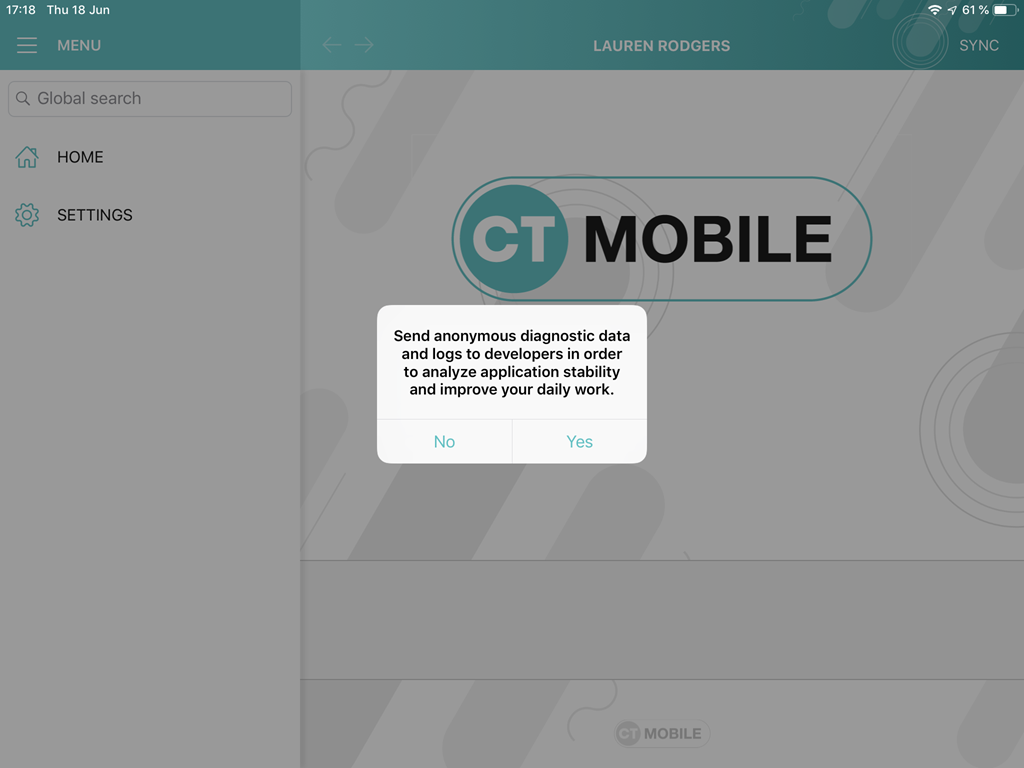
Allow or restrict sending anonymous diagnostic data and logs to developers.
-
Perform a full synchronization.
CT Mobile is ready to use.
Installation Issues
If you have installation issues on a device under iOS 12, check the parameters below. If the installation is failed, continue to the next step.
-
Go to Settings → General → Date & Time → Set Automatically → turn ON.
-
Go to Settings → General → Reset → Reset Network Settings.
-
Re-enter the App Store.
Go to Settings → iTunes & App Store → Apple ID → Sign Out.
-
Try to reset all settings or update the iOS to a higher version.