General Limitations
Refer to this article to learn about functional limitations and some of the known issues of the CT Orders package.
General
Lightning Web Security
Lightning Web Security for Lightning web components is not supported. Check the following:
-
Go to Setup → Security → Session Settings.
-
In the Lightning Web Security section, check that the Use Lightning Web Security for Lightning web components checkbox is inactive.
The setup is complete.
Custom Field Limitations
To avoid errors, the API name of the custom field must be different from the API name of the CT Orders package field (not including the orders__ namespace prefix) on the same object. For example, if you have orders__UnitPrice__c on the Product object, do not create UnitPrice__c. For more details, please refer to the Salesforce Known Issue.
Case Sensitive Settings
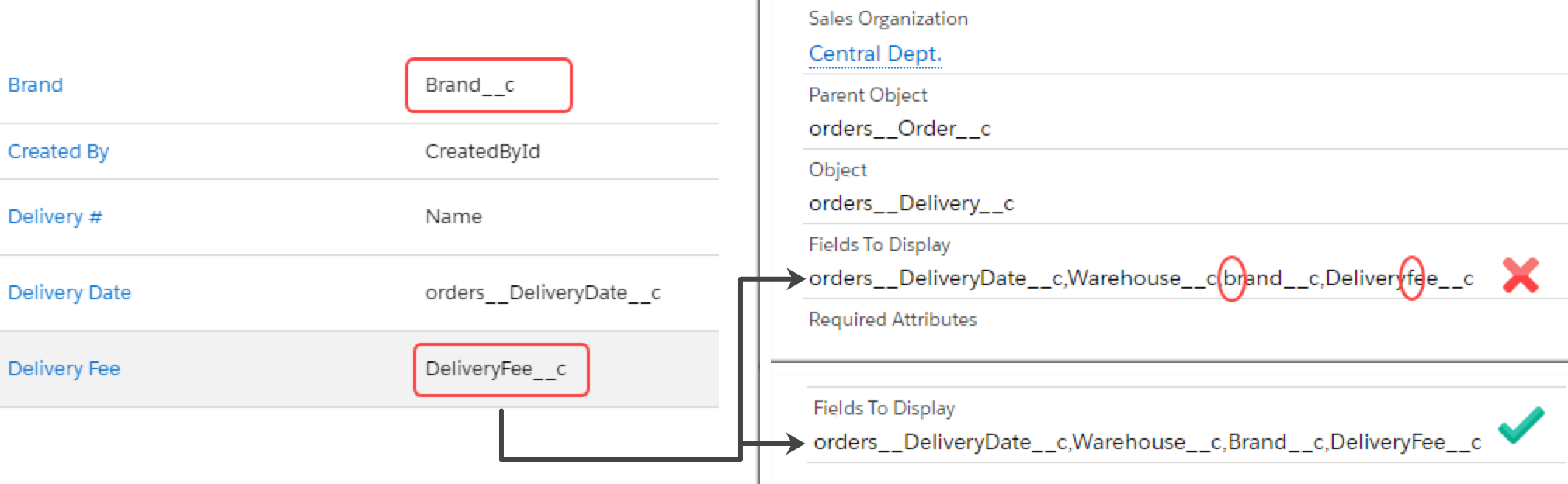
CT Orders settings are case-sensitive, so be careful when entering API names when creating records.
Text Area (Rich) Field Limitations
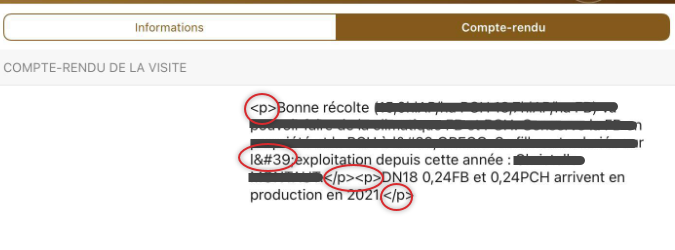
Currently, the CT Mobile app does not fully process the Text Area (Rich) data type. If you enter formatted text or special symbols (as apostrophes) via the web interface, you will see the text with HTML tags on the mobile device. We recommend using other Text data types or entering text without formatting.
Address Configuration
CT Orders does not support the processing of compound fields (formulas), such as BillingAddress and ShippingAddress.
Promotion and Catalog Management
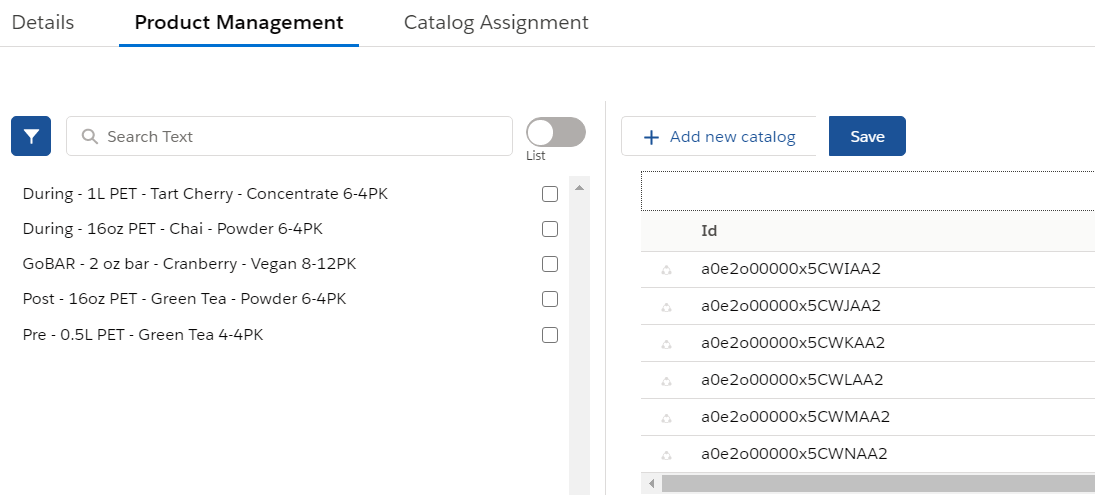
By default, there are no layouts for Catalog Line Item and Promotion Line Item objects, so when you add products on the Product Management tab, you will see the records' Ids instead of product names. Create a layout to display the product names.
Freebies Management
SOQL Specifications
For freebies with the Criteria Based condition type, the system applies a SOQL filter to search through the list of records. If IN operator is required, we suggest selecting the List Based freebie condition with the specified list of products instead of the Criteria Based one.
Delivery Management
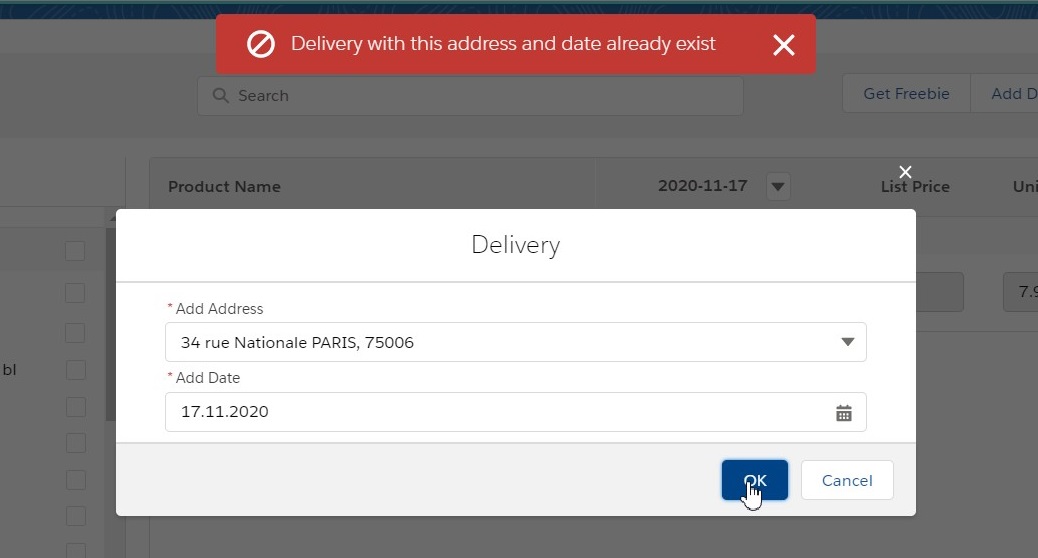
You cannot create multiple deliveries for the same date and address combination:
Order Management
Multiplicator
Units Count Step is a multiplicity step in the order cart, which must be divisible by the Units in Package value and also greater than that value. I.e. if you set Units in Package to 5, the Units Count Step must be at least 10.
Calculating Discounts
Negative values
The built-in calculator and Web Service are not designed to work with negative values. The calculations are performed modulo and if the price value is negative, for example, due to very large values of applied discounts, then there may be errors in further calculations.
This limitation affects all platforms—Salesforce, iOS, and Windows.