Workshop 2.3 Objectives
This workshop provides you with the steps to configure the manually entered discounts, overriding discounts that are applied based on fitting conditions (like client’s based), and applying to the products in the order cart.
Before the setup process, please check on the following list of the prerequisites that should be carried out first:
-
The account you are working with must be able to make orders.
-
Create a custom Manual Discount field with the API name ManualDiscountPercent__c and the Percent (18, 0) type on the Order Line Item object.
-
Update layout for order cart by adding the Manual Discount field to the list of the displayed fields and specifying its display attribute.
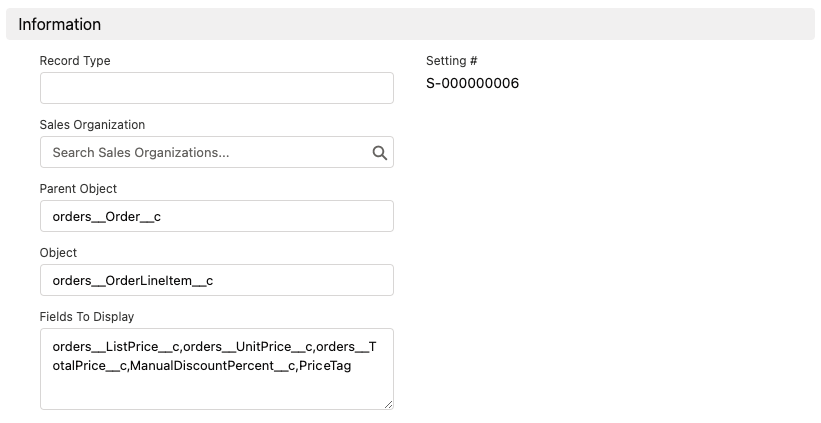
-
Create another discount to be automatically applied to the cart. For example, set up a Client Based Discount.
Please, note that you need to specify the External Id of each Calculation Type that you want to apply in the order cart in the Pricing Procedure. -
Additionally, you can set up the price tags to display the information about the applied discounts.