Calculate Discounts
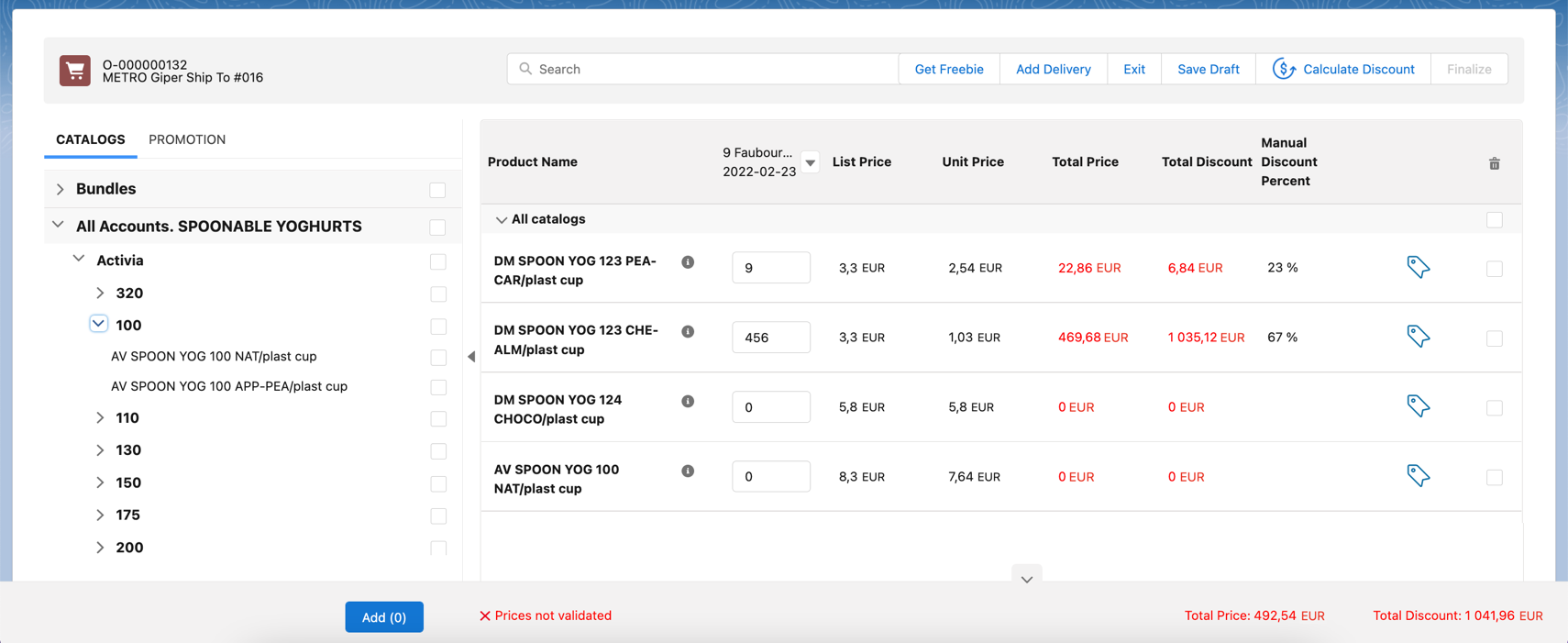
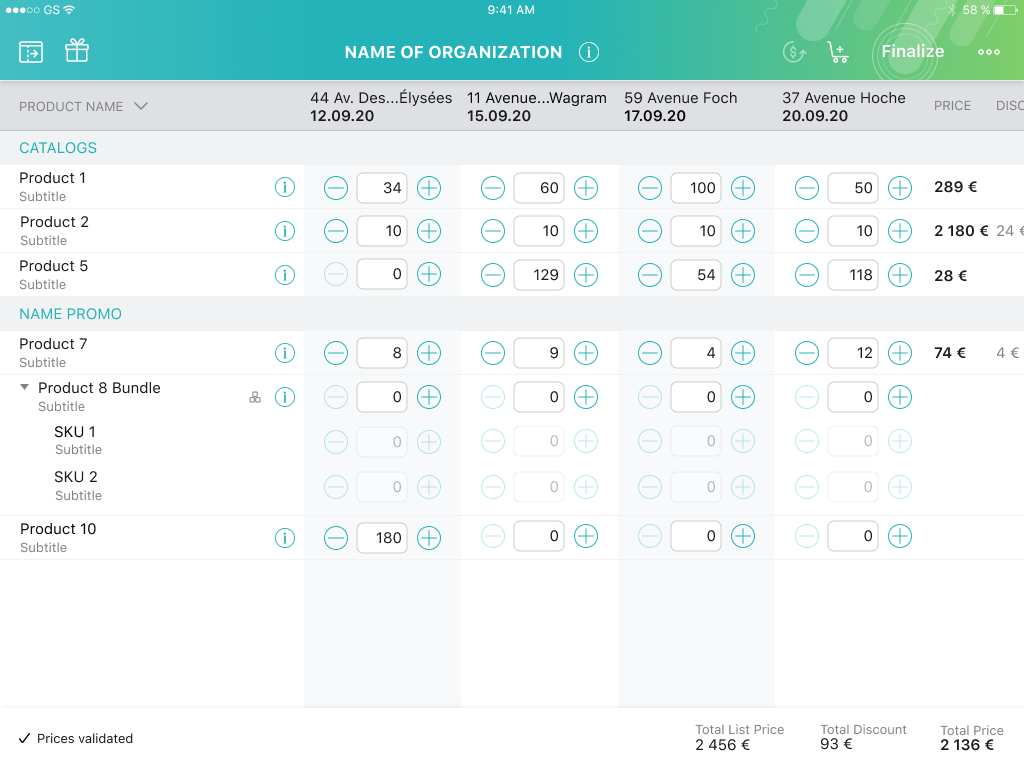
A sales rep should click the Calculate Discount button in Salesforce or tap
the  button in CT Mobile to get the valid prices. The invalid prices will be highlighted in red color.
-
When the calculation is done, the Calculate Discount button will be deactivated and a sales rep can Finalize the order.
-
Also, the discount will be automatically recalculated if the sales rep has changed fields on the Delivery Summary screen that may affect the discount or condition and tapped Save.
-
For Salesforce users
-
For CT Mobile users
| If there is no pricing procedure or access to the field(s) included in the pricing procedure, the Get Freebie button is blocked, and clicking the Calculate Discount button launches a calculation on the List Price fields using the standard Salesforce calculator instead of the Web Service. |
See also: