Links
| Available for instances with the enabled Web Service. |
The Links functionality helps managers to conduct advanced discount calculations by creating condition dependencies based on different or the same Calculation Types. Links are available both to regular products and freebies and, in case of several appropriate records, will be sequentially applied to the order.
Overview
Links are based on non-zero conditions and applied after calculating all freebie conditions and discount conditions according to Apply Condition Type of the appropriate Calculation Type records. Available for Calculation Type of Condition record type.
The Condition Dependency records define the links between conditions:
| When creating a record, only the required fields will be displayed, depending on the selected Dependency Type. Also, for records with errors, a validation will be triggered. |
-
If several conditions are found for one Calculation Type, then links are applied sequentially according to the Order field of the appropriate Condition Dependency records.
-
If the condition was canceled on earlier links, it cannot be applied in further links in the sequence.
-
Calculation Logs are generated after all links have been applied and contain all the resulting values for all Conditions that have been applied for each Calculation Type.
-
Administrators can set 4 types of condition dependencies and the sequence of applying them to the orders.
| Dependency Action | Available Dependency Type | Description | Example |
|---|---|---|---|
Apply |
|
The dependent condition will be applied only when the controlling condition is applied. |
Given: Condition 1 is 30% and suitable for the order Condition 2 is 40% and not suitable for the order Condition 3 is 10% and suitable for the order Link 1: Condition 1 depends on Condition 2 Link 2: Condition 3 depends on Condition 1 Sequence: Link 1 and Link 2 Then: Then Link 1 cannot be applied due to Condition 2 does not fit the order. The system checks Link 2 and applies both Condition 3 and Condition 1. The discount is 50%. |
Exclude |
|
The dependent condition will be applied only when the controlling condition is not suitable for the order. |
Given: Condition 1 is 30% and suitable for the order Condition 2 is 40% and not suitable for the order Condition 3 is 10% and suitable for the order Link 1: Condition 1 depends on Condition 2 Link 2: Condition 3 depends on Condition 1 Sequence: Link 1 and Link 2 Then: Then Link 1 is applied due to Condition 2 does not fit the order. The system then checks Link 2 that cannot be applied due to the controlling condition that is suitable for the order. The discount is 30%. |
Best Of |
Discount To Discount |
The conditions are compared, and the best condition is applied.
|
Given: List Price is 100$ Condition 1 is 5% Condition 2 is 8% Calculation Method is Decrease Then: The system compares prices after discount: Condition 1: 100$ – 5% = 92$ Condition 2: 100$ – 8% = 95% The Condition 2 is better and will be applied. |
Reduce |
Freebie To Freebie |
The maximum freebie quantity in the dependent condition will reduce by the freebie quantity that was applied when the controlling condition is triggered. The Freebie Condition for the dependent freebie:
|
Given: Controlling Freebie Condition: 8 freebies. Dependent Freebie Condition: 24 freebies. Then: 8 freebies are taken from the controlling condition, and then 24 – 8 = 16 freebies are taken from the dependent condition. |
Working with Links
Links with different dependency actions may be used for the same order according to the Order field in case to reduce the discount conditions.
-
Links with the Apply, Exclude, and Best Of dependency actions for regular products are calculated when a sales rep:
-
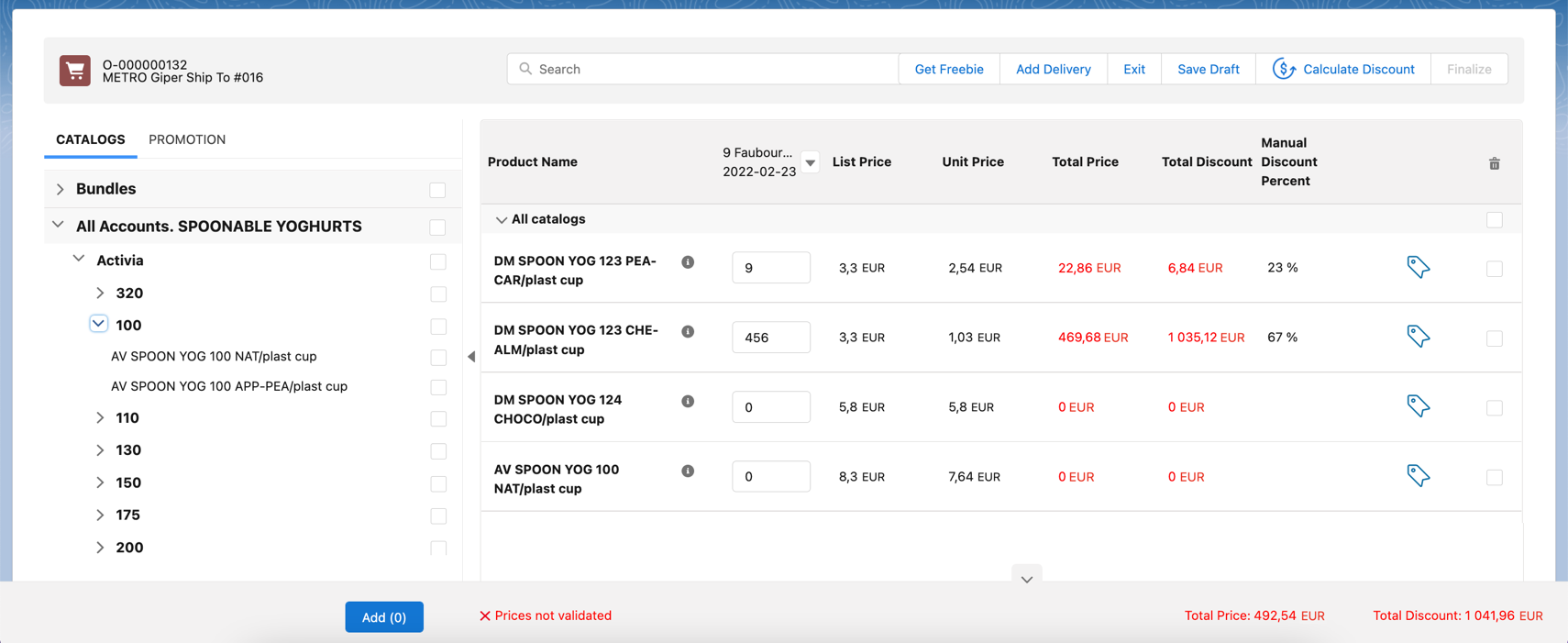
opens the order cart and click the Calculate Discounts button;
-
opens the Freebies window;
-
clicks Save in the Freebie window;
-
clicks Save in the Delivery Summary window.
-
-
Links with the Apply, Exclude, and Reduce dependency actions for freebies are applied when a sales rep opens a Freebie window.
If the freebie condition is set as Controlling Freebie Condition in the [.object]#Condition Dependency, then it is applicable only when adding a freebie to the order. When a sales rep opens the order cart, they will see a warning about non-valid prices. To calculate discounts, they should click the Calculate Discounts button.
-
The system checks all freebies in the order and finds all matching conditions from the appropriate Calculation Type records for Delivery Line Items. If there are non-zero conditions and these conditions are used in the Links logic, they will be applied to the order according to the Condition Dependency records in the sequence based on the Order field.
If the sales rep saves changes for freebies in the Freebies window, discounts for both regular products and freebies will be recalculated.
-
For Salesforce users
-
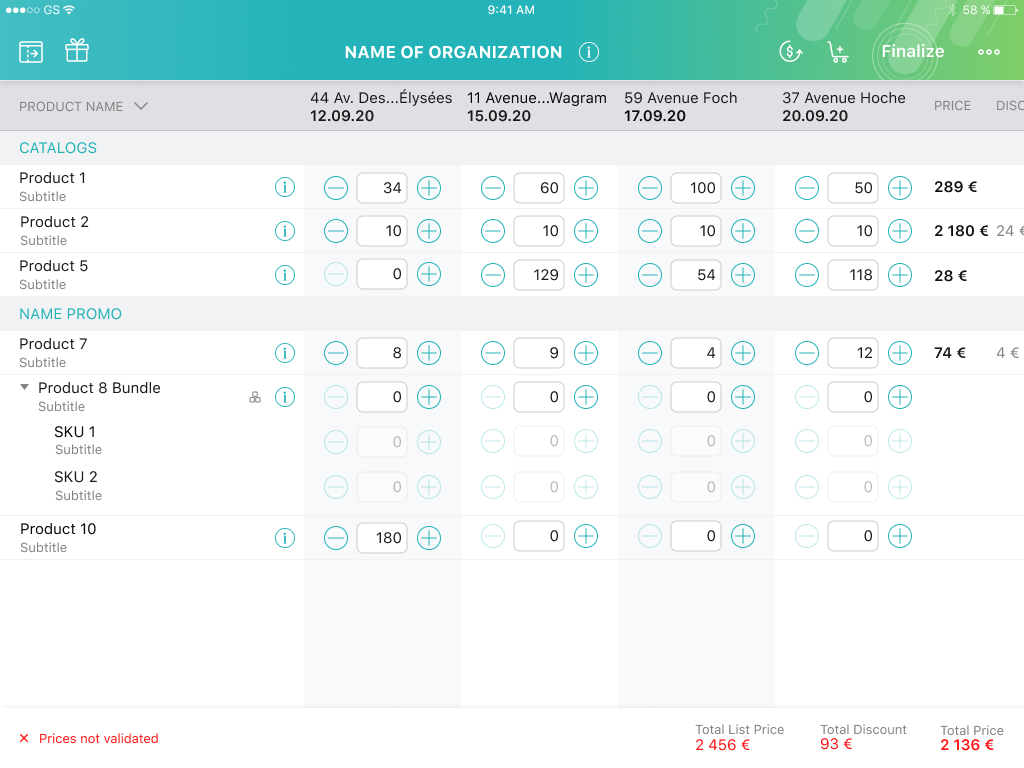
For CT Mobile iOS users