How to Create a Sales Organization User
To create a new sales organization user:
-
Go to Sales Organizations and select the appropriate Sales Organization.
-
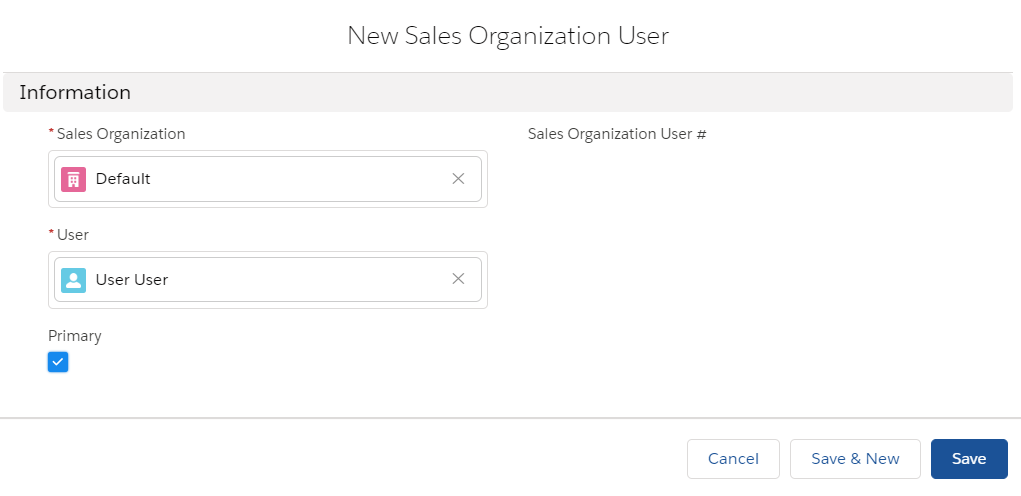
Click New in the Users section. The New Sales Organization User window is open.
In case there is no Users section, add it to the Sales Organization page in the Lightning App Builder. -
Assign users to your organization:
-
The Sales Organization field is filled out with the selected Sales Organization.
-
In the User field, select the user of the current Salesforce instance. At least one user should be assigned per each existing Sales Organization.
-
Select the Primary checkbox to set the user as a default user for the selected Sales Organization. If the Primary checkbox is not selected, the user record will not be loaded on the device during the synchronization with CT Mobile
-
-
Click Save.
The user is assigned to the selected Sales Organization. Repeat the process if several users should have the ability to create orders for the selected Sales Organization.