Configuring an Account (1.0)
For the specific Account, add permission to create orders for an account:
| Add the Order Allowed checkbox on the assigned page layout for the Account record. |
-
Go to the Accounts tab and click the METRO account.
-
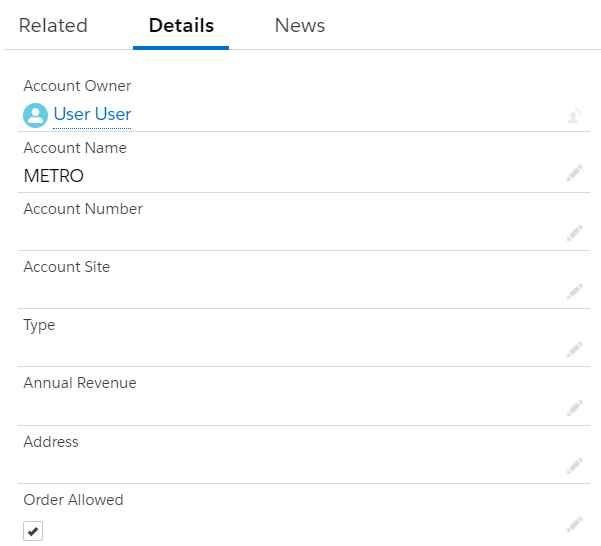
On the Details tab, click a pencil and select the Order Allowed checkbox:
-
Click Save.
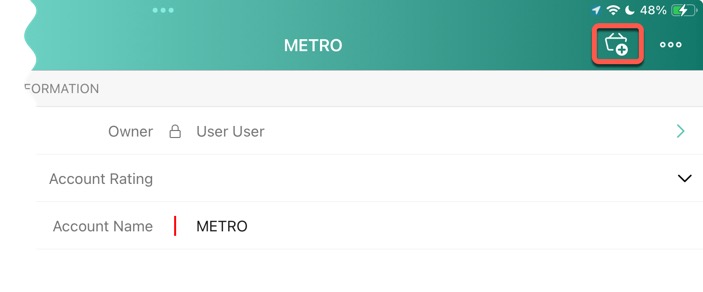
The METRO account is set up. Now, you can create an order directly from the account record by tapping the  icon:
icon: