Configure a New Record of Division Target Frequency Settings
For proper use of corresponding Target Frequency records, it is required to create a record of the Division Target Frequency Settings for the division specified for the Account and Contact records.
| To use these settings, the same division should be added to the User and Marketing Cycle records. |
To add a new record of Division Target Frequency Settings:
-
Go to Setup → Custom Code → Custom Settings → click Manage next to Division Target Frequency Settings.
-
On the next page, click New to create a new record:
-
In the Name section, specify the related division name, for example, Gamma, Delta, etc.
-
In the Account Target Category field, add the API Name field of the Account record, that responsible for the new division, for example, Division_Gamma_Category__c;
-
In the Account Target Flag field, add the API Name field of the Account record, that responsible for the selection of the new division, for example, Division_Gamma_Target_Check__c;
-
Specify the same division fields of the Contact record in the Contact Target Category field and Contact Target Flag field.
-
Set a flag next to Enable Category Selection if you want to add the division’s categories to xref:ctmobile-ios::
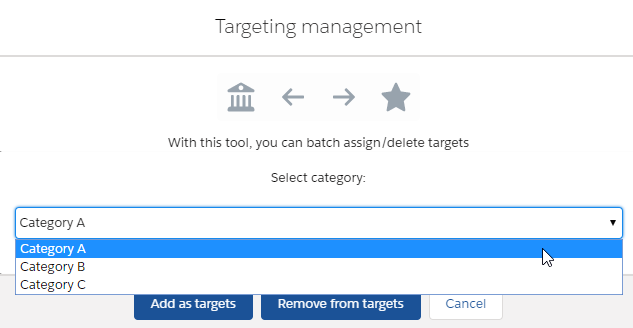 , accounts, and contacts.
-
-
Click Save.
The setup is complete.