7. Authorizing in CT CPG Settings Panel
-
Go to the CT CPG Settings Panel. If you cannot see this tab, add it to the panel.
-
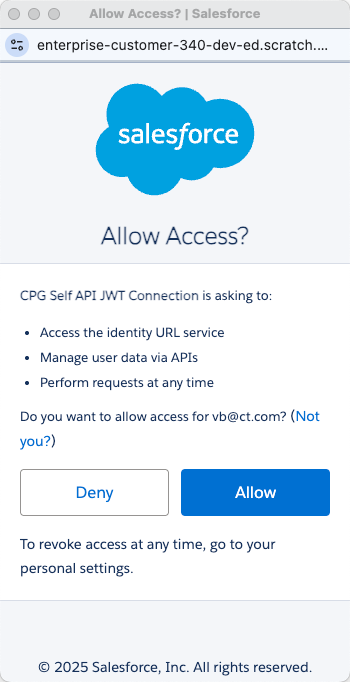
While opening the CT CPG Settings Panel for the first time, in the pop-up window, click Allow:
-
Pop-up windows in your web browser should be allowed.
-
CT CPG.CTCPG.Allow Management of Self API custom permission must be enabled for the profile of the user with maximum access rights.
-