Specify Questions for Quiz
To specify questions for the Quiz record:
-
Go to the Quizzes tab and click the appropriate Quiz record.
-
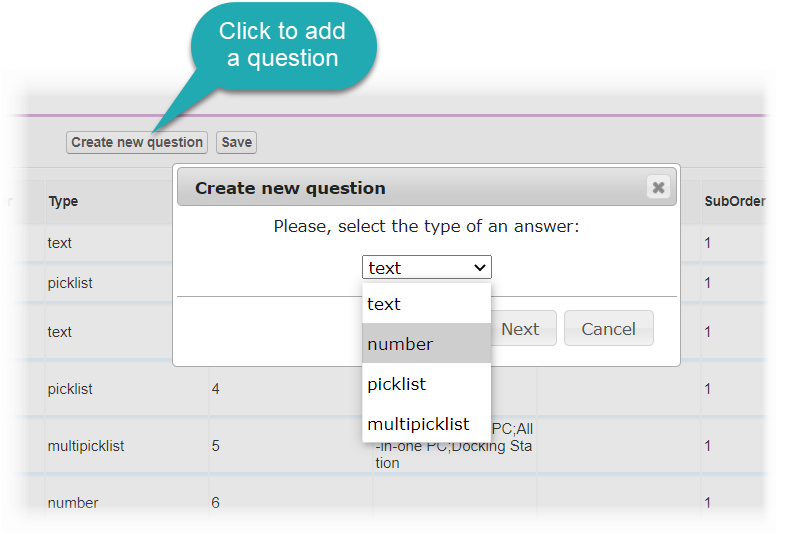
Go to the Questions section and click Create new question.
-
Select the Question type and click Next.
-
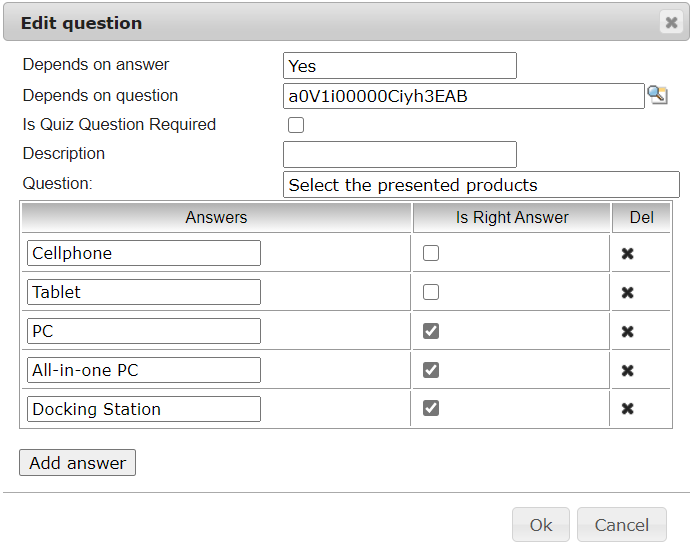
Specify the question. To create a branch:
-
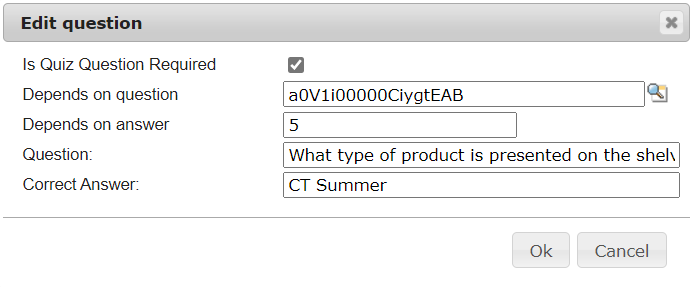
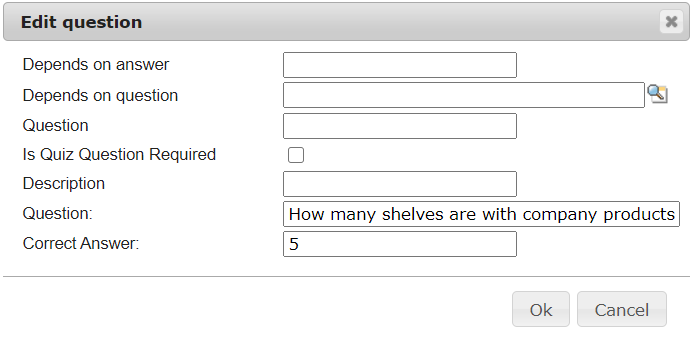
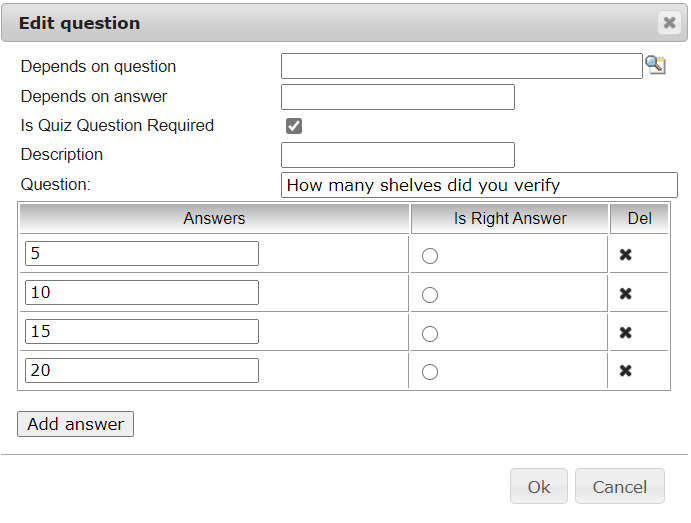
select one of the added questions to the quiz in the Depends on question field;
-
specify the answer to this question in the Depends on answer field, according to which the user jumps to the branch:
-
with the Text type:
-
with the Number type
-
with the Picklist type
-
with the Multipicklist type
-
-
-
Click Save.
-
Repeat steps 2–5 for all questions in the quiz.
The questions are added. Next, specify users as quiz partakers.