Create a New Quiz
Before creating a quiz, add the Quizzes tab to the menu.
To create a quiz:
-
Go to the Quizzes tab and click New.
-
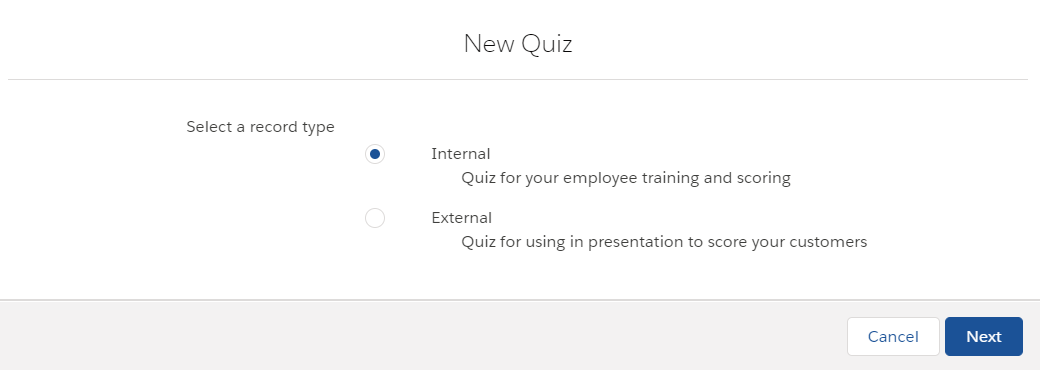
Select the appropriate record type and click Next.
-
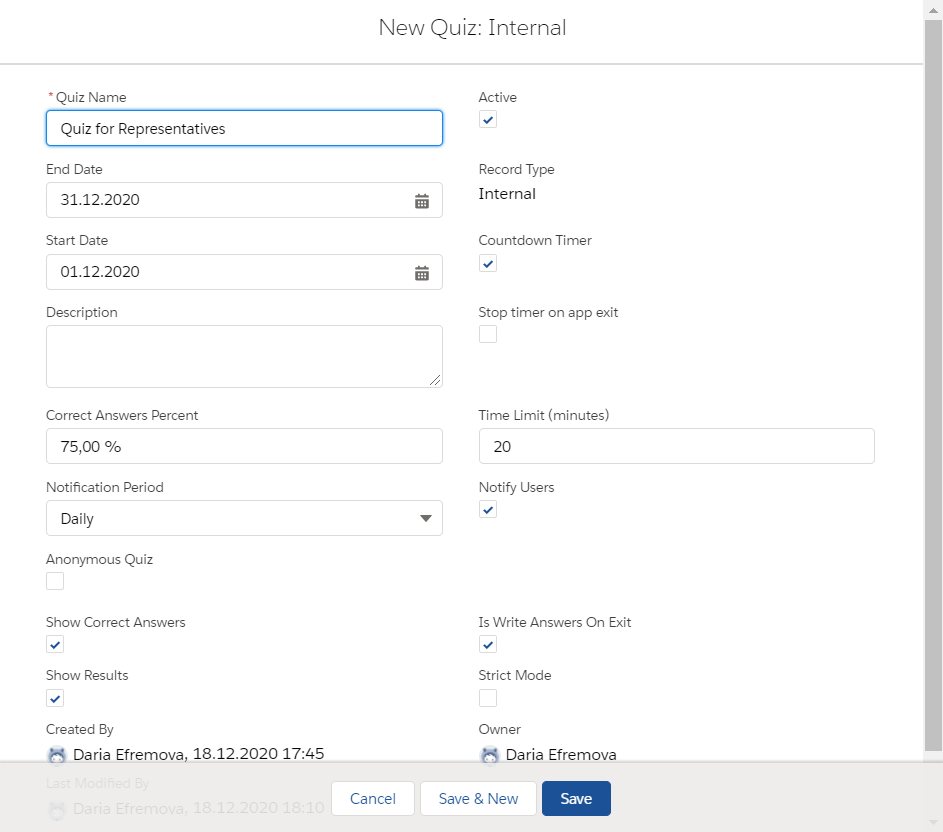
Fill in the quiz parameters, such as:
Read the description of each parameter here. -
Specify the Start Date and End Date of the quiz availability to users;
-
the percentage of the correct answers;
-
the time limit if needed;
-
enable the display of results;
-
activate the quiz.
-
-
Click Save.
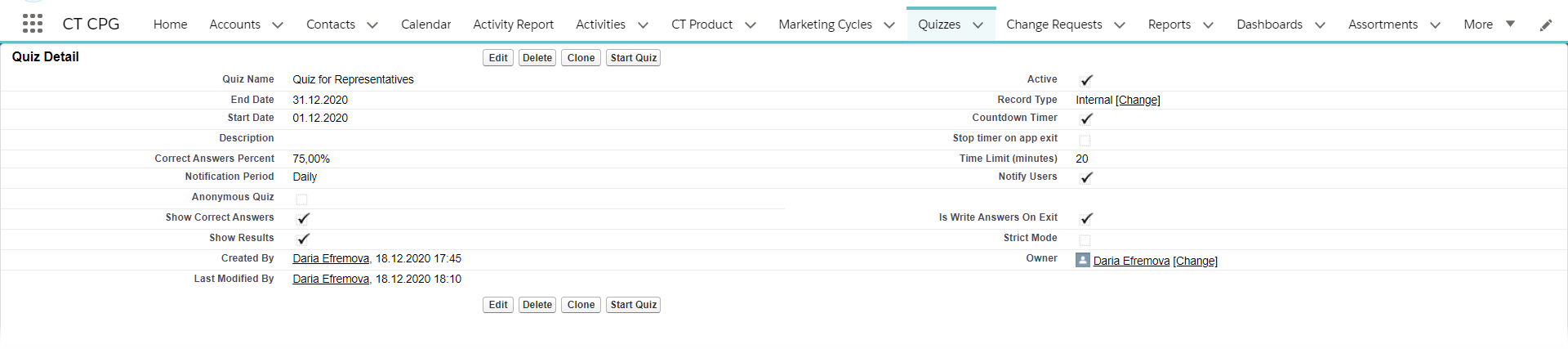
The Quiz record is created.
| Override the View button to view the Quiz information. |
-
Click Edit to edit the Quiz details;
-
Click Clone Quiz to create a new Quiz record based on this one;
-
Click Start Quiz to start passing the quiz;
-
Click Delete Quiz to remove the quiz.
Next, add questions to the quiz.