Create a New Filter for the Activities List
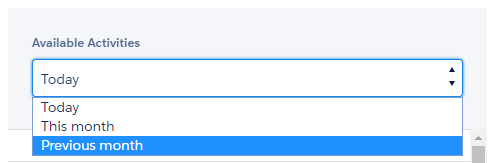
By default, the Today and This Month filters are available on the Activity Report page.
To create a new filter:
-
Go to Setup → Custom Code → Custom Settings.
-
Click Manage next to Activity Report Filters.
-
Click New to create a new filter.
-
Fill in the details.
-
Enter a filter name, specify its order in the filter picklist on the Activity Report page, and set the filter as active.
-
Select Default Filter, if you want to use this filter by default.
-
In the Filter Query field, enter the SOQL-filter.
There is a list of data formats and data literals at Help Salesforce.
-
-
Click Save.

The setup is complete. The filter is available on the Activity Report pages.