Calendar Settings: Calendar Setup
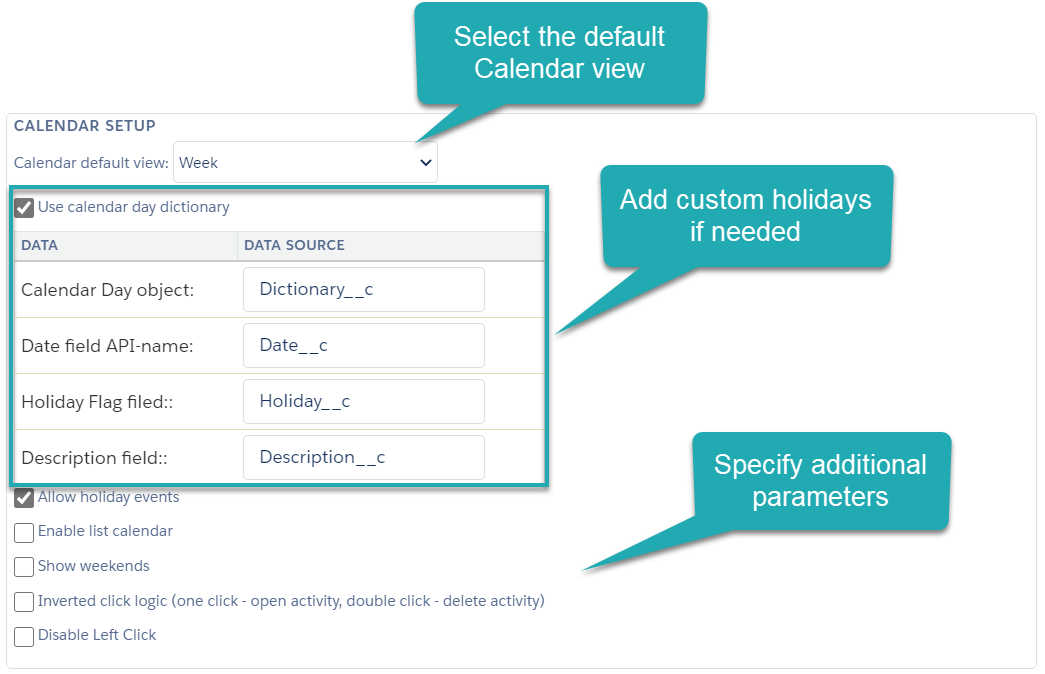
In this section, manage the appropriate Calendar view, specify mouse click actions, and specify fields of the additional custom object that stores the company’s Holidays calendar.
|
To add the custom Holidays calendar, go to the Add the Custom Holidays Dictionary article. |
-
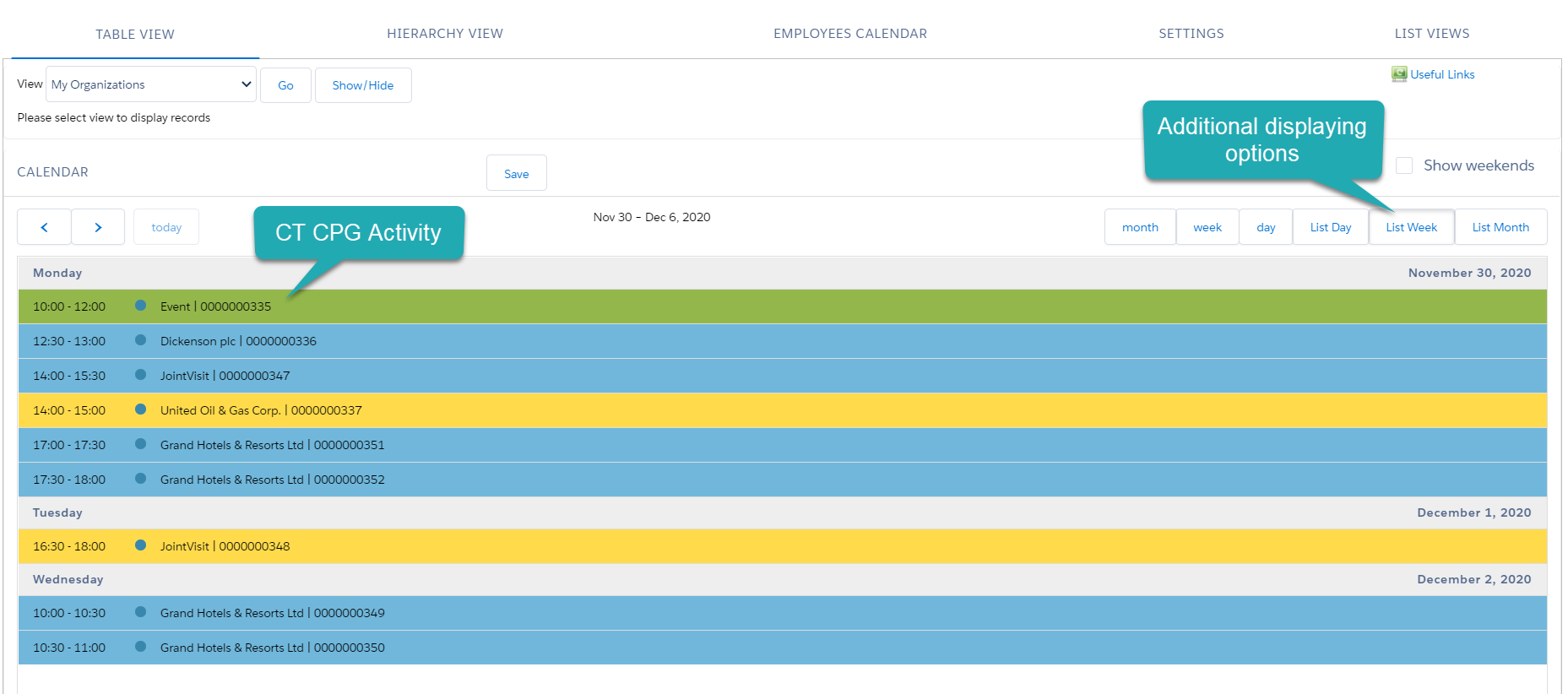
In the Calendar default view field, select the day, week, or month view. Also, to give the representatives the ability to manage activities in the agenda views, select the Enable list calendar checkbox;
-
To add weekends to the Calendar grid, select the Showweekends checkbox. To add the ability to create activities on these days, select the Allow holidays event checkbox;
-
Customize mouse clicks:
-
Disable left-click action. In this case, a user can create a CT CPG Activity record by a right-click on the calendar grid or a drag-and-drop an Account or Contact record.
-
Select the Inverted click logic checkbox to use a single-click for opening the CT CPG Activity record details and a double click for deleting the CT CPG Activity record.
-