1. Preparing the Salesforce Organization
Before the CT CPG installation, allow users to relate contacts to multiple accounts. Follow these steps:
-
Go to Setup → Feature Settings → Sales → Account Settings.
The Account Settings page is displayed.
-
Click Edit.
-
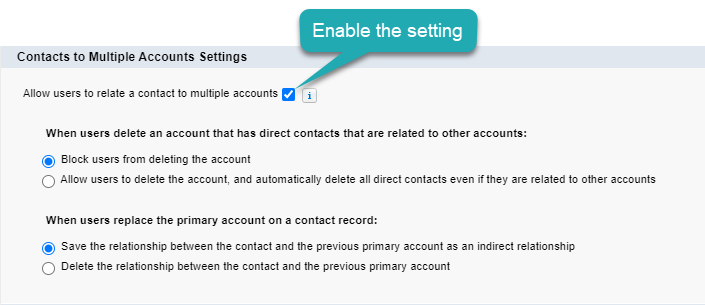
In the Contacts to Multiple Accounts Settings section, enable Allow users to relate a contact to multiple accounts.
-
Click Save.
The Salesforce organization is ready, and you can install the managed CT CPG package.