Assign the Quiz Partaker
When the quiz is created, assign users who should pass the quiz:
-
Go to the Quiz tab and click the appropriate Quiz record.
-
Go to the Quiz Partakers section and click New Quiz Partaker.
-
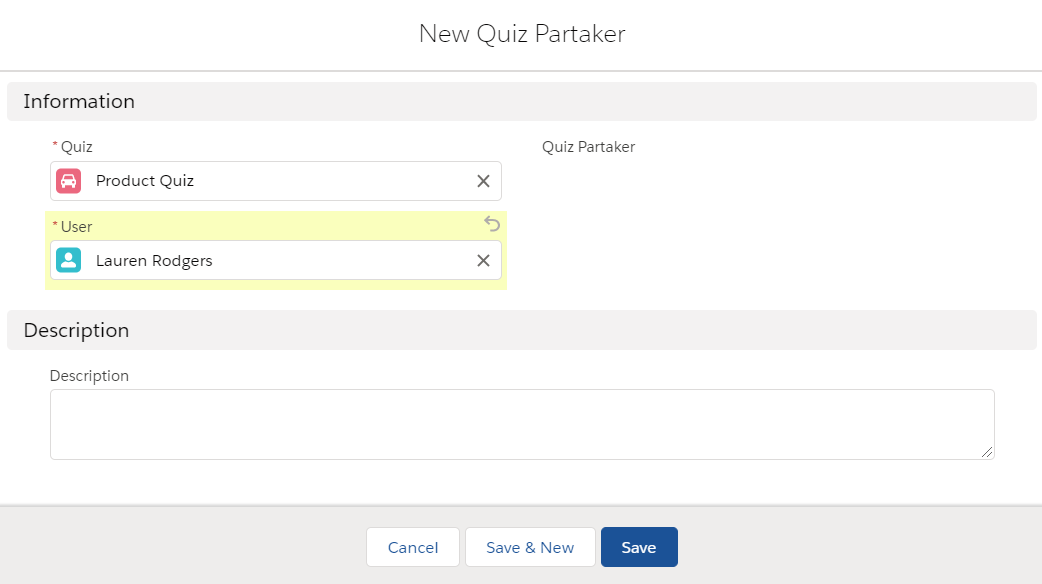
Add a user as the quiz partaker.
-
Click Save.
The quiz partaker is assigned. Get familiar with the Quiz interface to pass the quiz.