CT Pharma Control Panel: Calendar
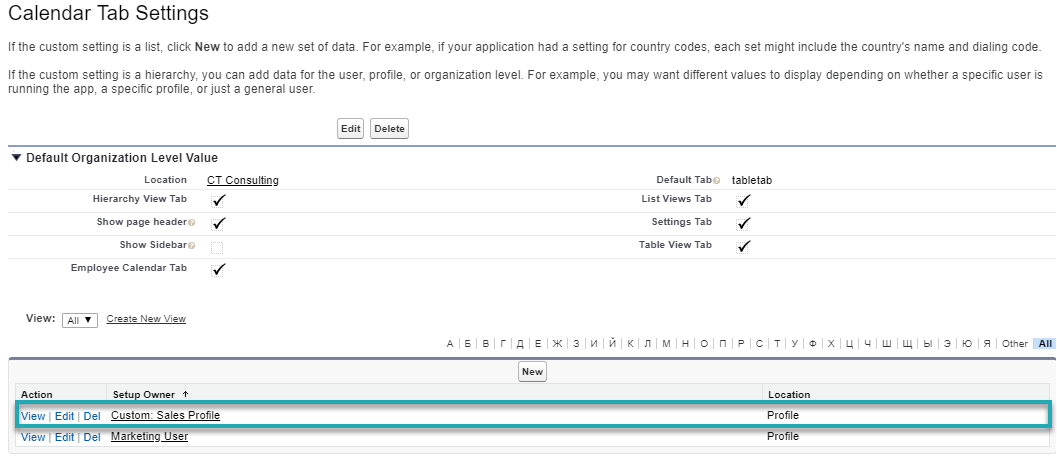
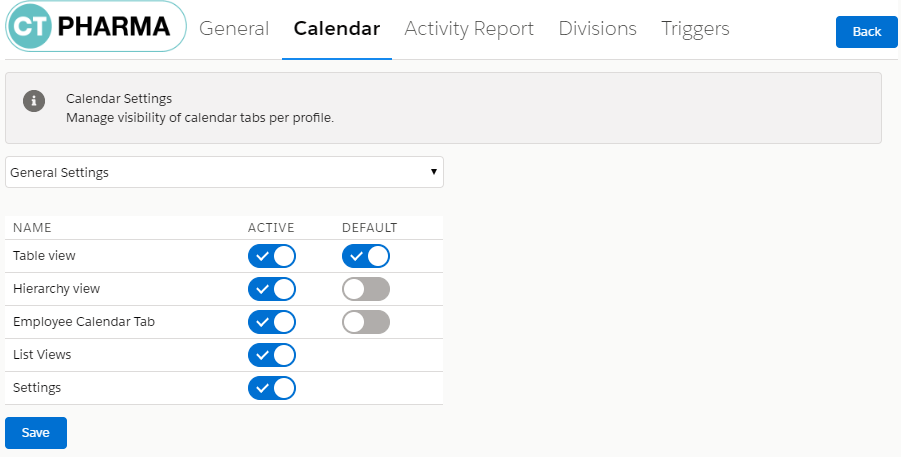
This tab is related to the Calendar Tab Settings. You can define which calendar tab will be shown for which profile.
To open Calendar:
-
Click on CT Pharma Control Panel.
-
Click on the Calendar tab.
The Calendar opens.
To select the Calendar visibility for a profile:
-
Select the required profile in the Location picklist.
General Settings will be applied to all the profiles without individual settings. -
Select Active tabs (2) of the Calendar that will be available for the profile.
-
Select the Default view (3).
-
Click Save (4).
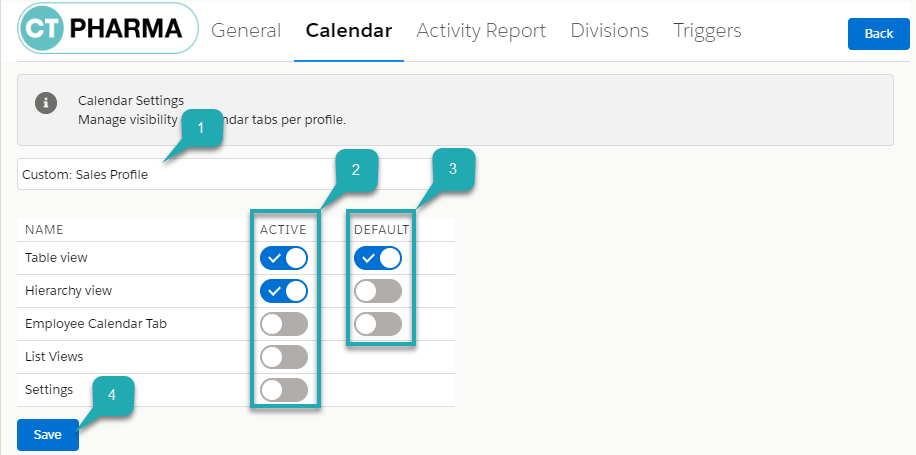
The Calendar tab visibility is configured for the selected profile.
If you open the Calendar Tab Settings, you can see the configured profile in the list.