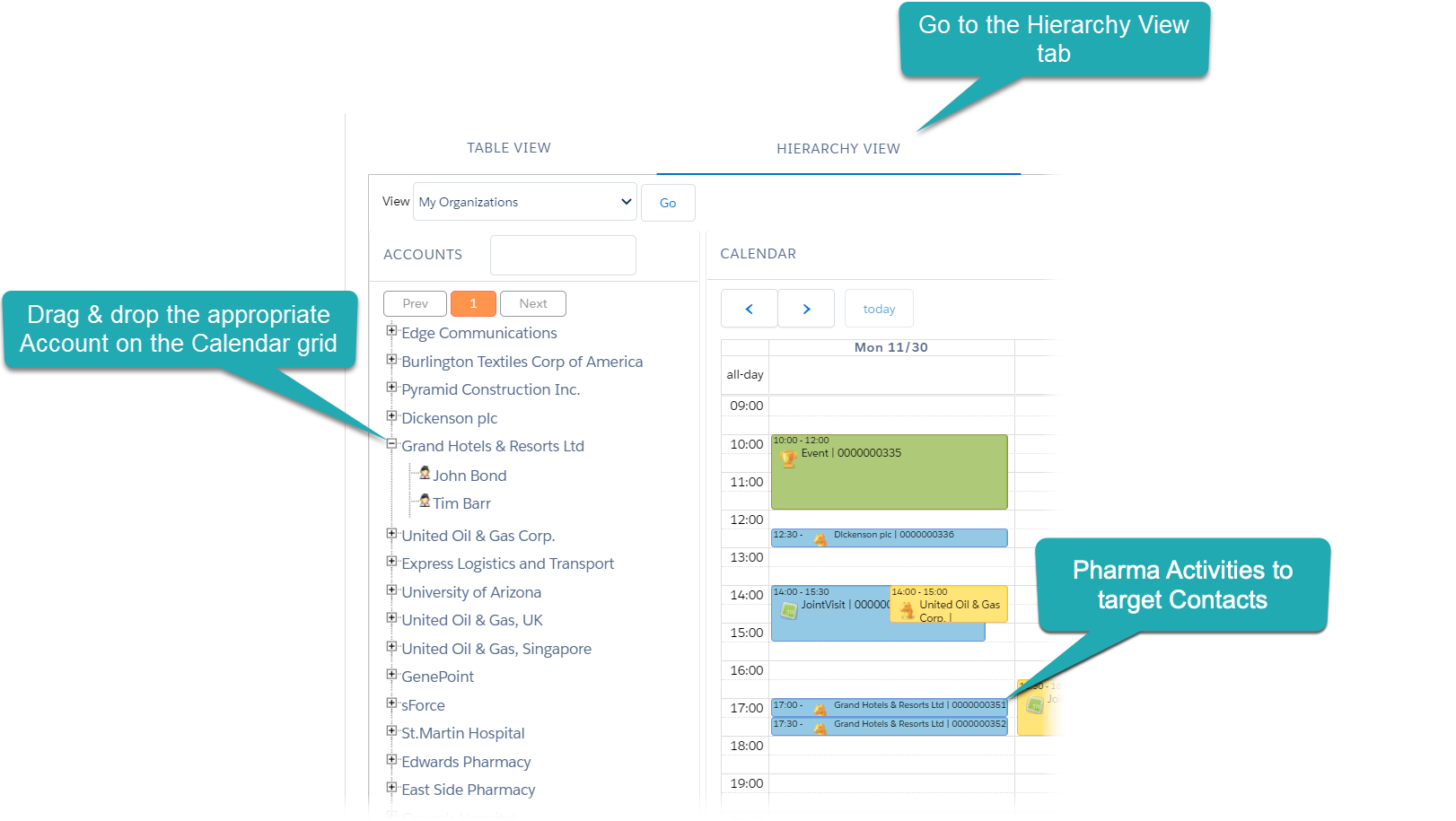
Calendar Settings: Target Frequency
|
Used on the Hierarchy View tab. |
In this section, select the Use target frequency checkbox to automatically create Pharma Activity records with the Visit record type for target Contacts when creating a Pharma Activity record for their parent Account.
-
Enable if a representative has the regular appointments for several Contacts of the Account. Also, use it with the customized Mass Action option.
-
Pharma Activities for contacts will be created at 30-minute intervals with the default Duration.
-
The Target Frequency records should be assigned to the Account and their child Contacts.
-
The Drag & Drop action should be selected for the corresponding Pharma Activity record type, for example, Visit.

If checked, after a representative drag-and-dropped an Account to the Calendar grid, the corresponding Pharma Activity record is created for each target Contacts of this Account.