Installing the CT Mobile app
Before the CT Mobile app installation, read the requirements.
Create a Microsoft Account
Microsoft Account is used to get access to Microsoft Store and to download apps that are hosted there on Windows devices. To get access to Microsoft Store, go to signup.live.com to create a Microsoft account or to signin.live.com to sign in.
Install CT Mobile
To install the CT Mobile application:
-
Follow the link.
-
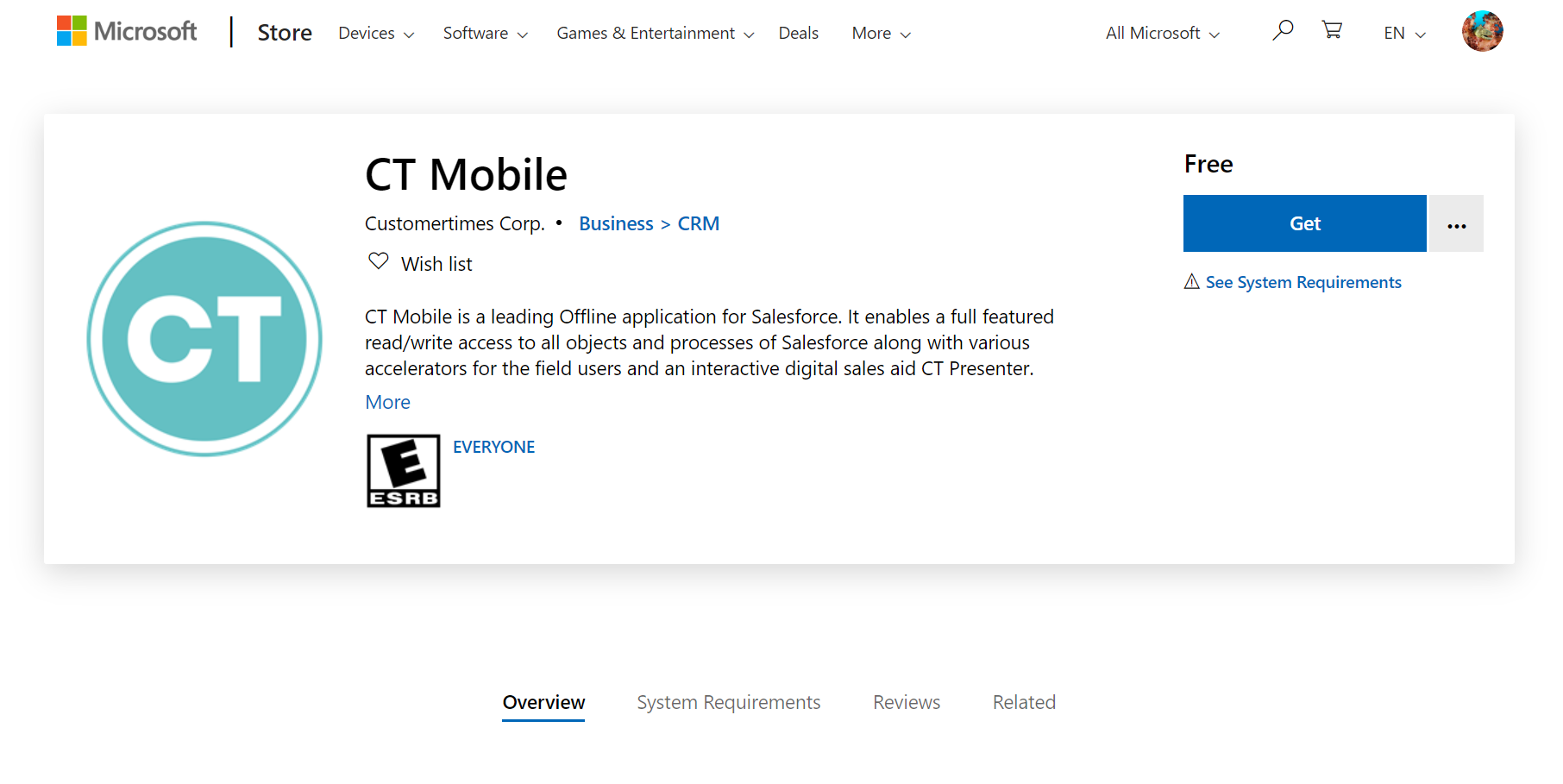
The new browser window opens on the CT Mobile page of the Microsoft Store.
Expand if you have already installed CT Mobile
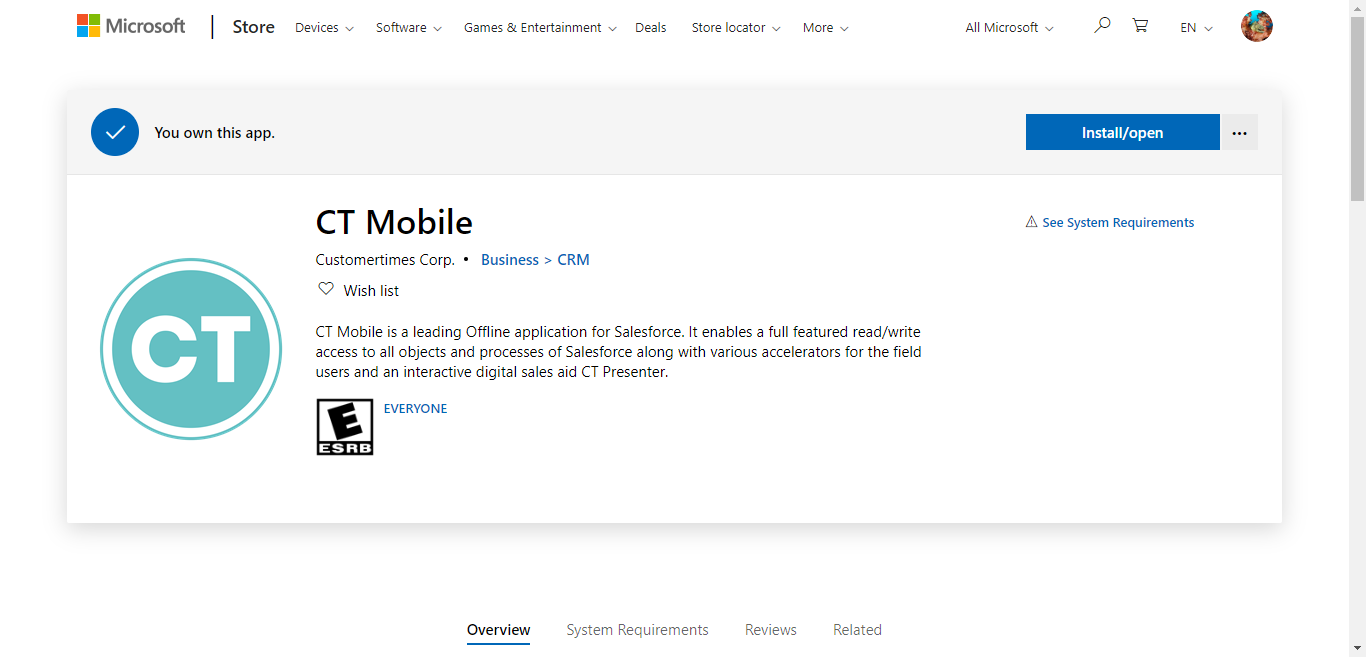
If you have already installed the CT Mobile application, the info bar above the CT Mobile description is shown. Click Install/open and move to step 3.
-
Click Get.
-
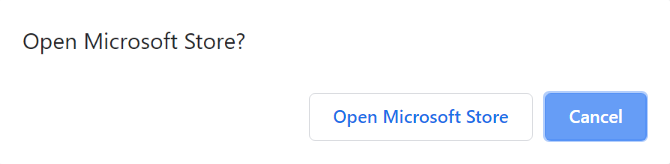
In the pop-up, click Open Microsoft Store.
-
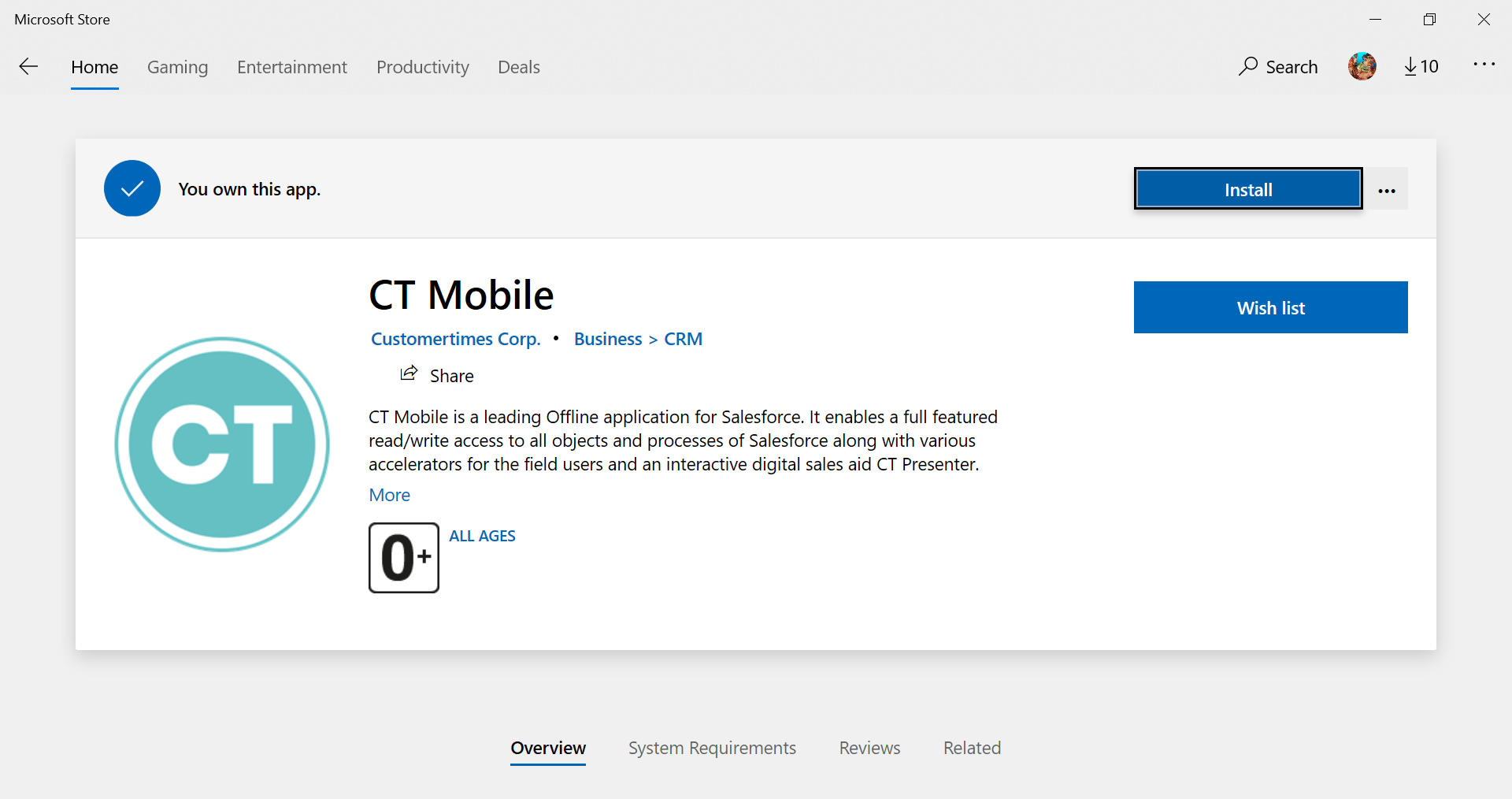
In the Microsoft Store, click Install.
It will take some time for the CT Mobile application to install.
-
After installation, click Launch.
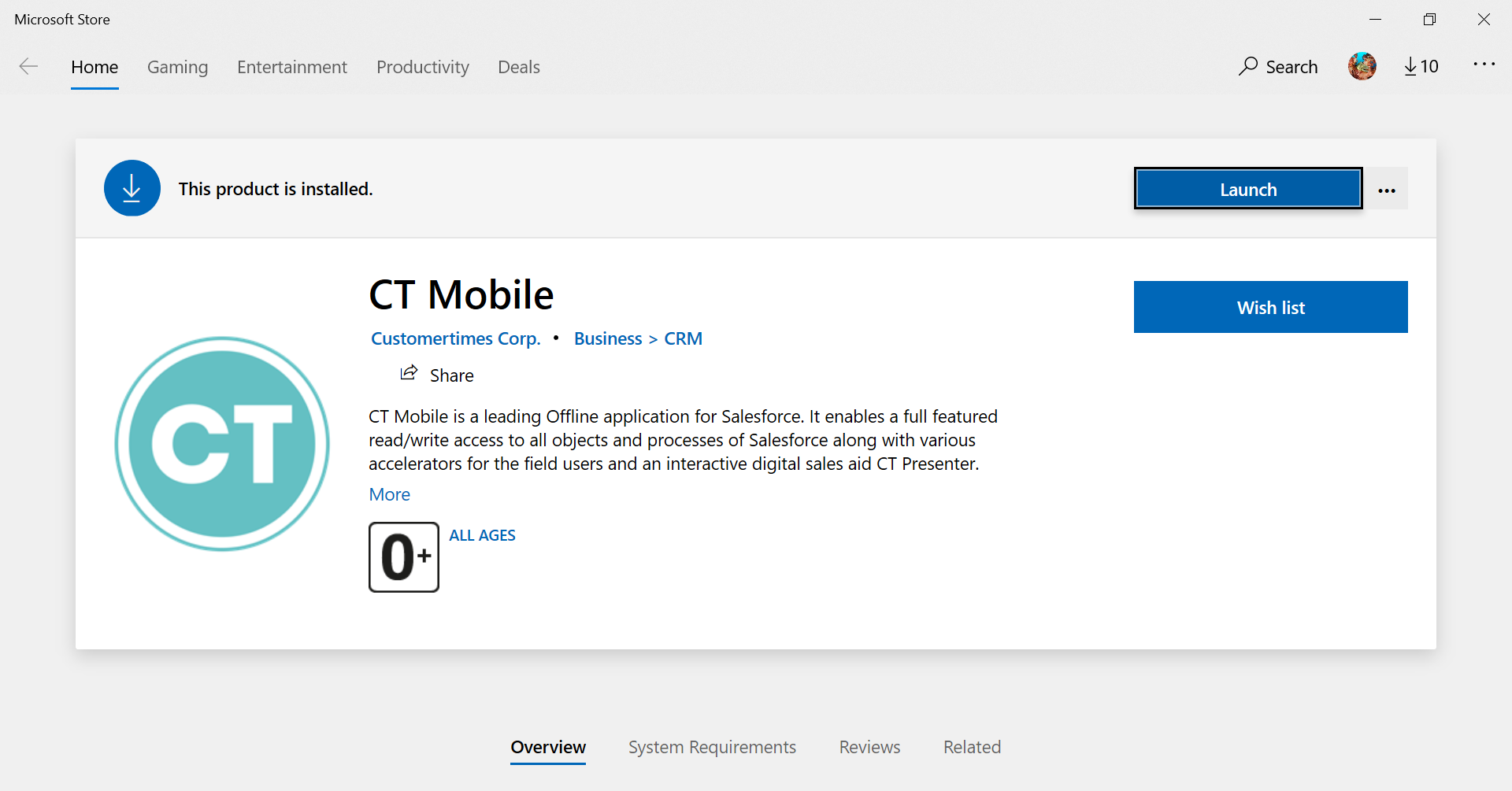
CT Mobile opens. Log in to start.