Log Out
Log out may be required in the following cases:
-
Log in as another user.
| Tap the Change user button to switch to another user. The current user will not be logged out and their database will not be erased. * Log in to another organization. * If you have updated some records, but do not want to send these updates to Salesforce. * Full synchronization malfunction. |
The current user’s database will be erased from a mobile device. The database will remain in Salesforce to upload again.
To log out:
-
Tap Settings in the application main menu.
-
Tap Log out.
-
Tap Yes to confirm the action in the notification pop-up.
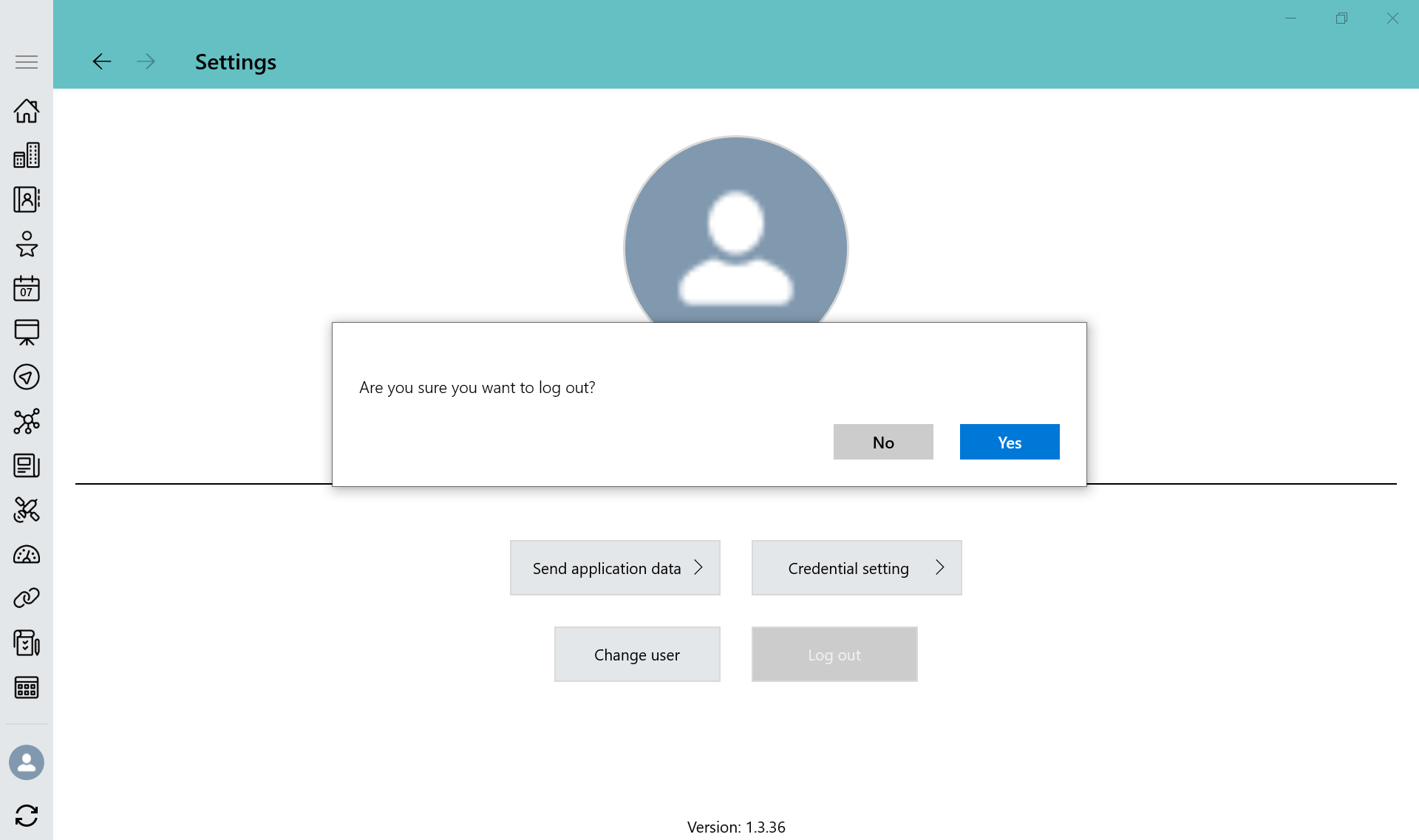
The current user logged out, and the login screen opens.