Reference Fields
A reference field contains an ID value that points to a unique record on another object. The main record may be associated with a record in the reference field via a lookup or master-detail relationship.
For the reference field, a mobile user can:
-
download additional record if the reference field refers to the not downloaded record;
-
search value or create a new record to add;
-
use lookup filters to see records that match required or optional criteria.
Online One Record Fetching
Along
with online
records fetching, a mobile user can download one additional record
tapping next
to the field, which refers to the not downloaded
record, on the mobile layout of the linked
record.
next
to the field, which refers to the not downloaded
record, on the mobile layout of the linked
record.
Online one record fetching is available when:
-
one of the downloaded records is linked to a not downloaded record;
-
the object of the not downloaded record is available offline.
For example, an Activity record has a lookup field with the Contact record value and another lookup field with the Account record value. The linked record of the Contact object was downloaded on a mobile device, but the linked record of the Account object is not available offline due to Related List Filters. When a mobile user opens the Activity record, she can open the available related Contact record and download the related Account record to the mobile device.
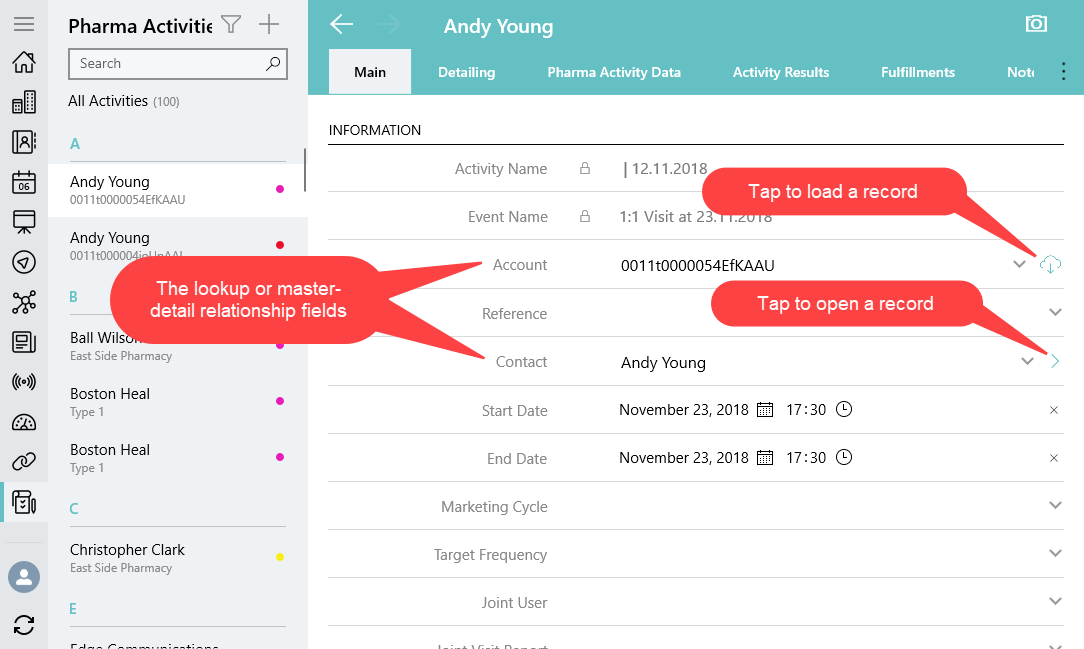
To download a record:
-
Open the linked record.
-
Tap
 next
to the linked record to download a record.
next
to the linked record to download a record.
The record is downloaded.
Tap  to
open the record details screen.
to
open the record details screen.
If the object of the record is not available offline, a mobile user cannot download a record.
If a current user launches one of the synchronization modes, the loaded record via online one record fetching will be still available on a mobile device. The record will be removed only after the reset database or log out of the current user.
Online Record Search
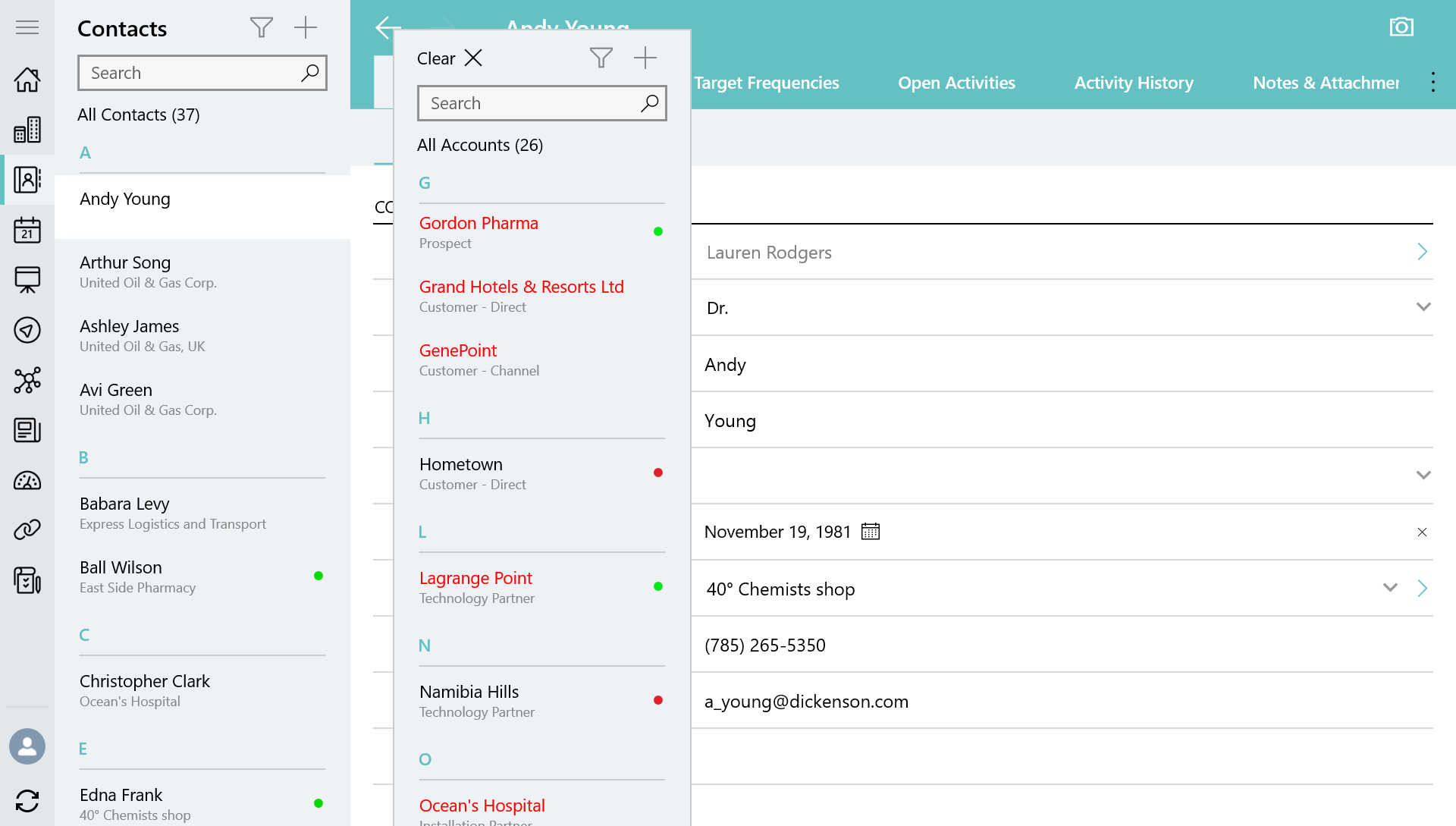
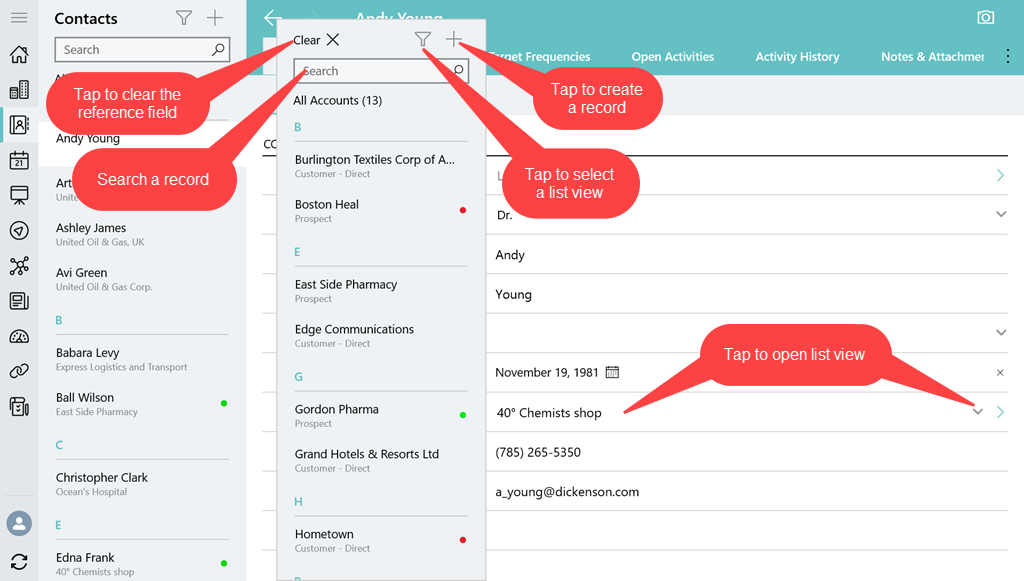
A mobile user can specify a value for the lookup or master-detail relationship field by searching or creating a record. Search is carried out in the fields that are listed on the Search Results search layout. To find a record:
-
Enter a text in the Search box to find a downloaded record. In the search results, tap a record you want to specify in the reference field. Use filters
 to
select another list view.
to
select another list view. -
Tap
 to
create and add a new record to the reference field by
using a mini layout.
to
create and add a new record to the reference field by
using a mini layout. -
Tap the Clear button to clear the value from the reference field. If a reference field is empty, the Clear button is not displayed.
Lookup Filters
Lookup filters restrict the valid values and lookup dialog results for the reference field. To create a lookup filter, refer to Salesforce Help.
If you created or changed the lookup filter, it is necessary to rebuild a metadata archive using one of the available options to download the proper lookup filters via synchronization.
Lookup filter can be required or optional:
-
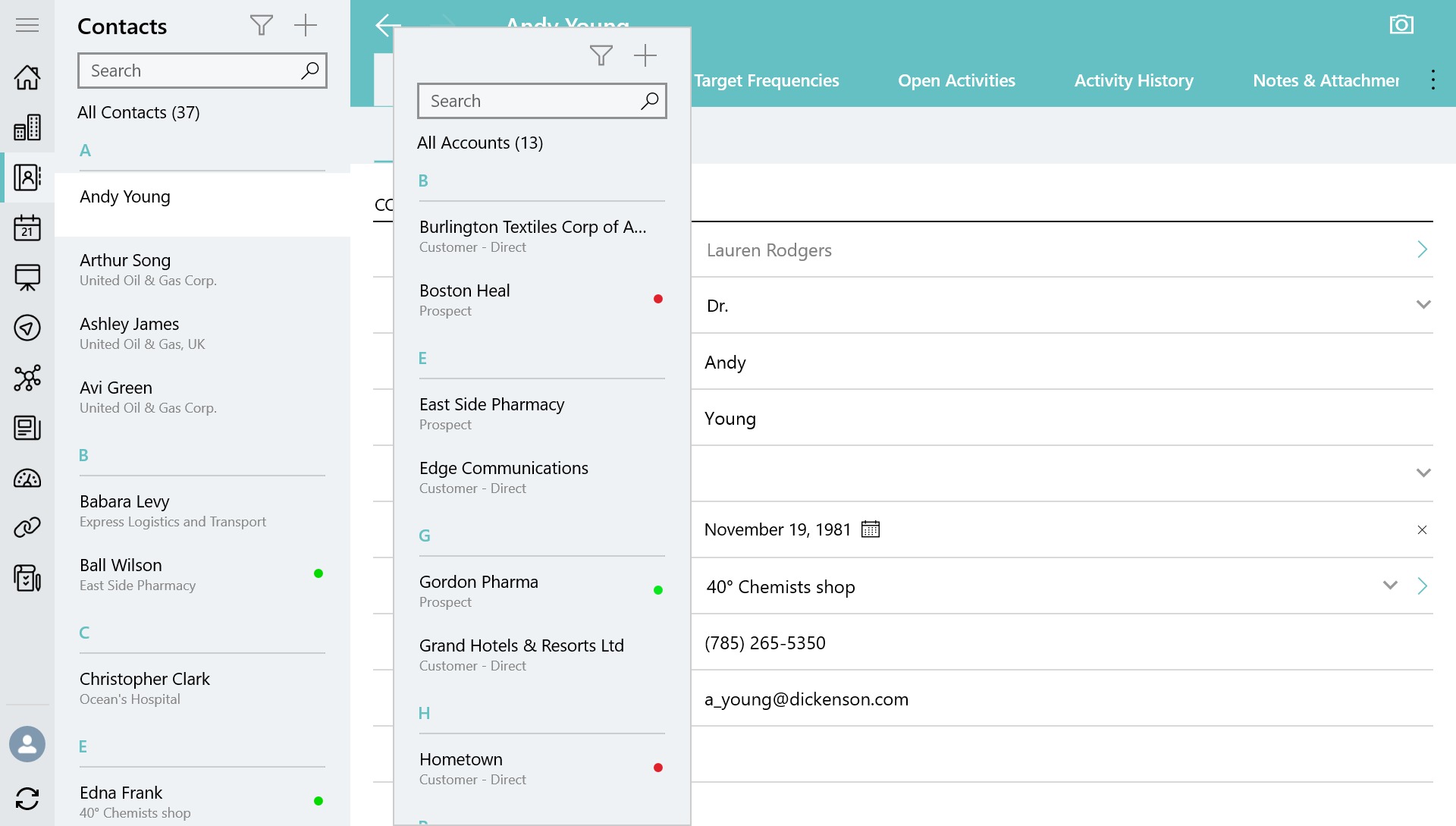
Required filter Only the records that match the lookup filter criteria are available when a user fills out the reference field.
-
Optional filter All object records are available when a user fills out the reference field. Records that do not match the lookup filter criteria are highlighted in red color.