Creating CLM Presentation from JPEG/JPG
| Available since the CT Mobile package v. 3.66. |
The Application Editor allows creating CLM presentations from JPEG/JPG files:
-
Create a ZIP archive with images. Each image must be placed at the root level (do not use folders) in order to convert it to a separate slide.
-
The number of images cannot exceed 200.
-
The size of a ZIP archive cannot exceed 75 MB.
To convert the JPEG/JPG images into CLM presentation:
-
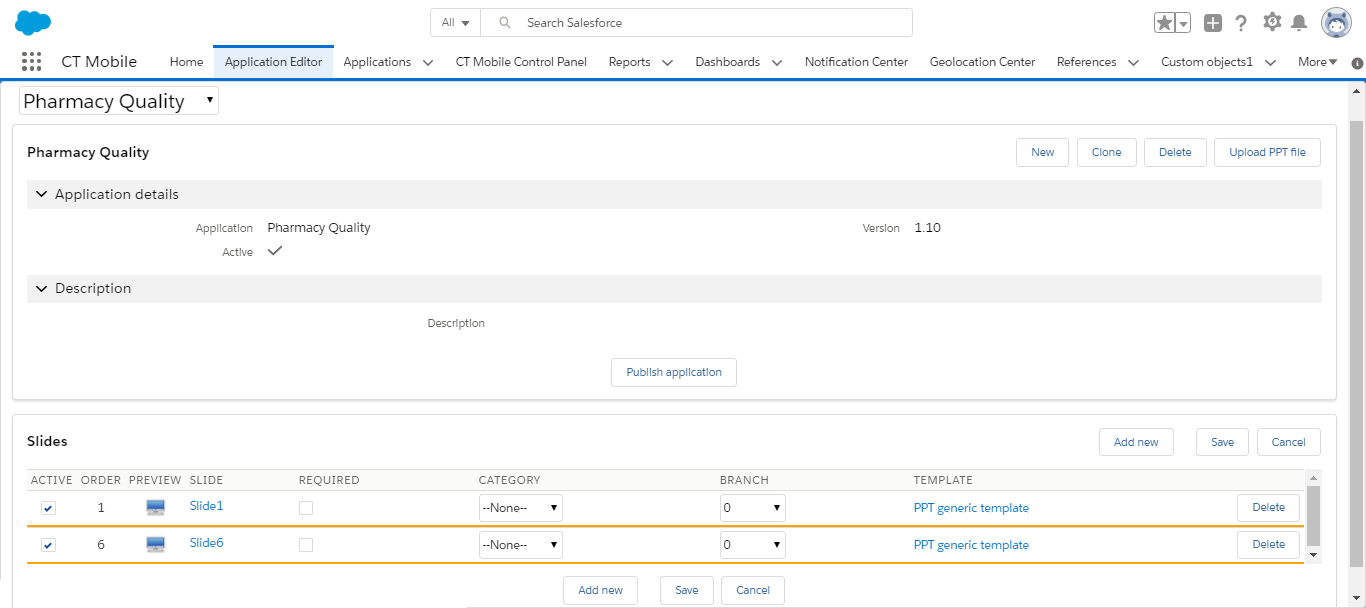
Go to Application Editor.
-
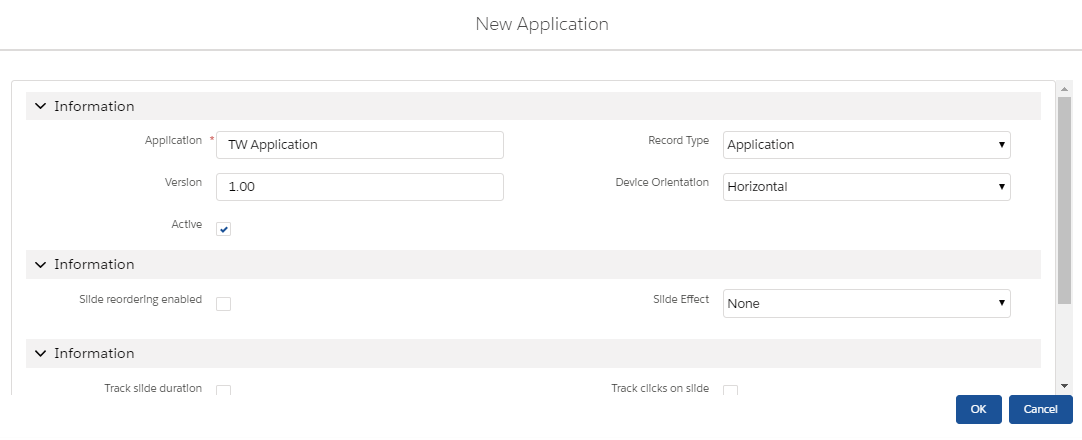
Select a CLM presentation from the picklist in the upper left corner, click New to create a new CLM presentation, or click Clone to add a new CLM presentation identical to the selected one.
For example, enter the name of a CLM presentation, define additional settings, and click OK in the case of a new CLM presentation.
-
Click the Upload PPT file button.
-
Select the desired file.
Select the Replace existing slide button if you want to replace existing slides in the CLM presentation with slides from the file which is being uploaded. -
Click OK.
The CLM presentation is ready. Select Active, configure slides, and click the Publish application button. Perform fast or mixed synchronization on the mobile device to download the CLM presentation.
| If a CLM presentation should be available for Remote Detailing, check the Available for Remote Detailing field and set up Remote Detailing. |