Application Settings
The Settings screen allows you to manage additional functions and control individual options.
-
The application version is displayed at the bottom of the screen.
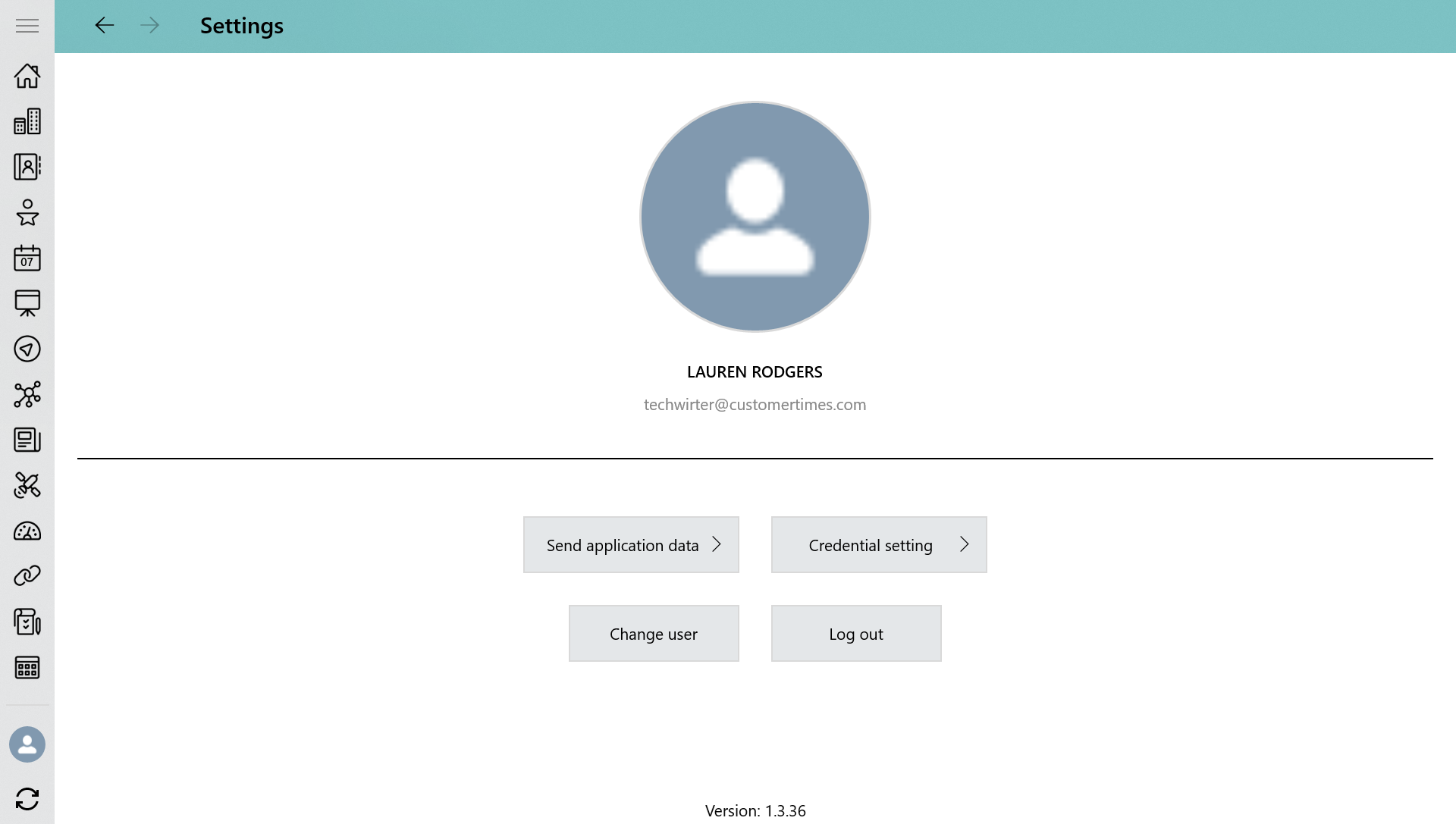
Send application data
CT Mobile allows sending a dump with the current user’s data from the mobile device to the Salesforce or support service. Available options:
-
With photo
-
Without photo
-
Unsynchronized photos
-
Synchronization log
Change User
CT Mobile allows multiple user access. Changing the current user, the database of the previous user remains on the mobile device as well as the previous user will still be authorized. To change the current user, select the User record or tap the plus button to add a new one.
Log out
Logging out to reset all application data.
CT Mobile asks you for confirmation. After logging out, all the current user’s data from the mobile device will be removed.