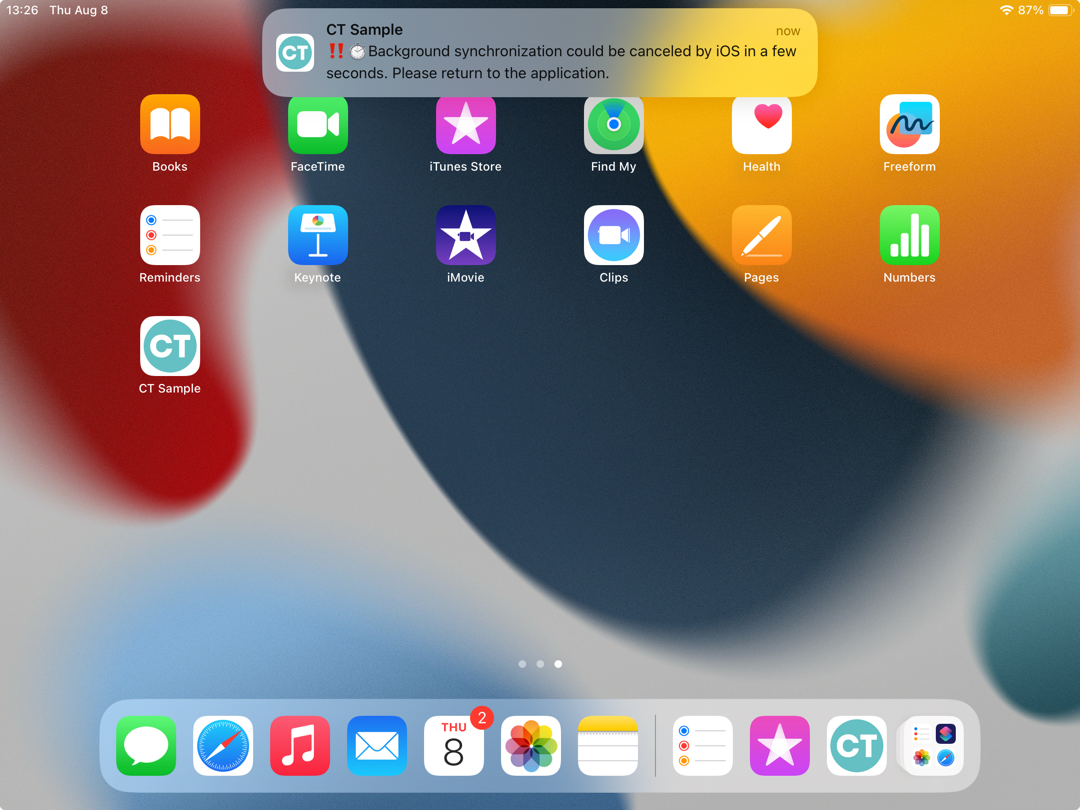
App Push Notification of Interrupting Synchronization
Due to the iOS platform limitations, we strongly recommend not collapsing the CT Mobile app, not switching to another app, and not turning off the screen during any synchronization.
If you perform one of these actions, after approximately 20 seconds, CT Mobile notifies you about interrupting synchronization. In this case:
-
Return to the CT Mobile app to continue synchronization. Otherwise, when you open the CT Mobile, the alert of interrupted synchronization will be shown.
-
Tap Sync → Continue Synchronization to complete the sync process.
When the sync process is complete, the CT Mobile app is ready to work.