CT Mobile Control Panel: Mini Layouts
The Mini Layouts tab is intended to configure and manage special forms that simplify the creation of a new record in the CT Mobile app.
According to the selected profile, settings on this tab will be saved in the corresponding fields of the Mobile Mini Layout Settings record.
Click to view the interface
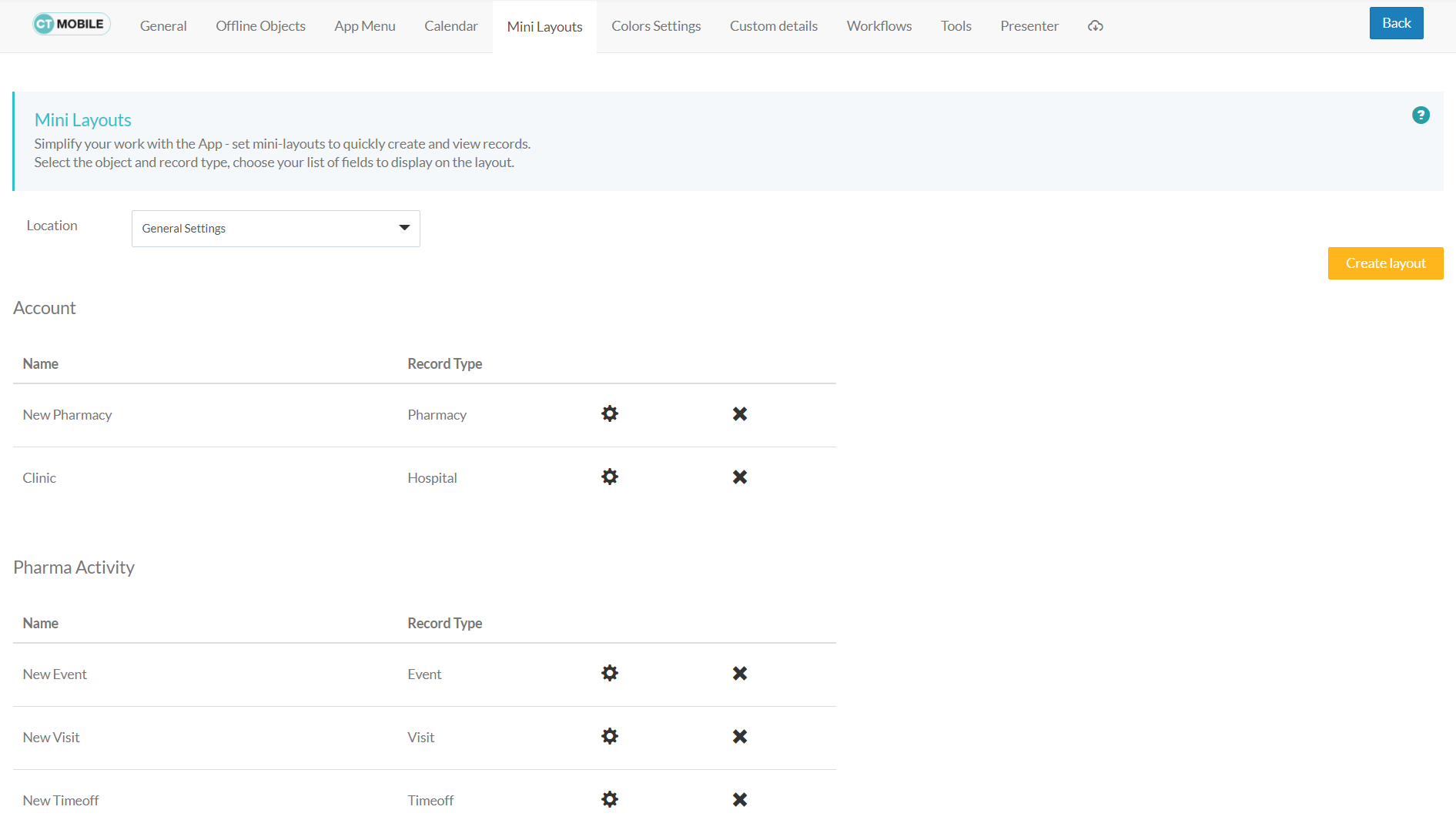
Location
Location is a picklist containing all configured and unconfigured profiles available in your Salesforce org. To apply settings to all the profiles, select General Settings.
To get started, select the desired profile in the Location field to configure it. To delete the configuration for the selected profile, click the  icon.
icon.
Mini Layout Options
Click the Create layout button to add a new mini layout.
-
Follow the steps here to configure a mini layout for the desired offline object.
-
Mini layouts are grouped into categories according to the offline object.
-
Click
 next to the desired mini layout to edit it.
 -
Click
 next to the desired mini layout to delete it.
See also: