Application Prompts for Requesting Permissions
For the full functionality of the mobile application on iOS devices, it is necessary to allow CT Mobile access to certain data, e.g., geolocation data or access Photos.
-
CT Mobile will show an additional pop-up with the permission and the usage description before asking to grant it.
-
The specified theme is applied to prompts.
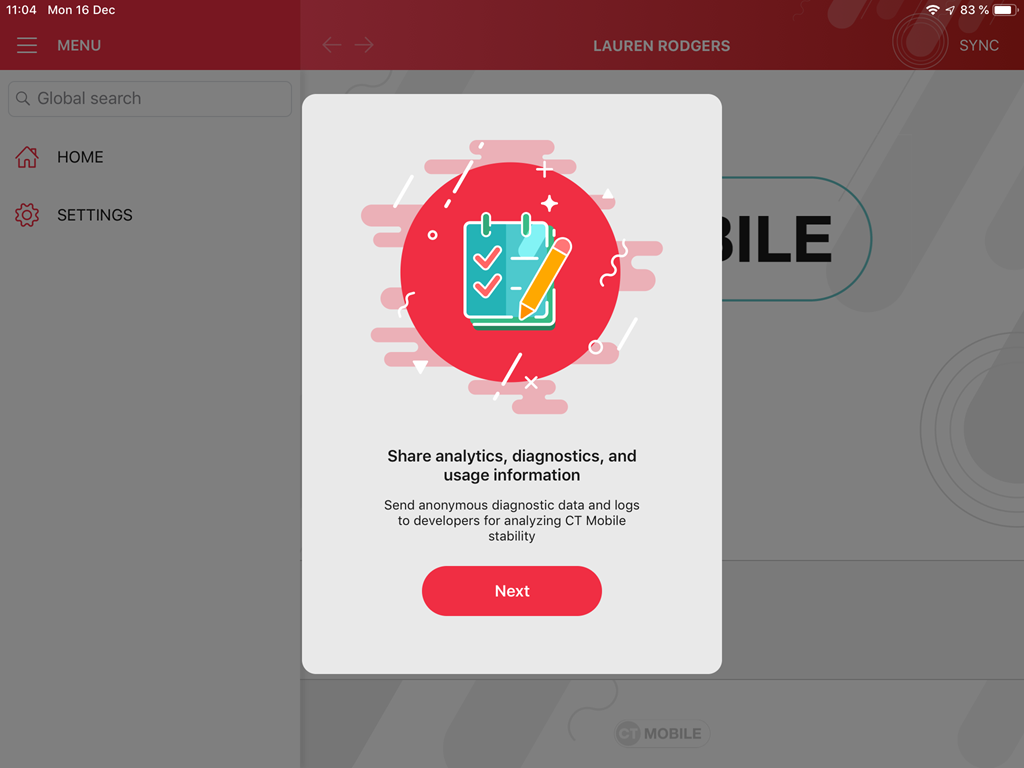
Examples of prompts:
| Access to share analytics, diagnostics, and usage information | Access to geolocation | Access to the Camera |
|---|---|---|
|
|
|
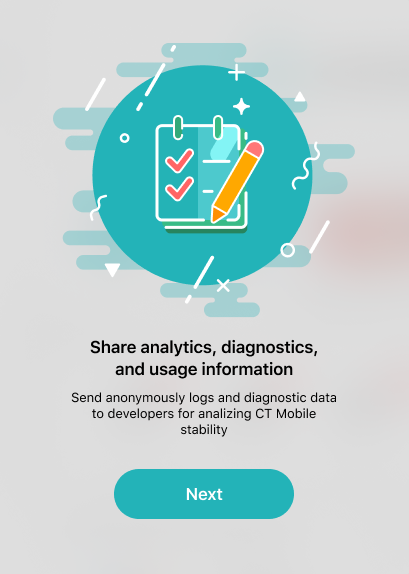
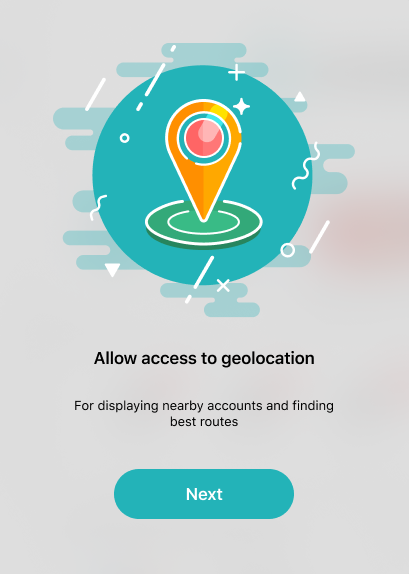
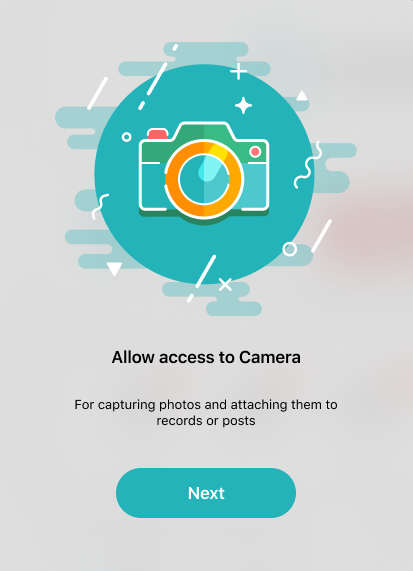
Click Next to view the system-provided alert.
Before the launch of the synchronization, when a mobile user logged in to CT Mobile for the first time, the mobile application asks a mobile user to:
-
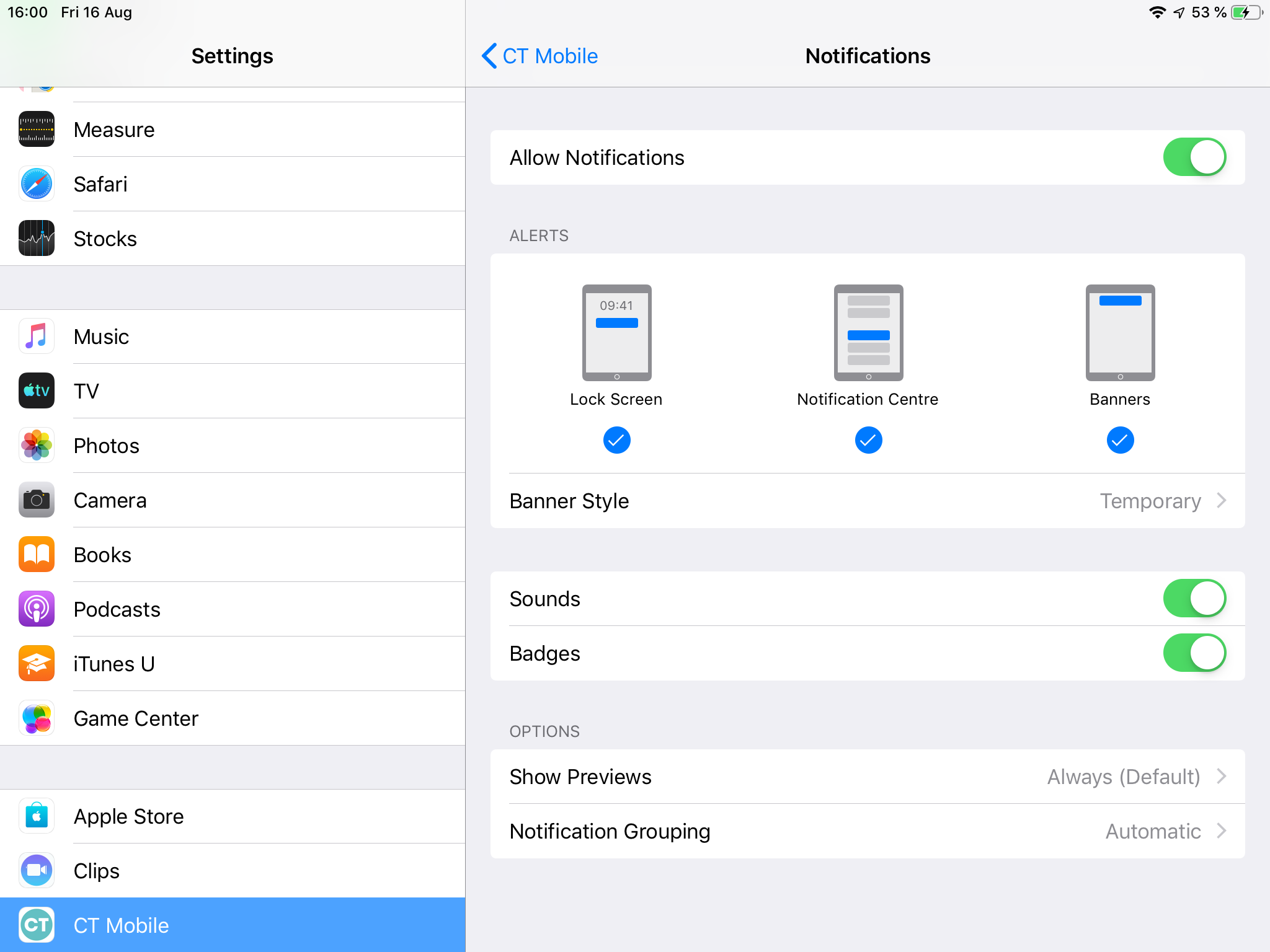
Enable push notifications for CT Mobile in the Settings on a mobile device. Notifications will be displayed when a new post was published in a mobile user Chatter feed or as an alert of the upcoming visit. Also, this permission is required to fill out the Device Token field during the sync process.
-
Allow access to share analytics, diagnostics, and usage information.
Other requests pop-ups only when a mobile user activates the corresponding feature for the first time:
-
Allow access to geolocation
The pop-up will be displayed if the value in the Tracking Interval (in seconds) field has not 0 value on the CT Mobile Control Panel: General / CT Mobile Control Panel 2.0: General for the current user’s profile (even if the push notification is not enabled for the device). When a mobile user taps Nearby Accounts, Routes, the Determine location button, or calls an app for the first time.
-
Allow access to Calendar
When a mobile user enables iCal synchronization.
-
Allow access to Photos
When a mobile user chooses a photo from Photos and attaches them to records or Chatter posts.
-
Allow access to Contacts
For viewing contact information in the calendar in case of using iCal synchronization.
-
Allow access to the microphone
When a mobile user records audio messages and attaches them to Chatter posts.
-
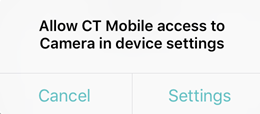
Allow access to the Camera
When a mobile user captures photos and attaches them to records or Chatter posts.
-
Allow access to Media
When a mobile user chooses audio files on a mobile device and attaches them to records or Chatter posts.