Lead Convert
Convert a Lead record into an Account, Contact, or Opportunity record since fields and assignment rules mapping is provided by Salesforce.
| CT Mobile must have Internet access. [.object]#Leads must be added to the offline objects. |
To convert a Lead record:
-
Tap to the Leads menu item and open the desired record.
-
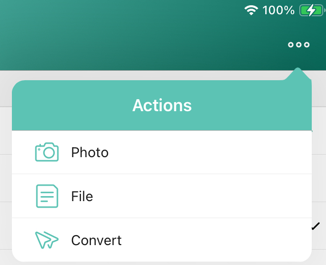
Tap the Actions menu → Convert.
-
Specify required fields.
-
Tap Convert.
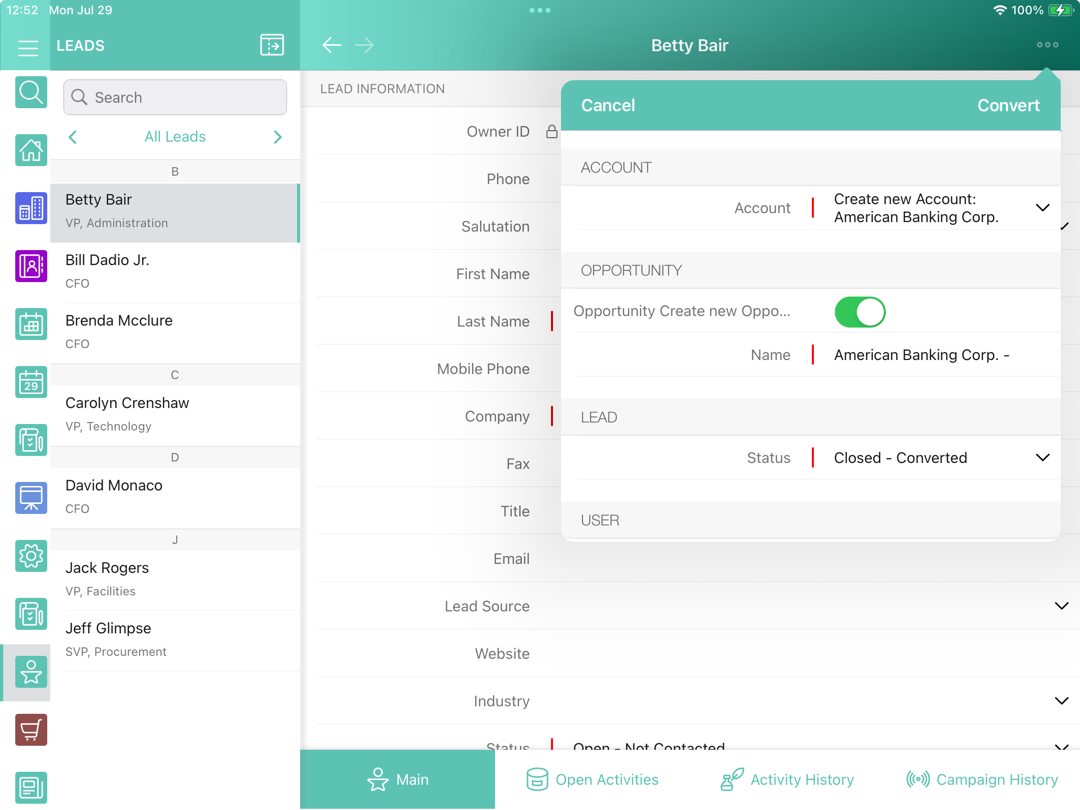
The fast synchronization is automatically launched, and after the process, the new record details screen opens.