Installing CT Presenter
| This application is an outdated solution. It is recommended that you use the Safari browser. |
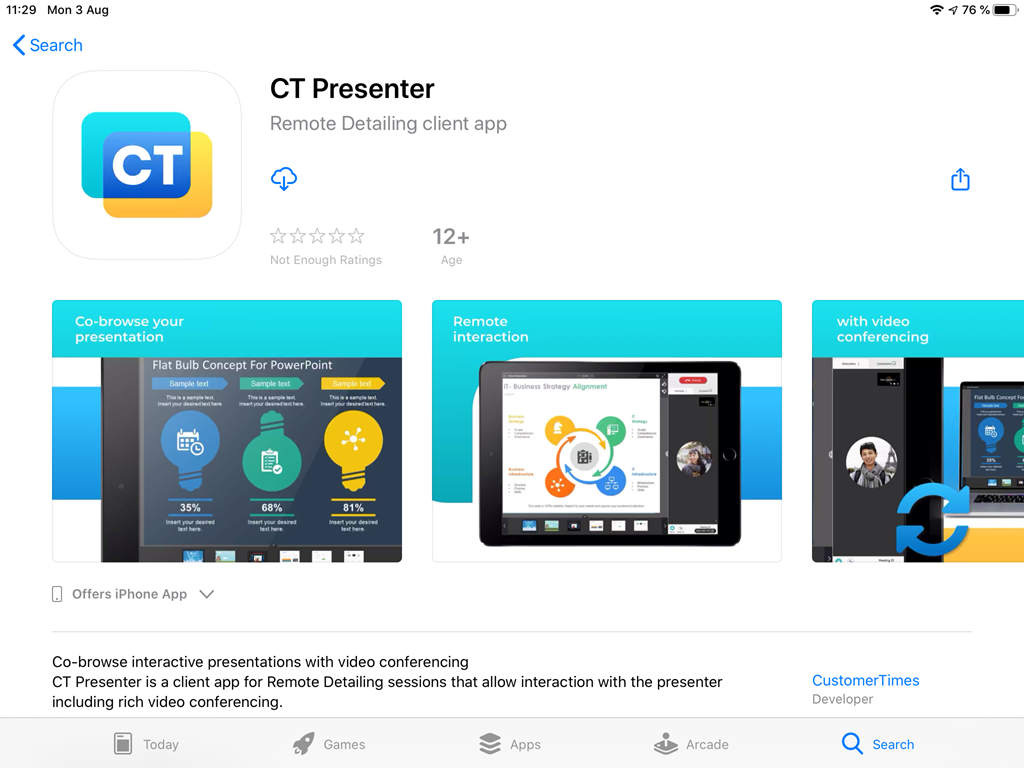
To install the CT Presenter app, follow the direct link on the App Store.
-
Click Get or
 .
.
-
Establish trust for the CT Presenter app. Go to General → Profiles & Device Management → under Enterprise App tap Customertimes, Corp. → tap Trust "Customertimes, Corp.".
-
Click Open to launch the CT Presenter app.
Now, you could join the Remote Detailing meeting via CT Presenter.