Logging In
The first step of using the CT Mobile app, logging in with your Salesforce credentials to your Org.
-
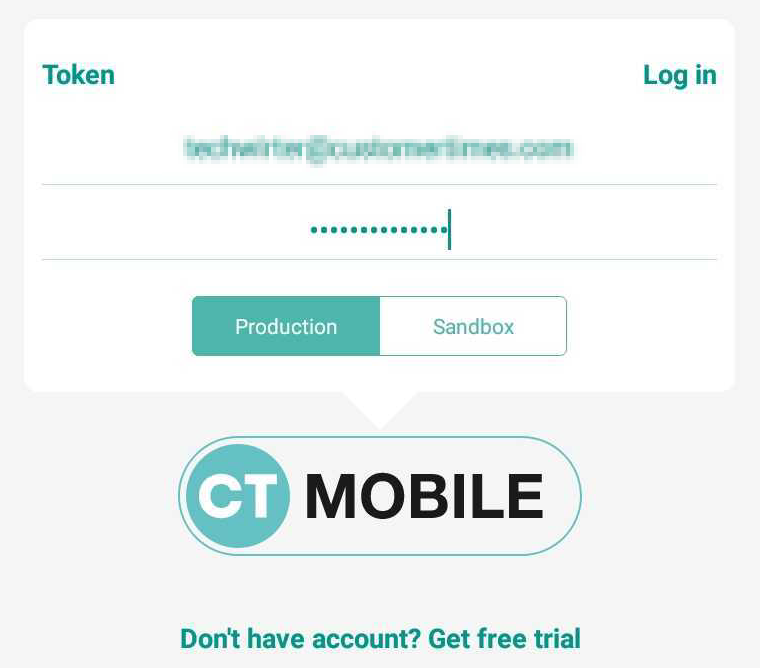
Run the CT Mobile app.
-
Select the Production environment or the Sandbox instance.
-
Enter your Salesforce username, and password and specify Token.
-
Click Log in.
-
Allow or restrict access to requested data.
The CT Mobile app is ready to use, and the Home Screen displays. Perform the first/full synchronization in order to begin your work.