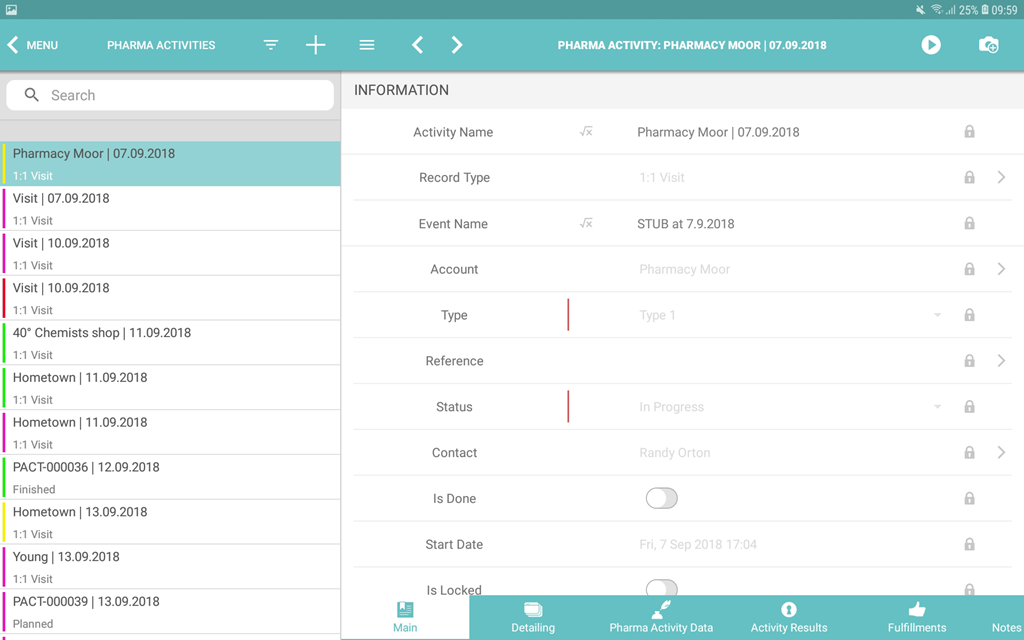
Custom Color Settings
Use color settings to distinguish records of an offline object by the specific criterion, for example, records in the left menu, activities in the Calendar module, and records in the Nearby Accounts module. Each offline object can have only one coloring criterion.
Set up a Color for an Offline Object
To set up colors for the records:
-
Select a profile from the Location picklist.
General Settings value will be applied to all the profiles without individual settings. -
Click Create.
-
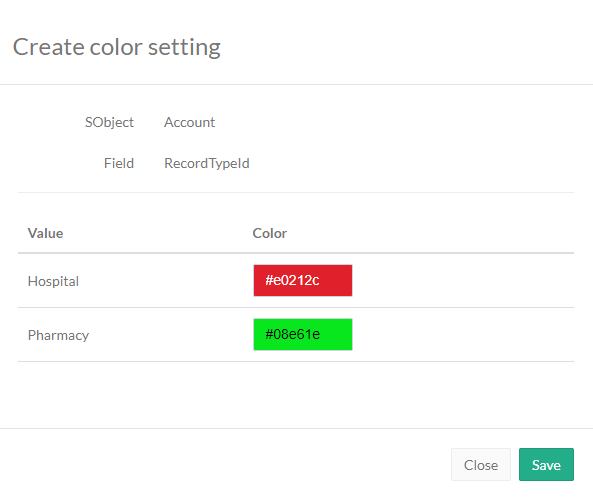
Select an offline object in the SObject drop-down list.
-
Select a criterion in the Field drop-down list.
Only fields with the Picklist type or record types of the selected offline object can be used as the criterion. -
Click the field in the Color column to open the color picker.
-
Select the colors for each record type or type in the color code.
-
Click Create.
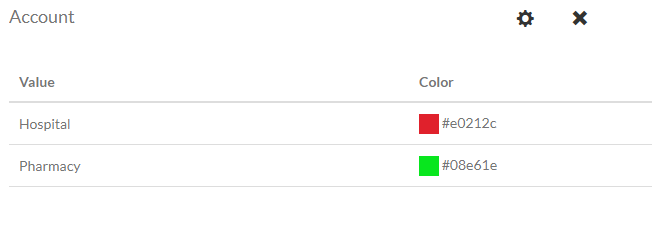
The setup is complete. Perform a synchronization to apply the changes.
-
Click
 next to an offline object to edit color settings.
 -
Click
 next to an offline object to remove color settings for the offline
object.
next to an offline object to remove color settings for the offline
object.