Applications
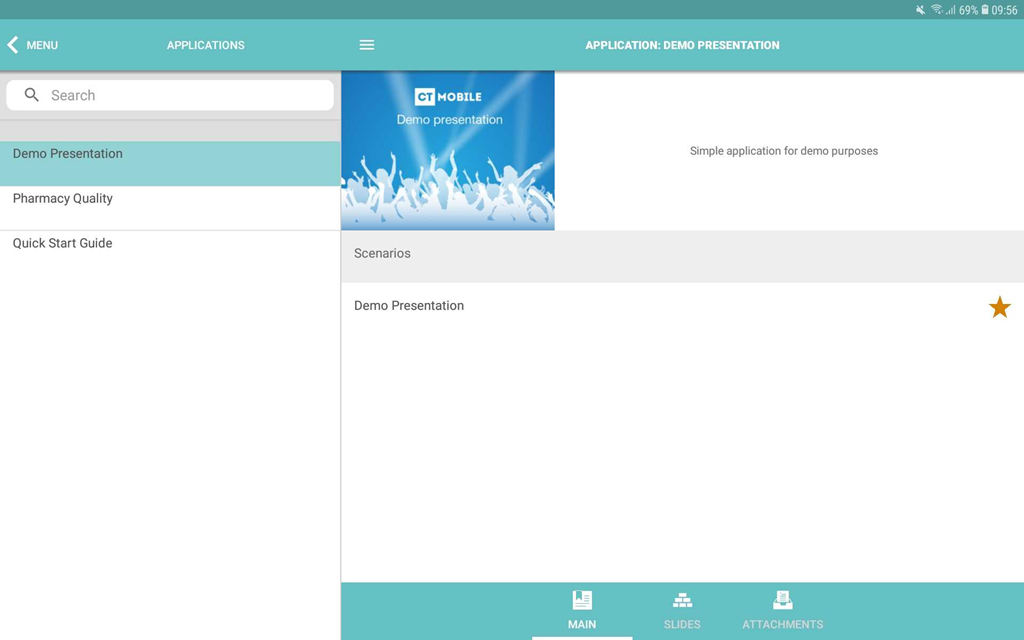
The Application module is intended to store and display CLM presentations and custom scenarios.
You can add CLM presentations to the mobile layout and manage CLM presentations by the control buttons, gestures, or JS methods and links on the slides. For each CLM presentation, it is possible to set up statistical data to collect.
| The profile must be granted access to Application, Slide, Custom Scenario, and Application Stats objects for the correct functioning. |
Add Applications to the Menu
To add the Applications module to the app menu:
-
Go to CT Mobile Control Panel: App Menu tab.
-
Select the required profile in the Location picklist.
General Settings will be applied to all the profiles without individual settings. -
Click the
 button to open the Add menu item tool.
 -
Select the Applications item.
-
Click Add to close the Add menu item tool.
-
Click Save.
The setup is complete.