CT Mobile Control Panel: Offline Objects
The Offline Objects tab is intended for managing offline objects and standard related lists.
Click to view the interface
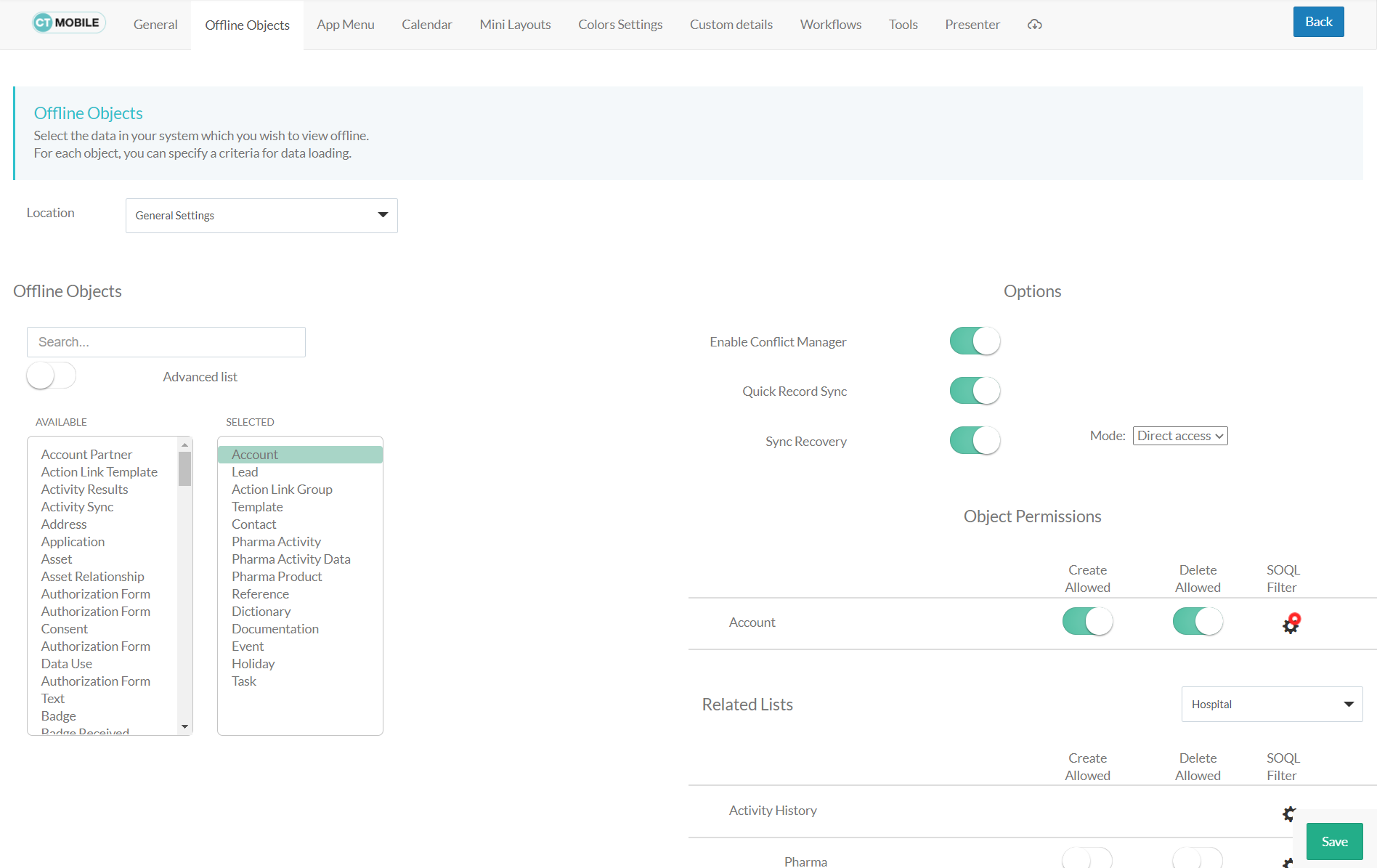
Location
Location is a picklist containing all configured and unconfigured profiles available in your Salesforce org. To apply settings to all the profiles, select General Settings.
To get started, select the desired profile in the Location field to configure it. To delete the configuration for the selected profile, click the  icon.
icon.
Offline Objects
Enter the object label or API name in the Search box to find it in the Available list and add it to the Selected list if this object should be available offline.
| If an object is added to the Selected list, it will be available in the Selected list on the CT Mobile Control Panel: App Menu tab. |
-
Use the Advanced List option to display all objects in the Available list regardless of whether the object has a page layout.
-
Click the object name in the Selected list to set up the user’s permissions to work with this object and standard related lists.
Object Permissions
Restrict the profile permissions to create or delete records of the desired offline object. Set up SOQL filters to download only the required records.
For more information, refer to Managing Offline Objects.
Related Lists
Restrict the profile permissions to create or delete records of the standard related lists that are added to the page layout of an offline object and available for the selected record type. Set up SOQL filters for using a toggle in the CT Mobile app to display all or only records that match the criteria.
For more information, refer to Managing Offline Objects. Also, get familiar with the information in the Standard Related Lists article.
| To set up custom related lists of an offline object, go to CT Mobile Control Panel: Custom details. |