Creating CLM Presentation
CLM presentations can be created slide by slide in Salesforce.
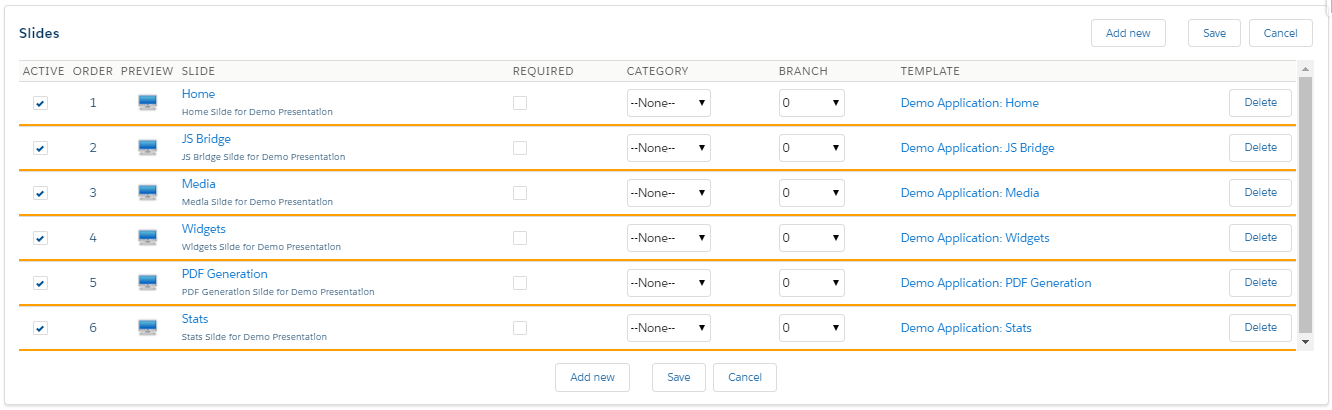
On the Application Editor tab, select the CLM presentation in the picklist.
In the CLM-presentation section:
-
Click New to create a new CLM presentation.
-
Click Clone to copy the selected CLM presentation to a new CLM presentation record.
-
Click Delete to remove the CLM presentation.
-
Click Upload PPT file to create a CLM presentation based on the PowerPoint, PDF, or JPEG/JPG file.
-
Click Publish to apply all settings for the CLM presentation.
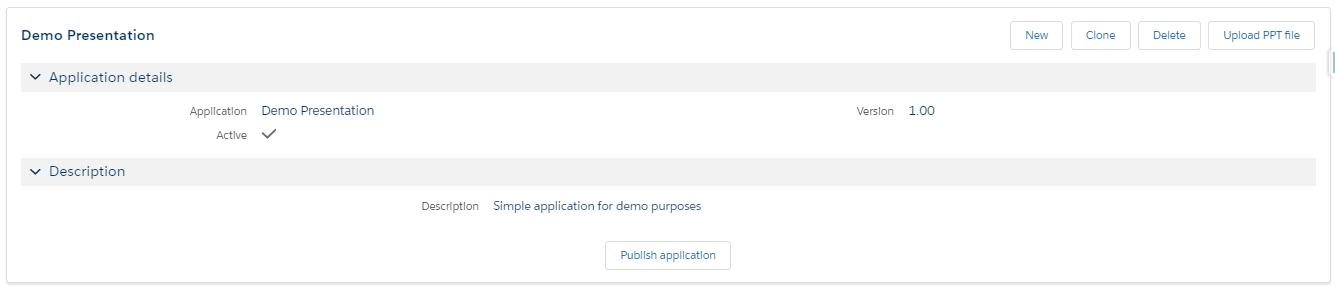
In the Slides section:
-
Click Add new to add a new slide.
-
Click Save to save changes.
-
Click Cancel to roll back all unsaved changes.
-
Click Delete next to a slide to remove a slide.
-
Click the Slide name to edit a slide.
-
Click the Template name to edit a template.
-
Specify whether the slide is active and can be used in CLM presentation or not.
-
Specify the Required attribute and a category, if needed.
-
Specify slides in branches.