Logging In
The first step of using the CT Mobile app, logging in with your Salesforce credentials to your Org.
To log in to the CT Mobile application:
-
Run the CT Mobile app.
-
Select Production or Sandbox.
-
Click New Account.

-
Enter your Salesforce username and password.
-
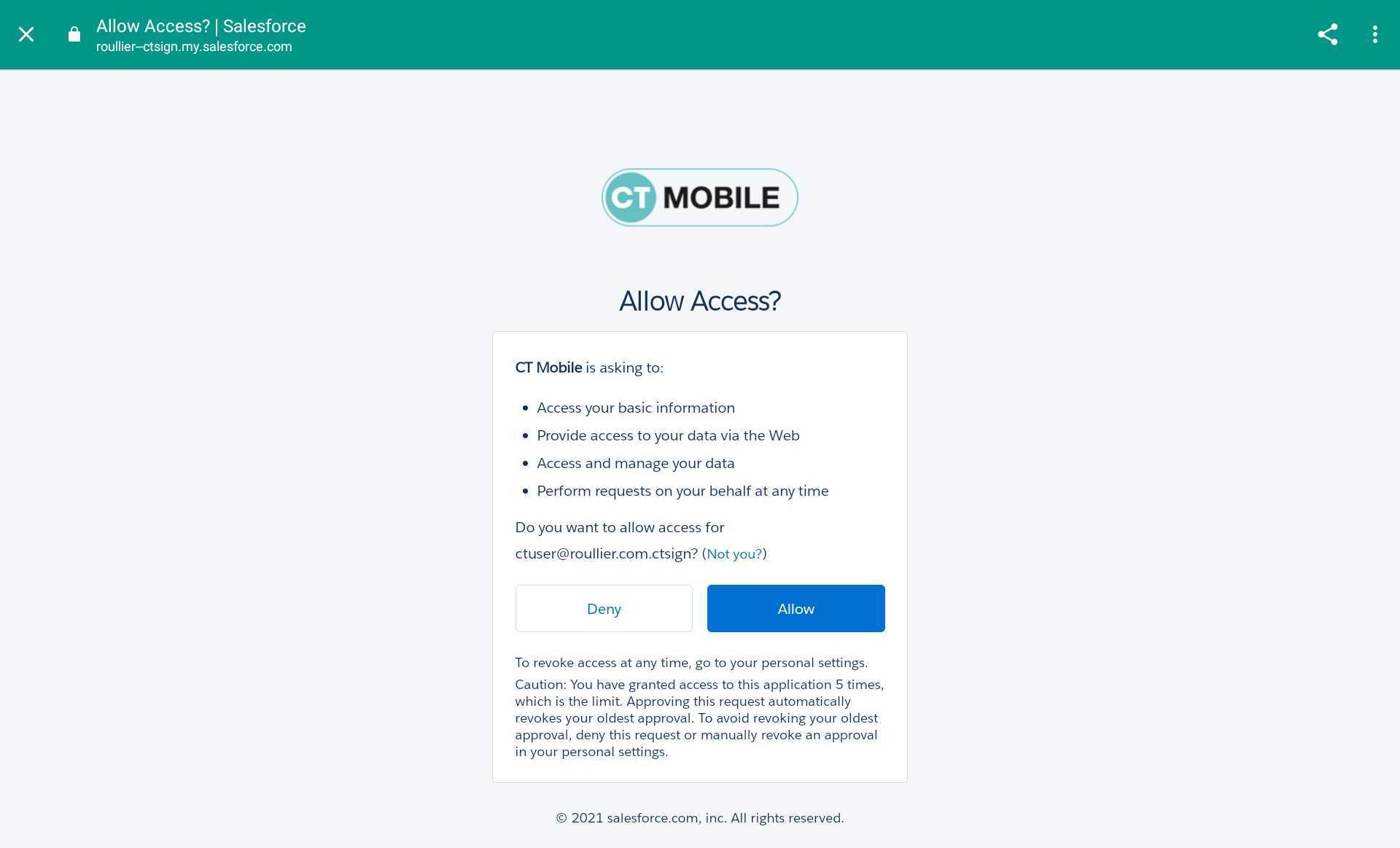
In the in-app browser window, allow access to requested data.
Tap the sync icon in the lower-left corner to start the first full synchronization. After the synchronization, the CT Mobile is ready to use.