Actions
The Actions combo menu allows additional actions to be performed on a record details screen.
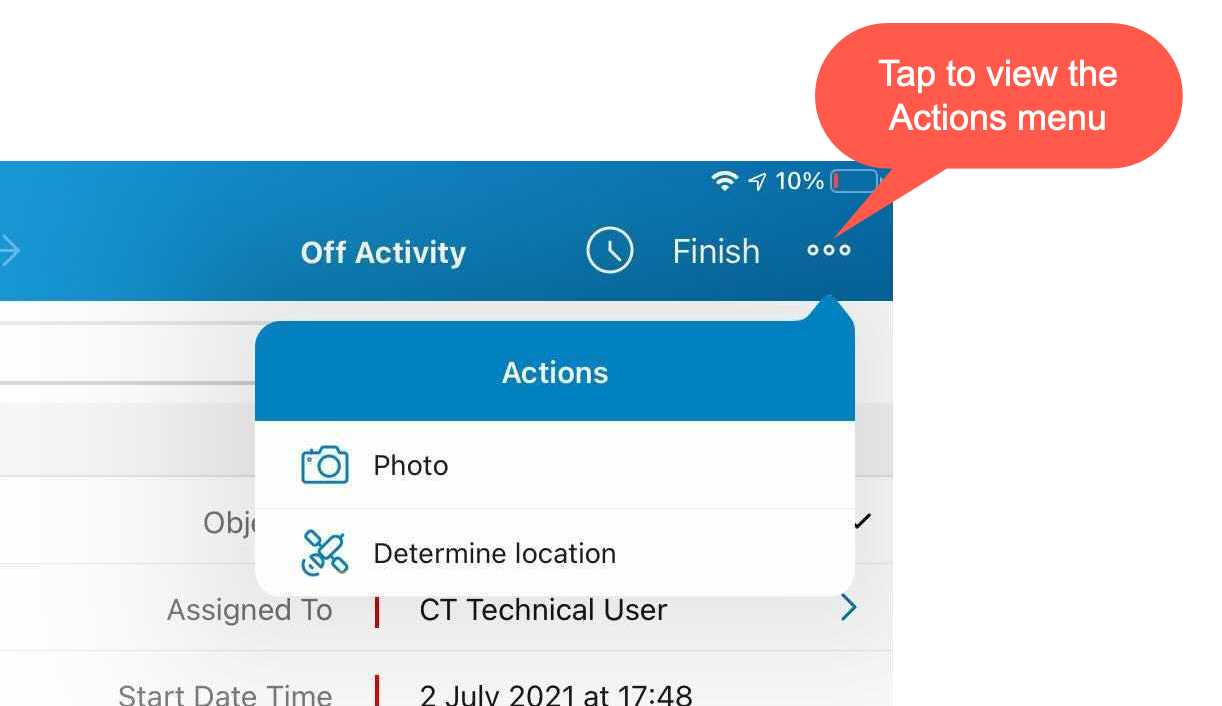
Determine Location
Tap the Determine Location button to determine the current device location data for an Account or Activity record and write them into the specific field.
-
When a mobile user has permission to edit records.
-
When the mobile user has permission to edit the geolocation type field.
-
A geolocation type field on the Activity objects used to store the geolocation of the activities.
-
-
If the Start/Finish functionality is on Capture Geoposition is enabled, and a mobile user has forenamed permissions for a record of an Activity object, the geolocation is automatically captured and the Determine Location button is hidden.
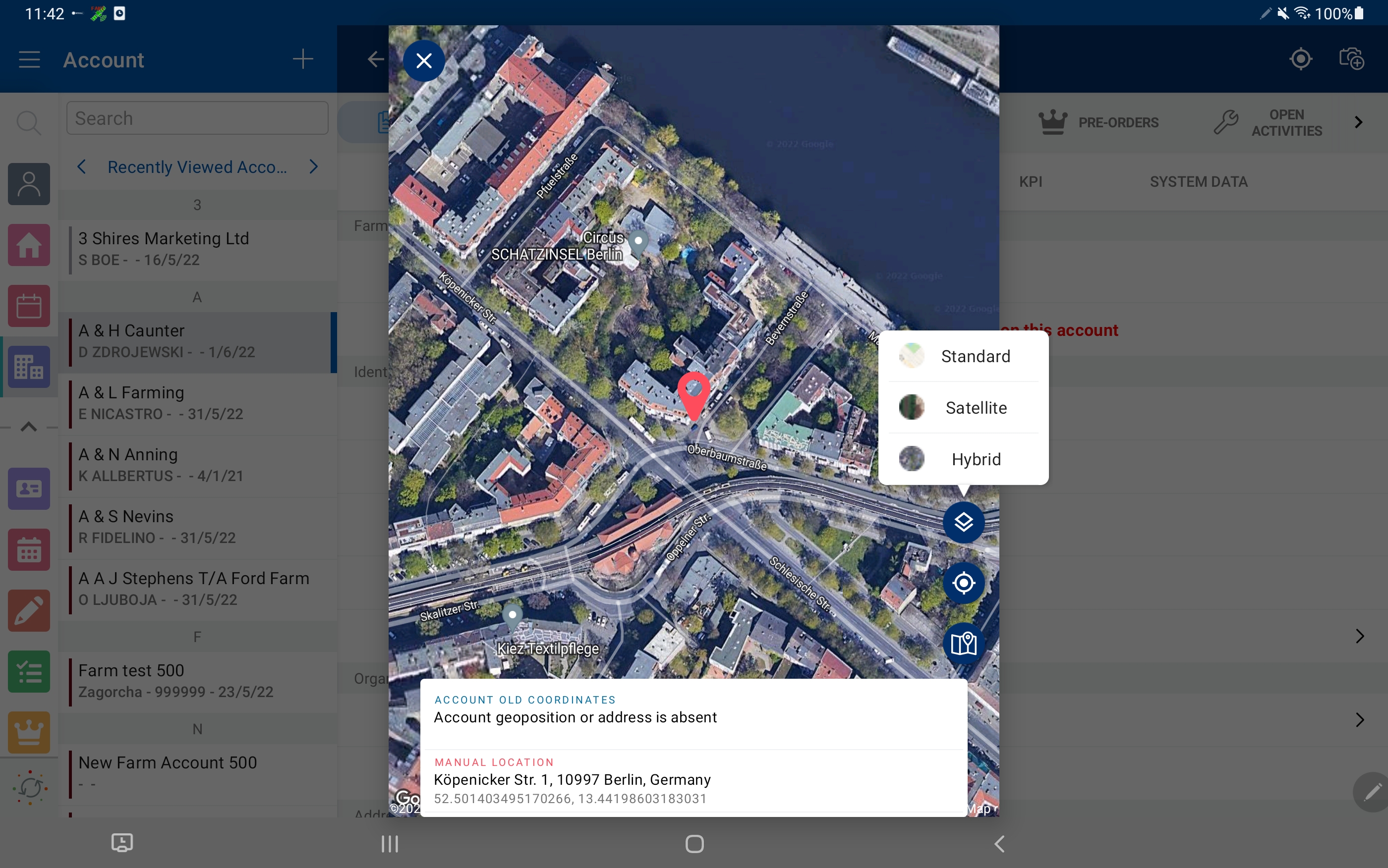
When a mobile user taps the Determine Location button, the map with the geolocation is displayed. Tap the Map Type button to select the appropriate type, for example, to manually add the new address.
Photo
Add pictures to a record. Tap the Photo button to select one or several photos from the device gallery, or take a new one. The Photo button is available on any object—the records of Accounts,Contacts, and Activity objects:
-
When a mobile user has permission to edit records.
-
When a record is available for a mobile user according to Sharing Settings, for example, with Public Read/Write access, if there is a sharing rule, or if the access was granted manually.
If the Start/Finish functionality is on and a mobile user has fore-named permissions for a record of an Activity object:
-
When the activity was not started, a mobile user can view photos, but cannot take photos or choose photos from the device gallery.
-
When the activity was started, a mobile user can take photos or choose photos from the device gallery.