Dashboards
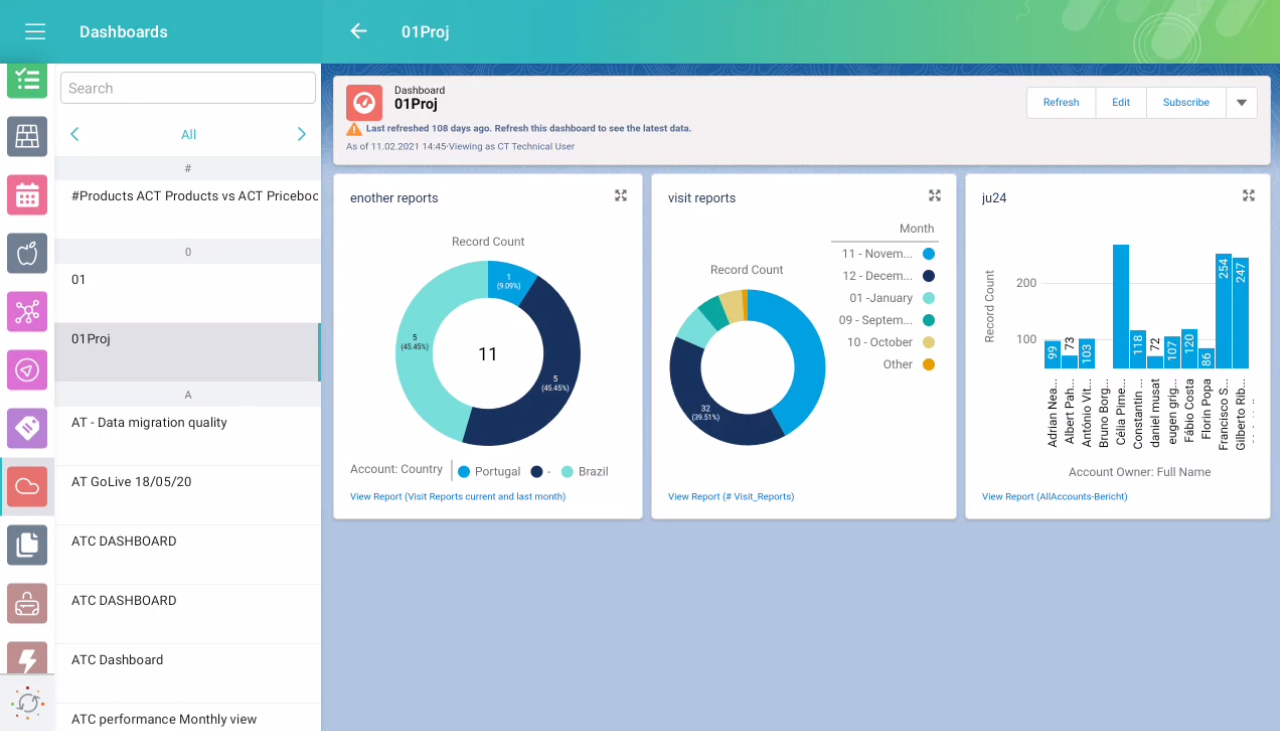
The Dashboards module allows viewing online dashboards available to the mobile user.
| Using the Fiscal year criterion in filters and in reports and dashboards criteria is working as a Calendar year. |
-
The availability of dashboards depends on the profile permission settings in Salesforce.
-
The mobile user can view the related report, as well as modify the report criteria.
-
Tap Refresh to update the dashboard.
-
Add the dashboard to the mobile layout.
Adding Dashboard to the Menu
To add the Dashboards module to the app menu:
-
Go to CT Mobile Control Panel: App Menu tab.
-
Select the required profile in the Location picklist.
General Settings will be applied to all the profiles without individual settings. -
Click the
 button to open the Add menu item tool.
 -
Select the Dashboards item.
-
Click Add to close the Add menu item tool.
-
Click Save.
The setup is complete.