1. Installing the CT Vision Package
To install the CT Vision managed package:
-
Go to the CT Vision package page on the AppExchange site and click Get It Now.
-
Log in to Salesforce.
-
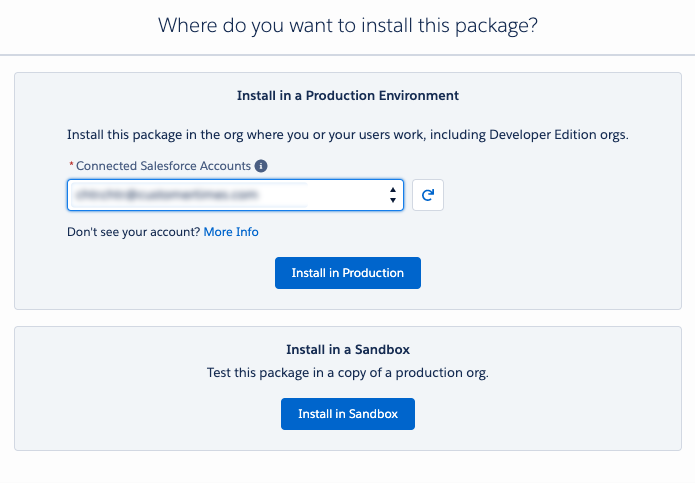
Select the installation type.
When installing in a sandbox, provide the production environment account credentials.
-
Read the installation details, agree with terms and conditions, and click Confirm and Install.
-
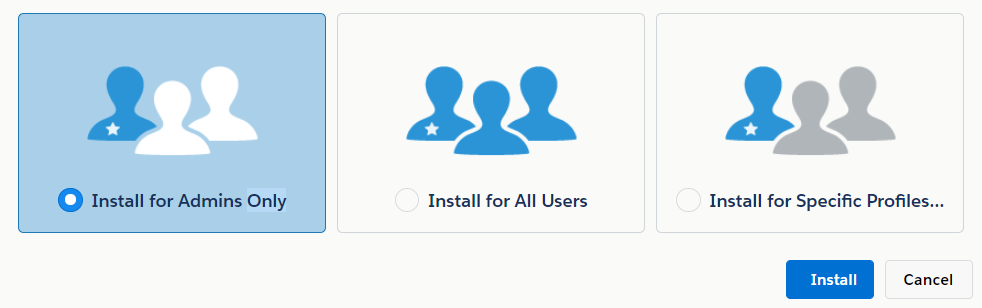
Select the security level of installation and click Install.
It is recommended to install CT Vision for admins only. Admin can set the permissions for specific users after the package installation.
It will take some time for the CT Vision package to be installed. You will receive the email at the specified email address when the process is finished.