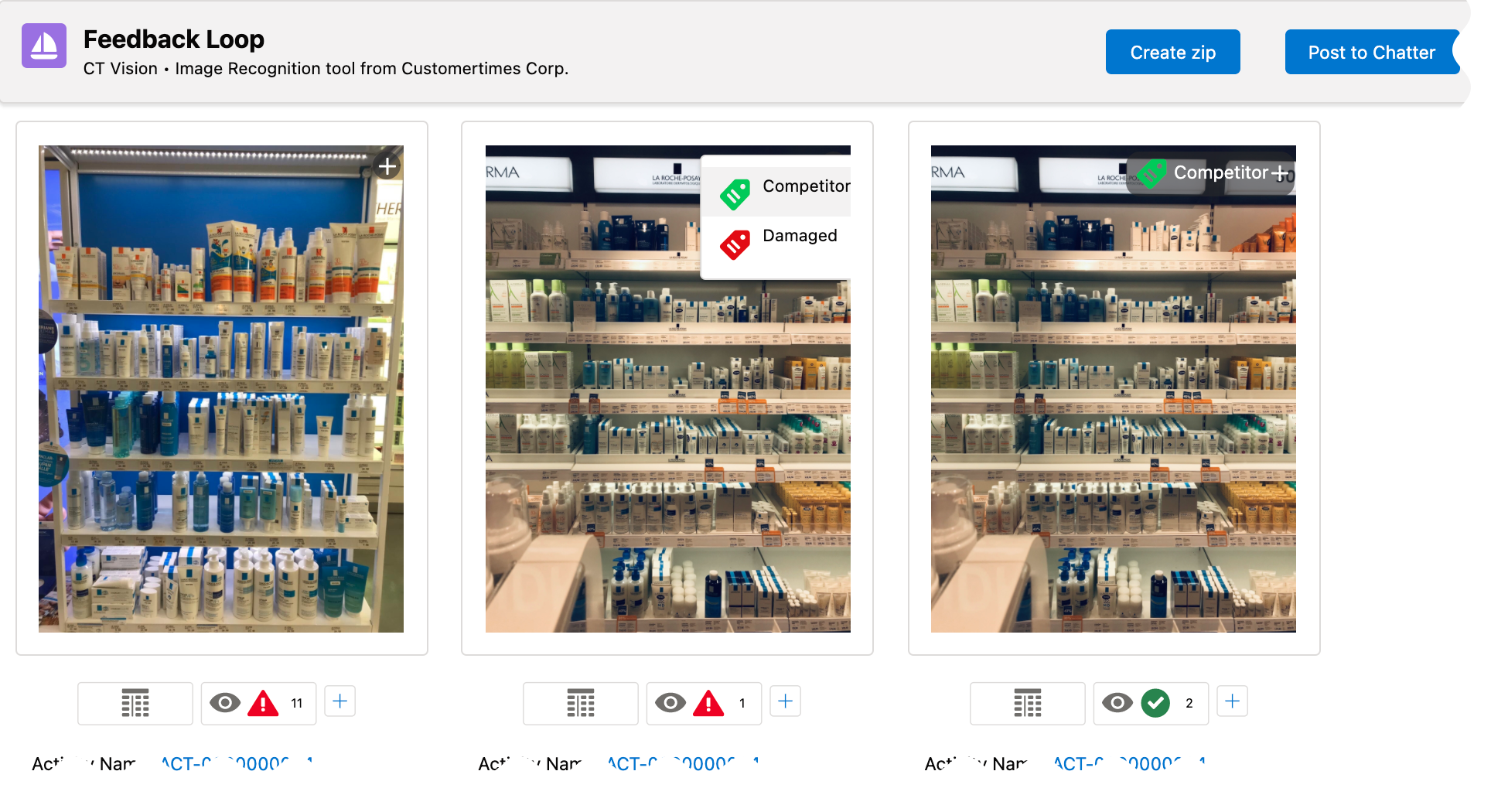
Corrections in Shelf Product List
Click the  button to open the Shelf Product List with recognized products to verify the product quantity on the shelves.
|
To set up fields to display, refer to Vision Product List Field Reference. |
-
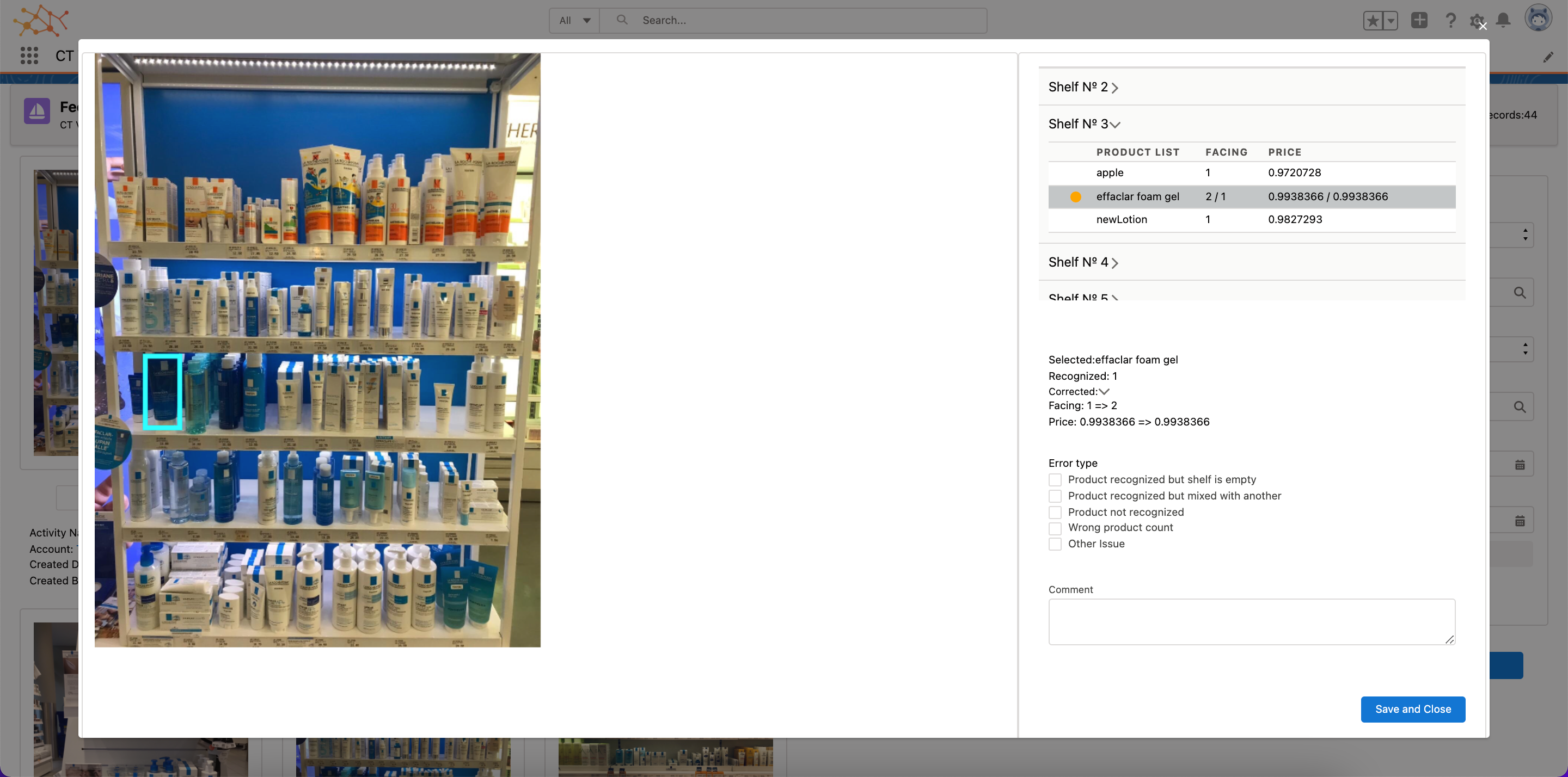
The color mark next to the product is responsible for the status of recognition.
-
Click the product:
-
The selected products are framed in the photo.
-
Select the error and add a comment if needed. Available errors:
-
Product recognized but the shelf is empty
-
Product recognized but mixed with another
-
Product not recognized
-
Wrong product count
-
Another issue
-
-