Using Smart Order Assistant in Salesforce
To start using the Smart Order Assistant, click the  icon on a record of an object, for which the CT Agent component has been added.
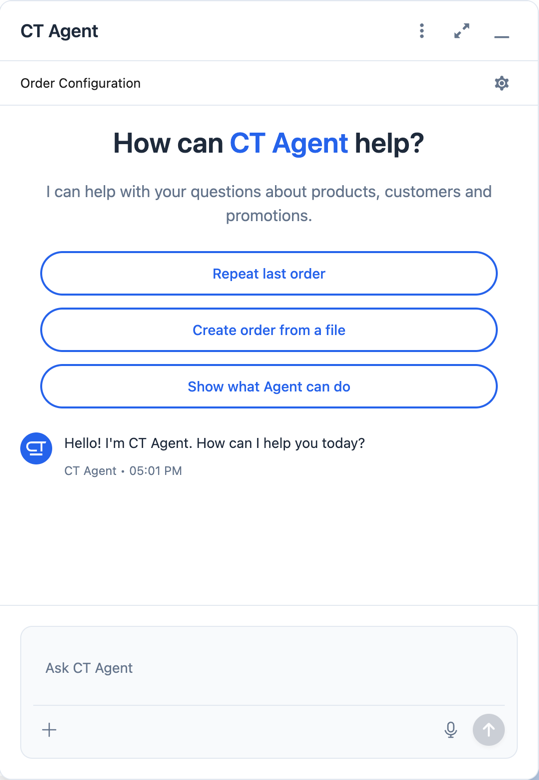
You can start chatting with Smart Order Assistant right away, or:
-
You can choose from three quick actions:
-
Repeat last order
-
Create order from a file
-
Show what agent can do
-
To configure the sales organization and order type for the current chat, click the
 icon in the Order Configuration section.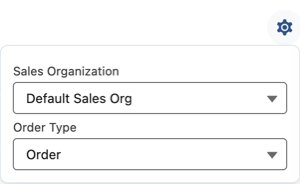
-
Click
 to add a file (image or PDF).
 -
Click
 to start voice input.
 -
Click
 to:
to:-
Open Settings
-
Clear chat history
-
Show guide
-
End chat
-